
.png)
SoundCloud
Downloader To MP3
Download any SoundCloud Song or
WAV
AAC
FLAC
MP3
Try our SoundCloud Downloader above for free SoundCloud song downloads. Want more features? Try Premium today.

The 2026 Guide to Downloading SoundCloud Tracks: Convert with MusicVerter's Top SoundCloud to MP3 Tool
Introduction
SoundCloud is a treasure trove for music lovers, DJs, and creators, offering tracks that span every imaginable genre. But what happens when you want to enjoy this music offline? Downloading can be tricky due to SoundCloud's restrictions. That's where MusicVerter steps in as your go-to SoundCloud to MP3 solution. In this guide, we’ll explore how you can seamlessly convert and download tracks from SoundCloud using MusicVerter, ensuring you always have access to your favorite tunes, even offline.
How to Download from SoundCloud
SoundCloud does let artists offer downloads, but there are some strings attached. Unless you have a SoundCloud Go+ subscription and the artist has enabled downloads, getting your favorite tracks can be hit or miss. Here’s where understanding how to use MusicVerter can make a big difference.
Navigating SoundCloud's Download Features
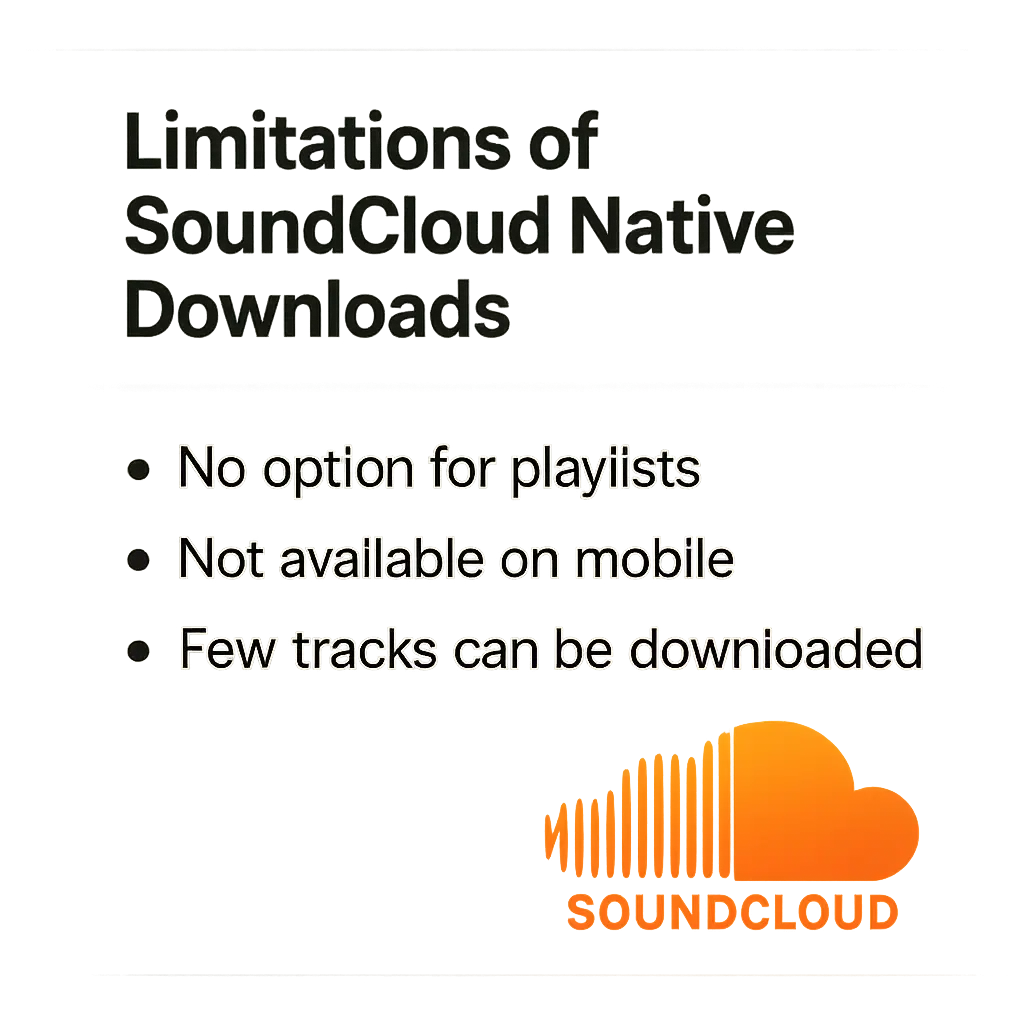
Here's the scoop on SoundCloud’s native download options:
- Only possible if the artist has enabled downloads.
- Typically tied to certain account tiers, often requiring SoundCloud Go+.
- Typically limited to solo tracks—playlists or albums often remain untouchable.
If you’re facing these limitations, using a SoundCloud downloader like MusicVerter can be a lifesaver, especially for those tracks not available for download.
Why MusicVerter is Your Best Bet
With MusicVerter, you get a powerful, free SoundCloud downloader that elevates your music experience. Here’s what makes it stand out:
Easy Navigation and Rock-Solid Performance
MusicVerter's intuitive interface welcomes everyone, from tech novices to seasoned downloaders. It guarantees quick, high-quality conversions without fuss.
How to Use MusicVerter Step-by-Step
Transforming SoundCloud tracks with MusicVerter is a breeze:
- Copy the Track's URL: Navigate to the desired SoundCloud track and copy its URL.
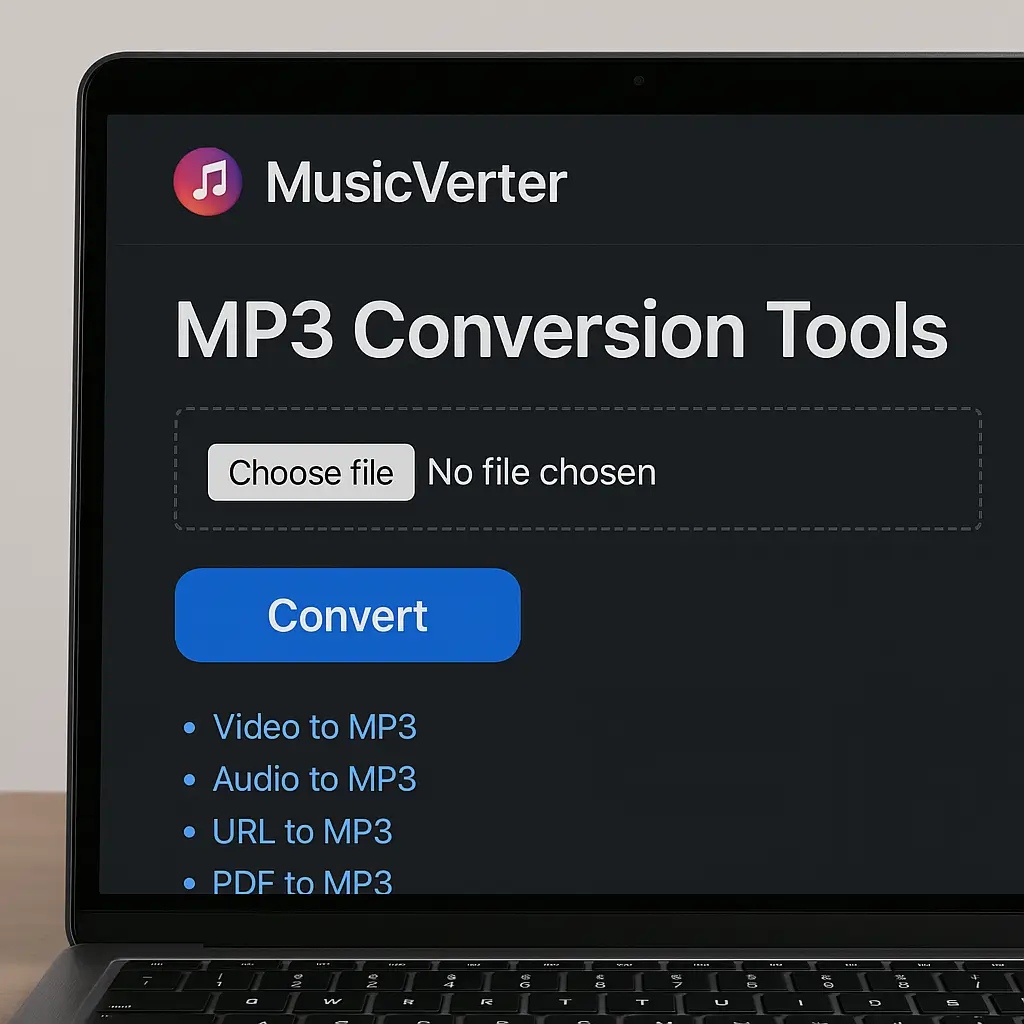
- Head to MusicVerter: Make your way to the SoundCloud to MP3 converter on MusicVerter.
- Paste and Play: Drop the URL into MusicVerter’s designated field.
- Convert and Save: Click the conversion button. You’ll have a sparkling new MP3 in moments, just waiting to join your collection.
High-Quality MP3 Conversion Options
With MusicVerter, convert your favorite SoundCloud tracks to MP3 at 320kbps, ensuring every beat and note is crisp and clear for offline enjoyment.
Keeping Your Downloads Legal
Downloading from SoundCloud requires a mindful approach to copyright. Here’s how to keep it legit:
Understanding Copyright and Permissions
It’s vital to ensure you have the rights to download content. Some tracks may allow downloads via services like MusicVerter, but always double-check permissions before proceeding.
Artists Deserve Support
Respecting artist rights and downloading content legally contributes to the creative industry. Use MusicVerter responsibly to enjoy music while upholding artists’ efforts.
Conclusion
For a seamless offline SoundCloud experience, you can't go wrong with MusicVerter. This easy-to-use tool transforms SoundCloud to MP3 effortlessly, offering superior quality and user-focused design in 2026. Dive into uninterrupted music bliss with MusicVerter and let it broaden your sonic horizons.
FAQs
Q: How do I download songs from SoundCloud?
A: To download SoundCloud songs effortlessly, try MusicVerter. Just copy the track URL, head over to the SoundCloud to MP3 converter, paste the URL, and click to convert. Easy as that!
Q: What's the best tool for converting SoundCloud to MP3?
A: MusicVerter is your top choice for SoundCloud to MP3 conversion. It's free, intuitive, and delivers high-quality audio, all while respecting the artists’ rights.
Q: Can I convert SoundCloud tracks to MP3 at 320kbps?
A: Absolutely! MusicVerter lets you convert SoundCloud to MP3 at 320kbps, ensuring top-tier audio quality for all your offline listening needs.

About the Author


