
.png)
SoundCloud
Downloader To MP3
Download any SoundCloud Song or
WAV
AAC
FLAC
MP3
Try our SoundCloud Downloader above for free SoundCloud song downloads. Want more features? Try Premium today.

Effortlessly Convert SoundCloud to MP3 with MusicVerter
Introduction
In the digital world we live in, being able to download music for offline enjoyment is a must for any music aficionado. SoundCloud, with its extensive library of tracks from independent artists and creators, is often the go-to platform. However, downloading music directly from SoundCloud isn't always straightforward. This is where MusicVerter steps in—a speedy, free, and easy-to-navigate SoundCloud downloader and SoundCloud to MP3 converter. Let’s walk through how you can use MusicVerter to convert your favorite SoundCloud tracks to MP3 so you can rock out whenever you want. 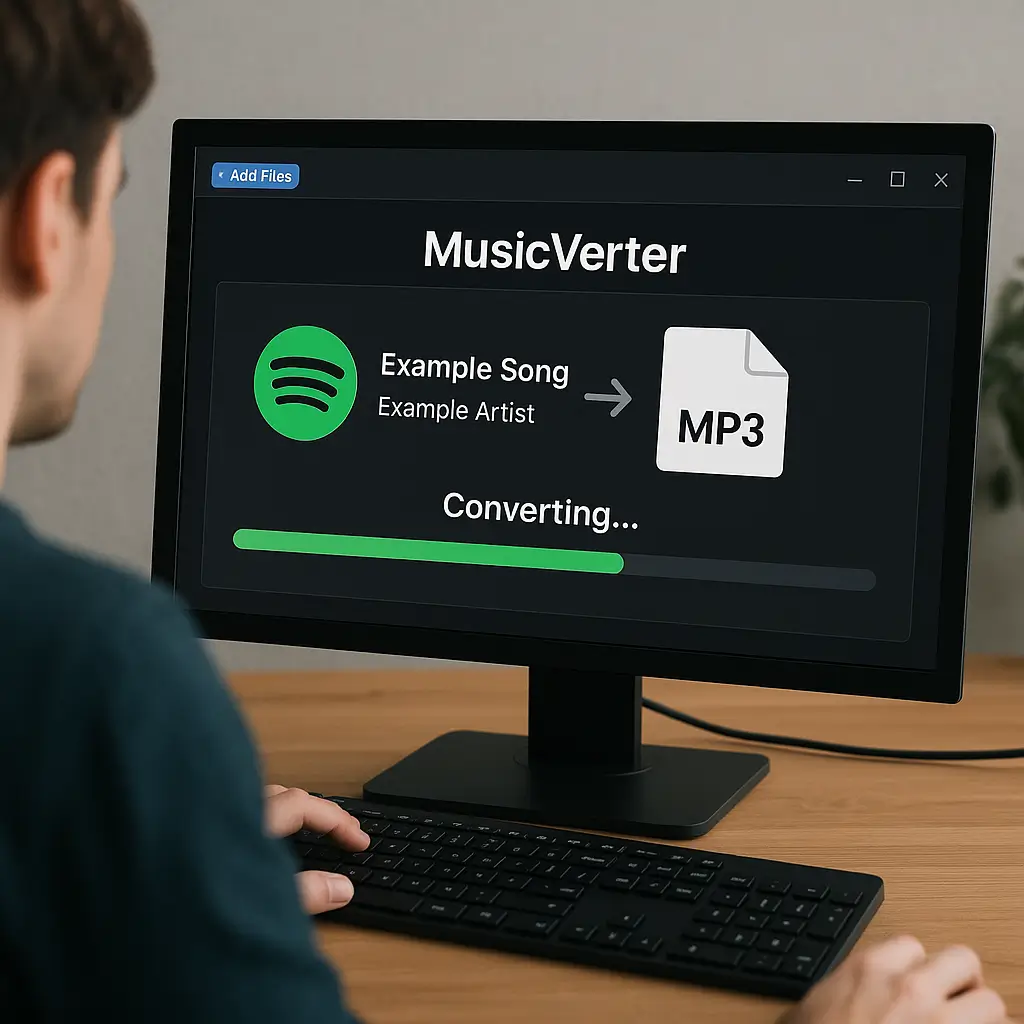
Step-by-Step Guide: How to Convert SoundCloud to MP3
Converting tracks from SoundCloud to MP3 using MusicVerter is a breeze, no matter the device. Here’s how you can get started:
For Desktop Users:
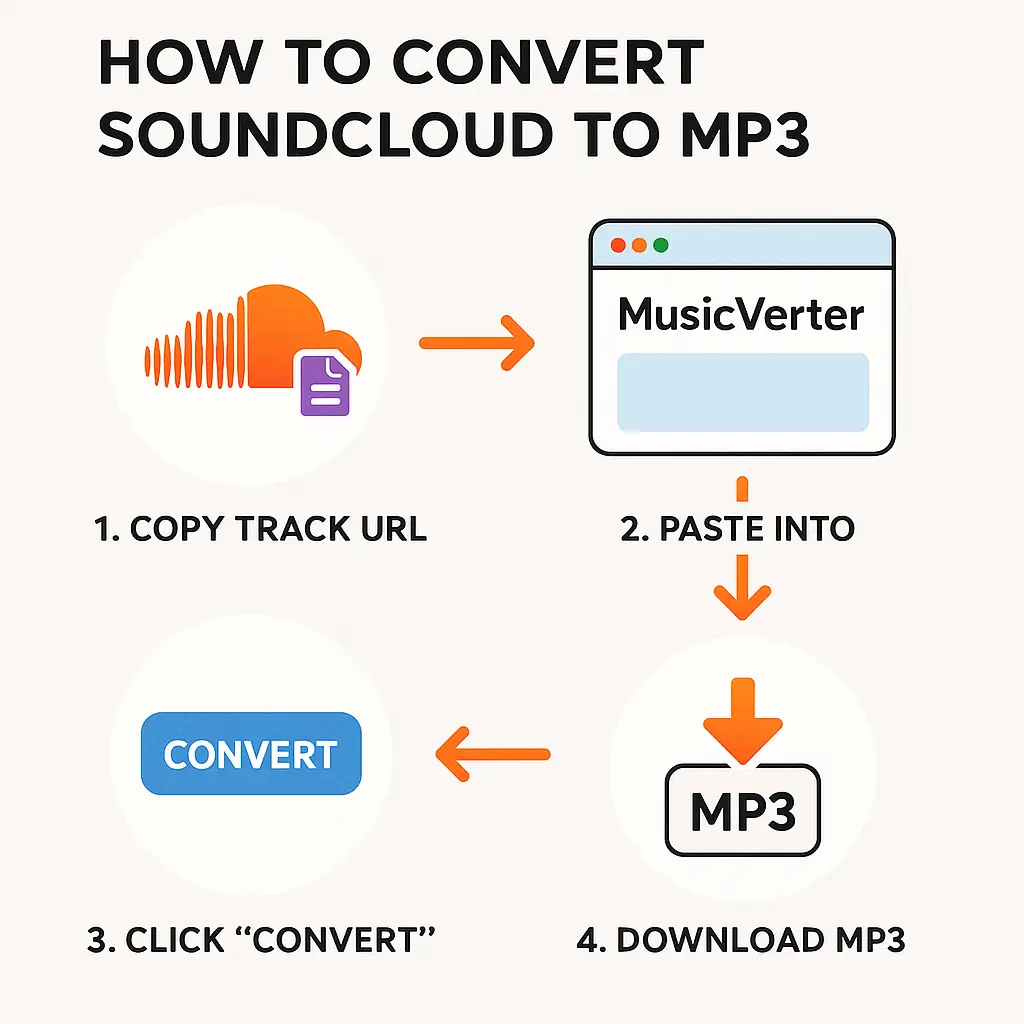
- Access SoundCloud: Start by visiting SoundCloud and finding the track on your playlist.
- Copy the URL: Open the track’s player page and grab the URL from your browser’s address bar.
- Visit MusicVerter: Go to the MusicVerter SoundCloud to MP3 Converter.
- Paste the URL: Drop the SoundCloud track URL into the conversion box.
- Select MP3 Quality: Decide the quality you want—MusicVerter offers options up to 320kbps for top-notch audio.
- Convert and Download: Hit “Convert.” After conversion, the download link will pop up. Click it to snag your MP3 file.
For Mobile Users:
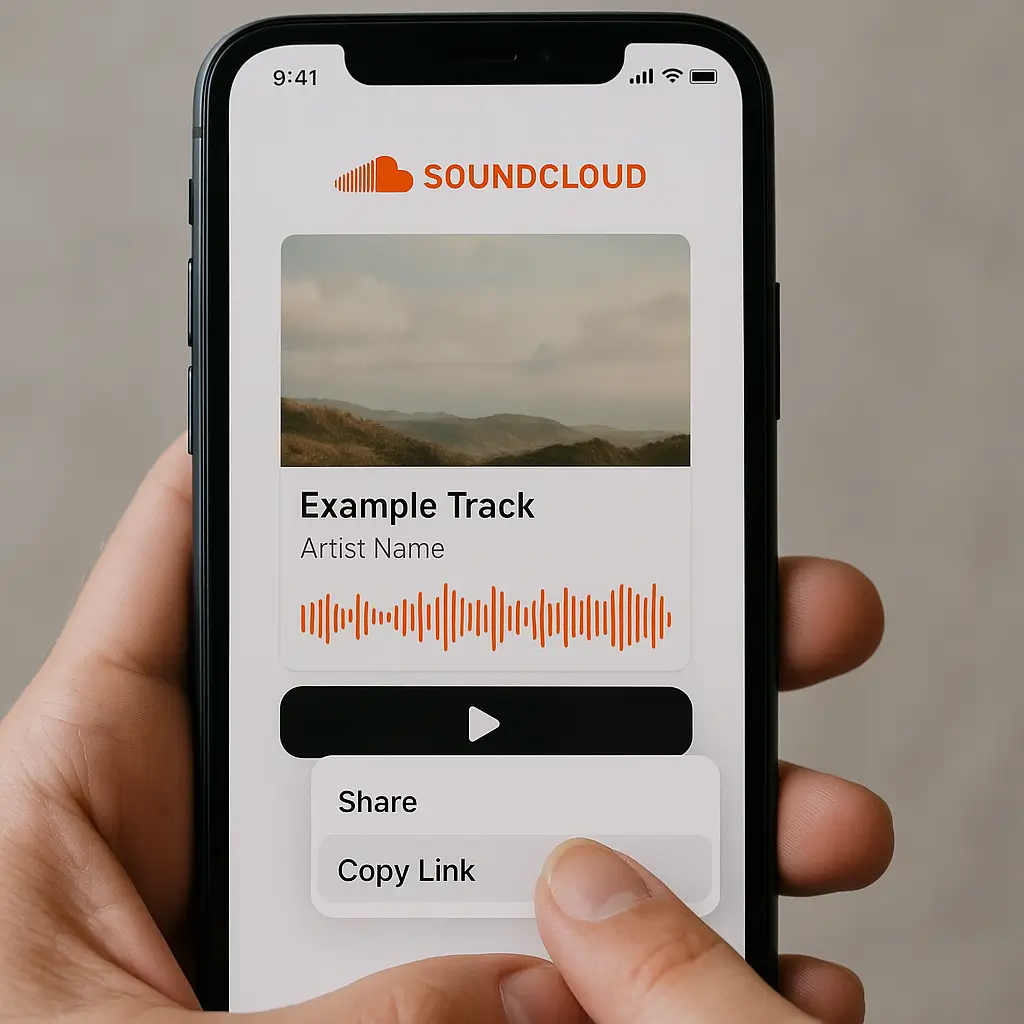
- Open SoundCloud App: Hunt down your favorite tune in the SoundCloud app.
- Share and Copy Link: Utilize the share feature to copy the track link.
- Launch Mobile Browser: Fire up your mobile browser and head to the MusicVerter SoundCloud to MP3 Converter.
- Continue with Steps 4–6 above to complete your download.
Follow these steps, and you’ll be enjoying your tracks offline in no time with the help of MusicVerter.
Benefits of Using MusicVerter
MusicVerter stands out as the premier SoundCloud to MP3 tool for several key reasons:
- User-Friendly Design: Crafted with simplicity at its core, MusicVerter ensures anyone can easily convert their favorite songs.
- Speedy Conversions: You won’t be left waiting—MusicVerter provides quick conversions so you can start listening faster.
- High-Quality Audio Output: Opt to convert SoundCloud to MP3 at 320kbps and relish the high fidelity of the original audio.
- Cross-Platform Compatibility: Whether you’re using a desktop or a mobile device, MusicVerter has you covered.
Legal and Safety Considerations
While MusicVerter makes it a cinch to download from SoundCloud, it's crucial to stay within legal boundaries. Always make sure you have the proper permissions to download content—either through direct consent from the creator or if the tracks are available for download. MusicVerter is committed to safeguarding your privacy, using encryption to protect your data, and keeping your personal info secure. 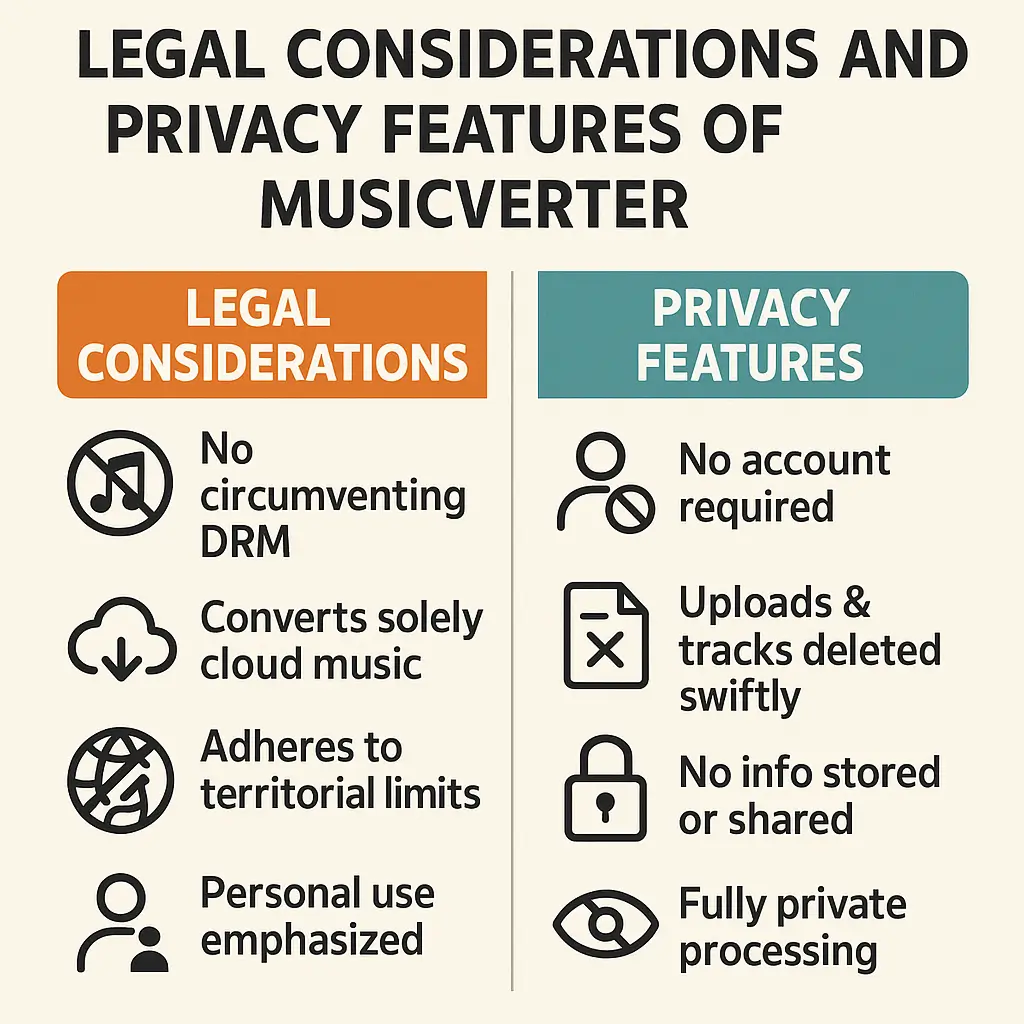
Conclusion
Using MusicVerter to download and convert SoundCloud tracks to MP3 is as easy as pie. Just a few clicks and your favorite music is ready for offline enjoyment at any time. As a SoundCloud downloader, MusicVerter offers a quick, reliable, and intuitive experience, making it a favorite among music lovers worldwide.
FAQs
Q: How do I download songs from SoundCloud?
A: Downloading songs from SoundCloud is simple with MusicVerter. Just copy the track URL from SoundCloud, paste it into MusicVerter, select your desired MP3 quality, and click convert. You’ll have your song in no time.
Q: What's the best SoundCloud to MP3 converter?
A: MusicVerter is your best bet for converting SoundCloud to MP3, offering speedy conversions, high-quality 320kbps MP3 output, and a friendly interface for both desktop and mobile users.
Q: Can I convert SoundCloud to MP3 320kbps online?
A: Absolutely! MusicVerter allows you to convert SoundCloud tracks to high-quality 320kbps MP3 files easily. Just put your track URL into the converter, choose the 320kbps option, and enjoy top-tier audio quality.

About the Author


