
.png)
SoundCloud
Downloader To MP3
Download any SoundCloud Song or
WAV
AAC
FLAC
MP3
Try our SoundCloud Downloader above for free SoundCloud song downloads. Want more features? Try Premium today.

Converting SoundCloud to MP3: Your Comprehensive Guide with MusicVerter
Introduction
Exploring fresh tracks and artists on SoundCloud is a music lover's dream come true. But what if you want to take those tunes offline? Enter MusicVerter, your go-to tool for transforming SoundCloud tracks into MP3s effortlessly. Free and user-friendly, MusicVerter is designed to make downloading and converting seamless, giving you high-quality audio for offline listening. In this article, we'll walk you through how to use MusicVerter effectively, spotlight its benefits, and show you how to make SoundCloud playlists available to listen to whenever and wherever you want.
How to Use MusicVerter
Downloading music from SoundCloud with MusicVerter is a breeze. Here’s how to convert your favorite SoundCloud tracks to MP3 files:
- Head to MusicVerter: Begin by visiting MusicVerter's website. This is where you'll convert all your favorite SoundCloud tracks.
- Copy the SoundCloud Track URL: Navigate to SoundCloud and find the track you want to download. Simply copy the URL from the address bar.
- Paste into MusicVerter: Back on MusicVerter, paste the URL you copied into the provided input box on the homepage.
- Select Your Quality: Choose the audio quality you prefer for your MP3 download. MusicVerter supports high-quality conversions up to 320kbps, ensuring a superior listening experience.
- Download the Track: Click the download button, and voilà, your track is converted and ready in MP3 format for offline enjoyment.
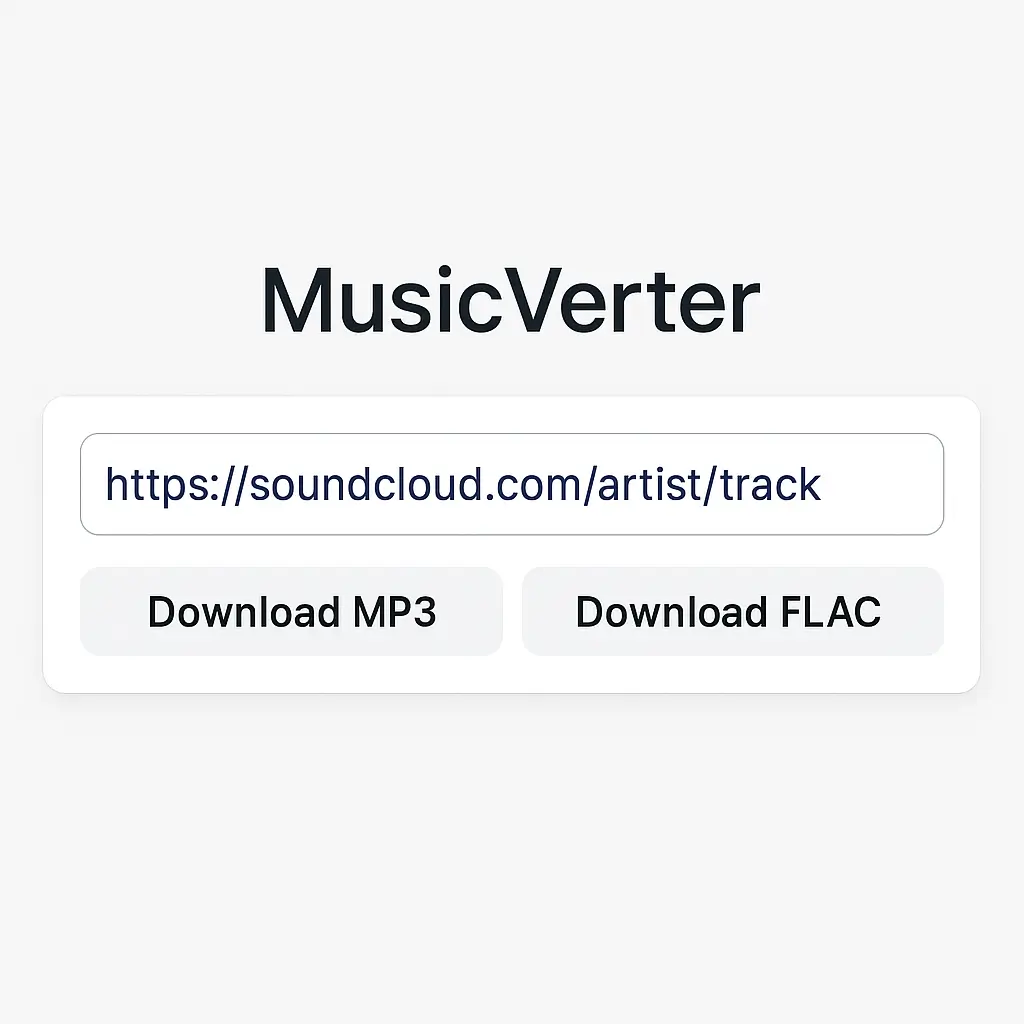
This straightforward method maximizes your SoundCloud experience by keeping your favorite songs just a click away.
Benefits of Using MusicVerter
Opting for MusicVerter as your main SoundCloud downloader offers several compelling advantages, making it a top choice for converting SoundCloud to MP3:
- Top-Notch Audio Quality: With MusicVerter, you can convert SoundCloud tracks to MP3 at 320kbps, offering crystal-clear sound that will delight audiophiles.
- Easy-to-Use Interface: The intuitive design of the platform ensures that anyone, regardless of tech skills, can navigate it with ease.
- Works on Any Device: Whether you're on a desktop, laptop, or mobile device, MusicVerter works seamlessly, letting you download SoundCloud playlists from anywhere. MusicVerter SoundCloud Playlist Downloader.
- Playlist and Bulk Downloads: Simplify multi-track downloads with MusicVerter’s playlist feature, perfect for avid fans who enjoy complete albums or artist collections.
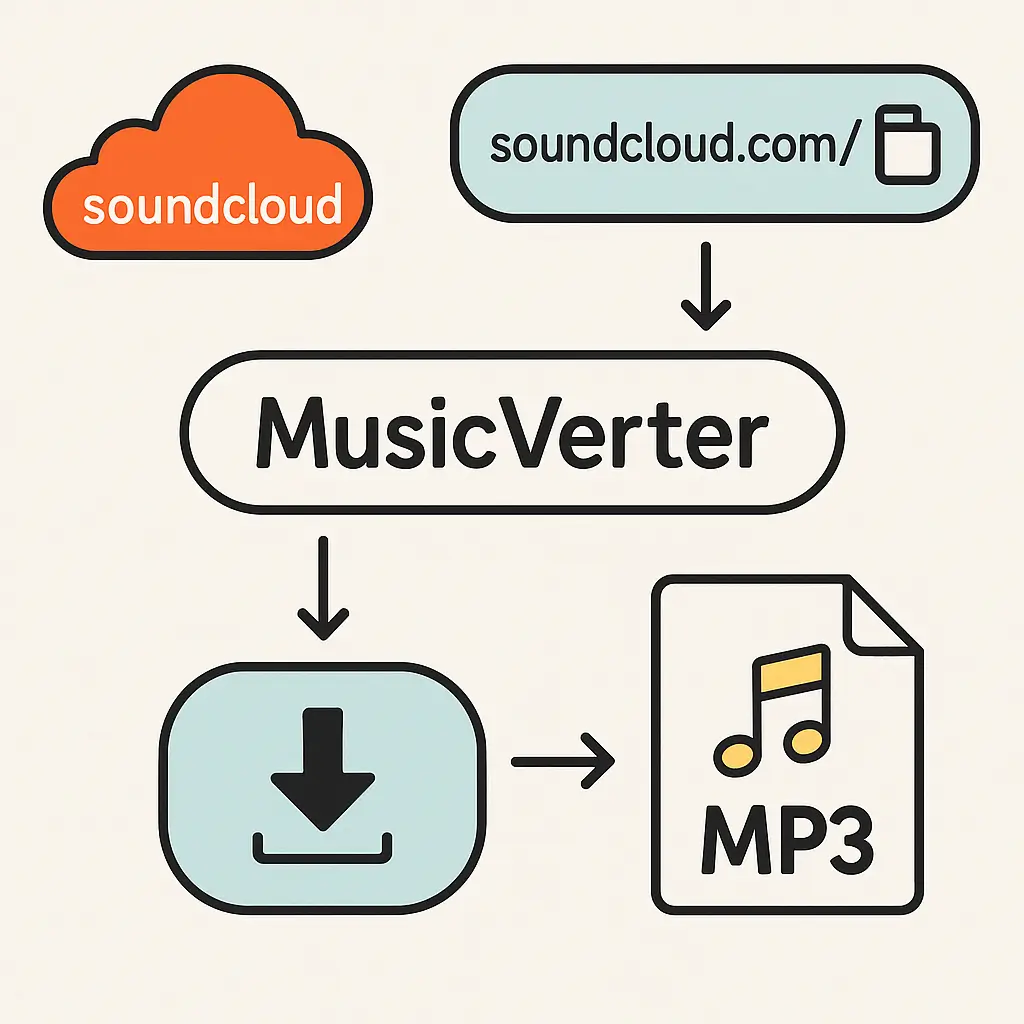
By focusing on quality and ease-of-use, MusicVerter significantly enhances your music downloading and listening experience.
Conclusion
MusicVerter proves to be an invaluable tool for anyone eager to convert SoundCloud to MP3. Prioritizing high-quality audio, a user-friendly interface, and device flexibility, it meets all your music needs. Whether you're at home or on the move, MusicVerter lets you enjoy your SoundCloud favorites offline anytime. Experience better music access by trying MusicVerter today.
FAQs
Q: How do I download songs from SoundCloud?
A: Simply copy the SoundCloud track's URL, paste it into MusicVerter, select your preferred quality, and hit download. It's that easy!
Q: What's the best SoundCloud to MP3 converter?
A: Without a doubt, MusicVerter is a standout option for a SoundCloud to MP3 converter, offering high-quality conversion, an intuitive interface, and the convenience of playlist downloads.
Q: Can I convert SoundCloud to MP3 320kbps online?
A: Absolutely, MusicVerter enables you to convert SoundCloud tracks to MP3 at 320kbps, giving you the high-quality music you crave.

About the Author


