
.png)
SoundCloud
Downloader To MP3
Download any SoundCloud Song or
WAV
AAC
FLAC
MP3
Try our SoundCloud Downloader above for free SoundCloud song downloads. Want more features? Try Premium today.

Seamlessly Download and Convert SoundCloud Songs to MP3 with MusicVerter
Introduction
Exploring the musical treasures on SoundCloud is an adventure in itself, introducing you to a universe where new tracks and playlists are constantly at your fingertips. However, uninterrupted streaming isn't always possible, especially when you hit a patch with no Wi-Fi or have limited data. Wouldn’t it be great if you could have all your favorite SoundCloud tracks right in your pocket? Enter MusicVerter—a swift, hassle-free tool that lets you take your SoundCloud favorites offline. With MusicVerter, you can seamlessly convert SoundCloud to MP3, ensuring all your music is just a click away.
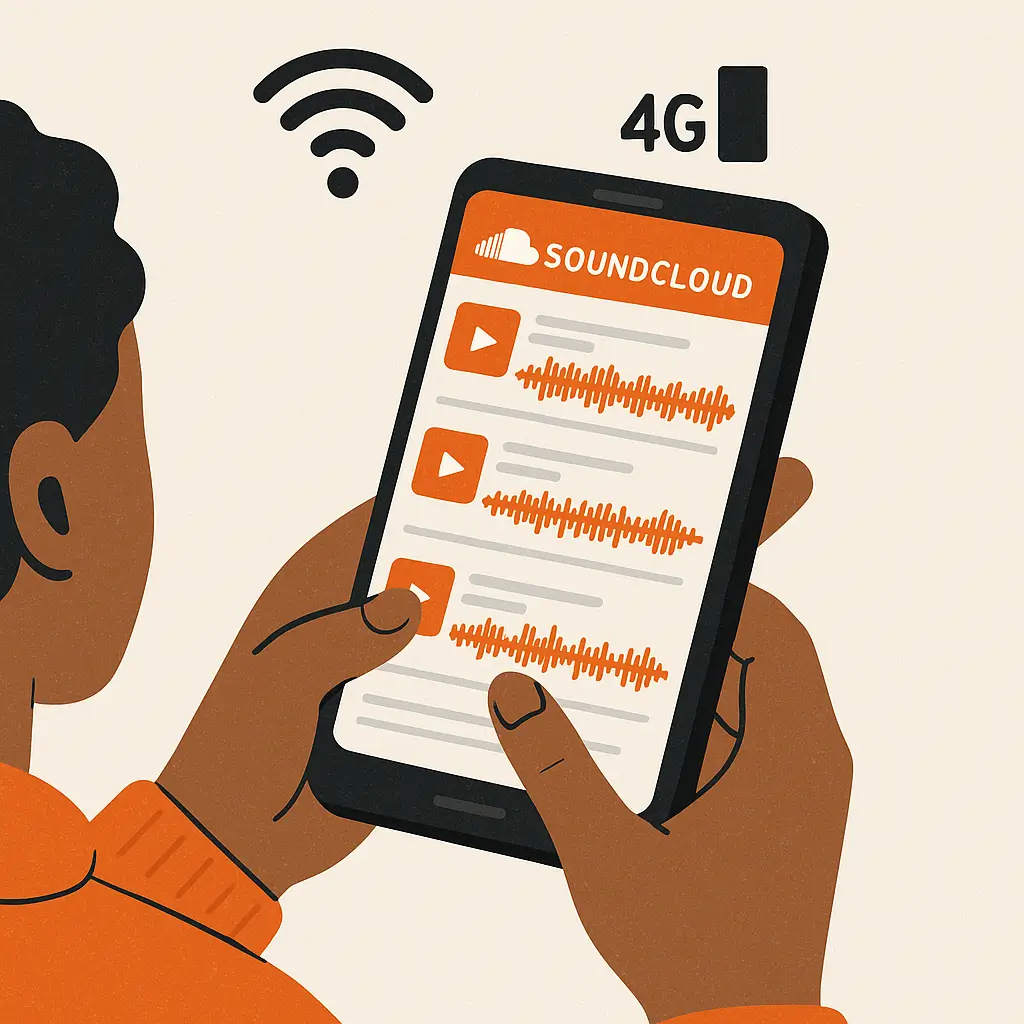
Why Convert SoundCloud to MP3?
Choosing to convert your SoundCloud favorites into MP3 files comes with a plethora of benefits for today’s music enthusiasts. The foremost advantage is embracing offline playability. Whether you're on a road trip or catching a flight, weak or nonexistent internet doesn’t mean silence. With MP3s, you can groove to your preferred playlist whenever, wherever.
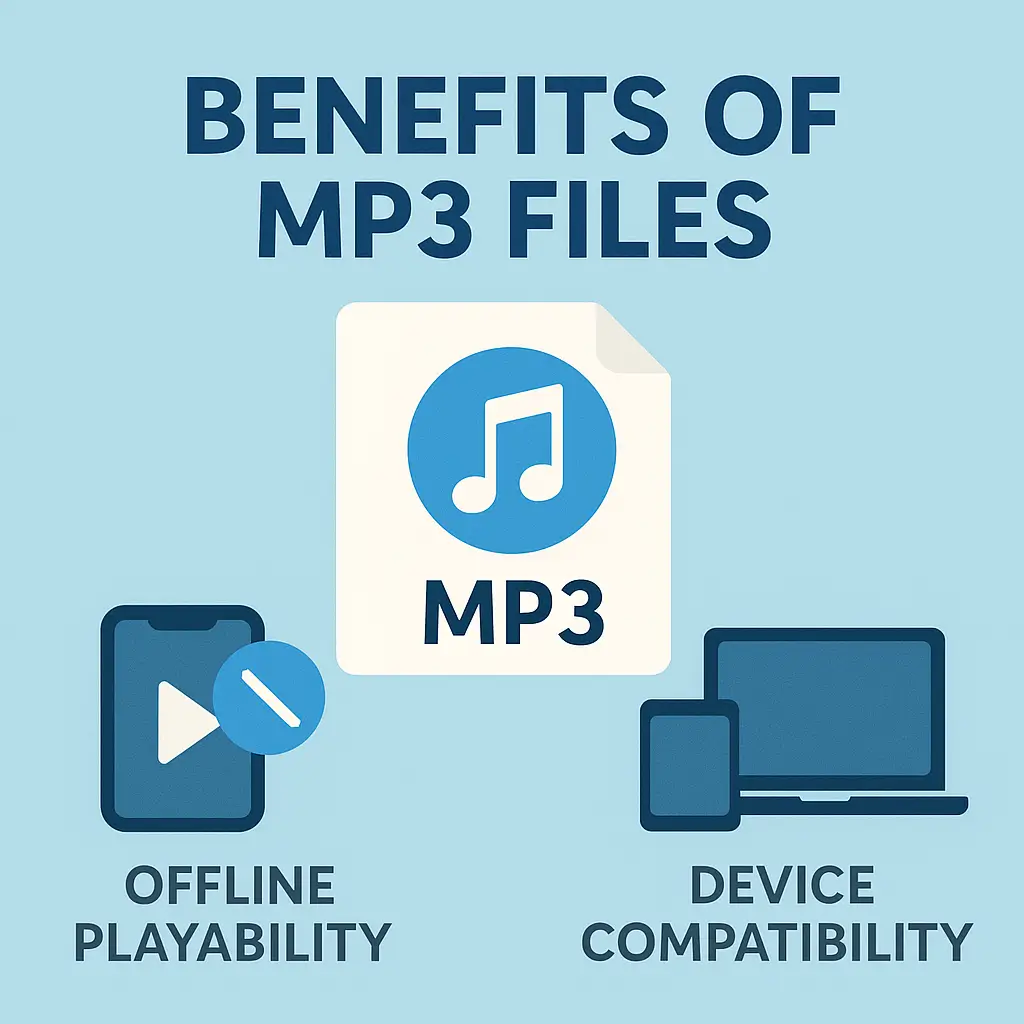
Plus, the universal appeal of MP3s cannot be overstated. From smartphones to dedicated MP3 players and laptops, this format is recognized globally, ensuring that your music is ready for play on just about any device. And with MusicVerter, you’re not just converting; you’re converting into high-quality 320kbps MP3s. This means richer, fuller sound at your convenience and without any fuss.
How to Download SoundCloud Songs with MusicVerter
Grabbing tunes from SoundCloud with MusicVerter couldn’t be simpler. Follow these steps, and you’ll see why it’s crowned the top SoundCloud to MP3 converter:
Access SoundCloud: Head over to SoundCloud and search for the track or playlist you want.
Copy the URL: Once chosen, just copy the track or playlist URL from your browser’s address bar.
Visit MusicVerter: Navigate to MusicVerter's SoundCloud to MP3 page.
Paste the URL: Pop that URL into the conversion box on MusicVerter’s page.
Select Format and Quality: Set MP3 as your desired output format and choose 320kbps for the best listening experience.
Convert & Download: Hit 'Convert', then wait as it works its magic. Soon, your file will be ready for download directly to your device.
![SoundCloud Downloader]()
Whether you're tech-savvy or not, MusicVerter streamlines track downloads and conversions, making it accessible for everyone.
Benefits of Using MusicVerter
What makes MusicVerter stand out as a top-notch SoundCloud downloader? Let’s dive into its user-friendly perks:
Intuitive Interface: Even if it’s your first time, you’ll find MusicVerter a breeze to navigate.
Completely Free: Enjoy high-quality downloads at absolutely no cost.
Superior Audio Quality: With the option to convert to MP3 320kbps, every note sounds just as the artist intended.
Mobile Friendly: Whether you’re using a smartphone or tablet, MusicVerter keeps you in the rhythm wherever you are.
Want to revel in seamless playlist downloads? Check out the MusicVerter SoundCloud Playlist Downloader for your curated music marathon.
Conclusion
In today’s music streaming-dominated world, having the ability to download and convert your favorite SoundCloud tracks into MP3s is a game-changer. MusicVerter makes this easy, delivering on quality, usability, and freedom from connectivity issues. Dive into MusicVerter today, and experience a transformation in how you listen to and enjoy your music library—anytime, anywhere.
FAQs
Q: How do I download songs from SoundCloud?
A: Simply copy the song's URL, visit MusicVerter's website, paste the URL, pick your format and quality, and hit convert to download the file directly.
Q: What's the best SoundCloud to MP3 converter?
A: Without a doubt, MusicVerter takes the prize. It's straightforward, ensures high-quality files, and doesn't cost you a penny.
Q: Can I convert SoundCloud to MP3 320kbps online?
A: Absolutely! MusicVerter allows you to convert tracks to crisp, high-quality 320kbps MP3s effortlessly, perfect for audiophiles and casual listeners alike.

About the Author


