
.png)
SoundCloud
Downloader To MP3
Download any SoundCloud Song or
WAV
AAC
FLAC
MP3
Try our SoundCloud Downloader above for free SoundCloud song downloads. Want more features? Try Premium today.

How to Easily Download SoundCloud Songs to Your USB: The Complete Guide
Introduction
Ever wished you could download your favorite SoundCloud tracks and have them handy on a USB drive? You're definitely not alone. Many SoundCloud users, music lovers, and DJs are constantly looking for ways to enjoy their tunes offline, especially during travels or when the internet is out of reach. SoundCloud does enable track downloads, but only if the artist allows it—and playlists can't be downloaded in bulk. But worry not, there's a way around this. This friendly guide will teach you how to use tools like TunesKit Audio Capture and online SoundCloud downloaders to save your music onto a USB. Whether you want to convert SoundCloud to MP3 320kbps or find a free SoundCloud downloader, you're in the right place.

Official SoundCloud Download Options
SoundCloud does allow music downloads, but there are a few hoops to jump through:
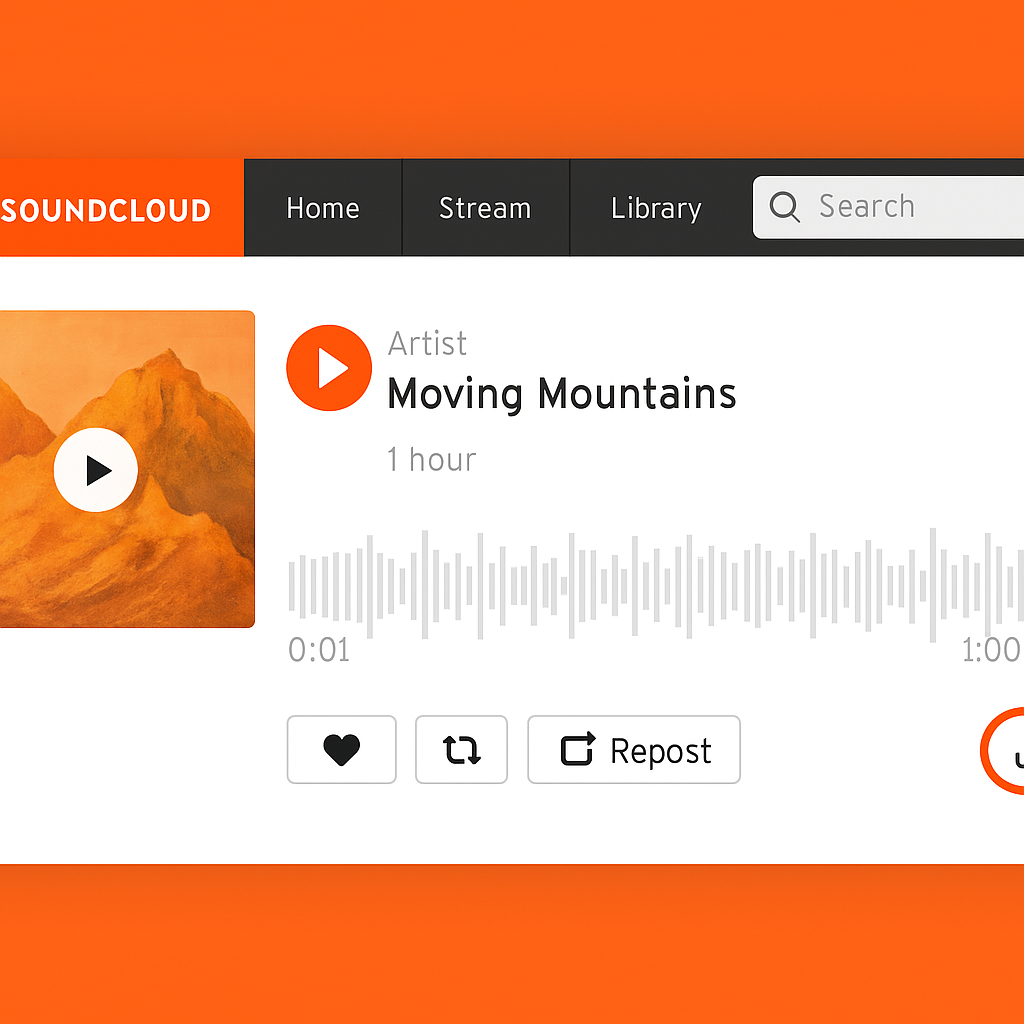
- Available Downloads: Some artists on SoundCloud let you download their tracks. You’ll spot a "Download" button beside tracks where this is an option.
- Limitations: Not every artist enables downloads, and unfortunately, you can’t download entire playlists due to user policies.
- Quality: The quality depends on the artist’s upload, which might not always be 320kbps.
Given these limitations, it's clear why you'd want alternatives for a more extensive offline library or better audio quality.
Using TunesKit Audio Capture
TunesKit Audio Capture is a great tool for downloading multiple SoundCloud tracks and saving them in high quality on your USB. Let me guide you:
- Download and Install TunesKit Audio Capture: Get the app for Windows or macOS and set it up on your computer.
- Set It Up: Once open, head to the settings page to pick your output format (MP3, WAV, etc.) and quality (up to 320kbps).
- Start Recording: Use TunesKit’s browser to open SoundCloud and play the tracks you want to download.
- Transfer to USB: After recording, use TunesKit to save your tracks directly onto your USB. Just connect the USB, choose it as your destination, and you're set.
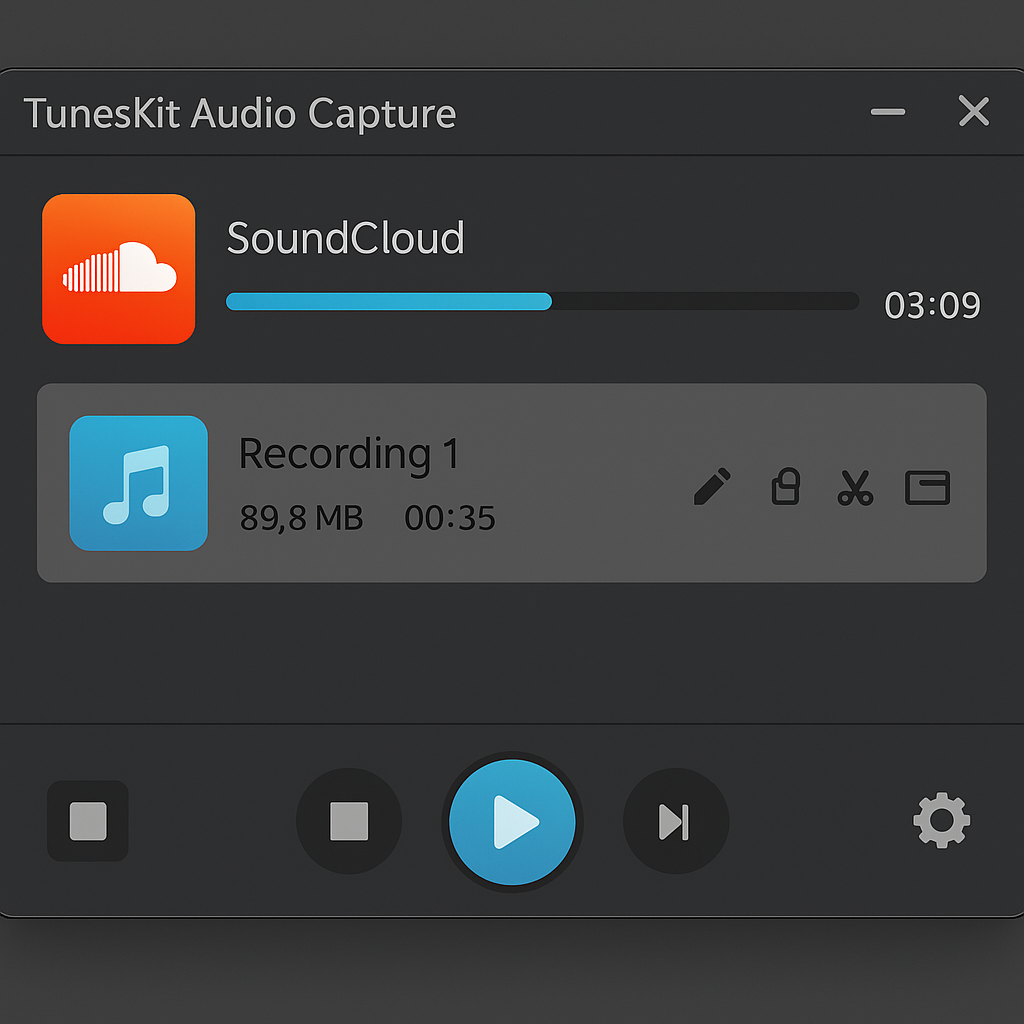
TunesKit is perfect for bulk downloads and comes with the bonus of keeping metadata intact, so you'll have all the song info you need.
Online Downloaders for Quick Downloads
Looking for something fast? Online SoundCloud downloaders are your best bet for grabbing individual tracks quickly:
- How to Use Them:
- Go to Musicverter’s SoundCloud to MP3 converter.
- Copy the SoundCloud track URL you want.
- Paste it into the downloader and hit "Convert" or "Download."
- Why Use Them: They’re usually free and easy to handle.
- What to Watch Out For: Typically limited to MP3s and might not offer the top-notch quality.
These online tools are excellent for those moments you just need a song right away.

Legal and Quality Considerations
Downloading music comes with a few things to keep in mind legally and quality-wise:
- Personal Use: Downloads are meant for your personal enjoyment and shouldn’t be shared commercially.
- Quality: The quality of direct downloads can vary. Tools like TunesKit are your best bet for high-quality tracks up to 320kbps.
Always respect artists' rights and stick to SoundCloud's terms for a guilt-free experience.
Conclusion & Call to Action
To sum it up, you can download SoundCloud songs to your USB via several methods, each with its own perks. Whether you go through official SoundCloud paths, use TunesKit Audio Capture for multiple downloads, or choose a quick online solution, the right choice depends on what you need. Give these methods a try to elevate your music experience, and don’t forget to explore Musicverter for more tools and updates to make downloading and converting music a breeze.
FAQs
Q: How do I download songs from SoundCloud?
A: If artists allow it, you can download directly from SoundCloud. Otherwise, use TunesKit Audio Capture or online downloaders for tracks without that option.
Q: What's the best SoundCloud to MP3 converter?
A: For bulk downloads and metadata preservation, TunesKit Audio Capture stands out. For quick downloads, you can’t beat Musicverter’s SoundCloud to MP3 converter.
Q: Can I convert SoundCloud to MP3 320kbps online?
A: Some tools, such as TunesKit, support 320kbps conversion. Always check the specifications of online tools to ensure they support high-quality audio before proceeding.

About the Author


