
.png)
SoundCloud
Downloader To MP3
Download any SoundCloud Song or
WAV
AAC
FLAC
MP3
Try our SoundCloud Downloader above for free SoundCloud song downloads. Want more features? Try Premium today.

Your Go-To Guide for Downloading Music from SoundCloud
Introduction
SoundCloud has become a beloved platform for musicians and fans to share and discover new music. With such a vast and diverse collection of tracks, it's no surprise that many users want to save their favorite songs for offline listening. That’s where a reliable SoundCloud downloader can make a big difference by helping you convert and download SoundCloud to MP3 files with ease. In this guide, we'll explore how you can download from SoundCloud using tools like KlickAud, alongside other handy methods. Whether you’re curating your ultimate playlist or just want high-quality audio files, we’ve got you covered.
How to Download SoundCloud Tracks Using KlickAud
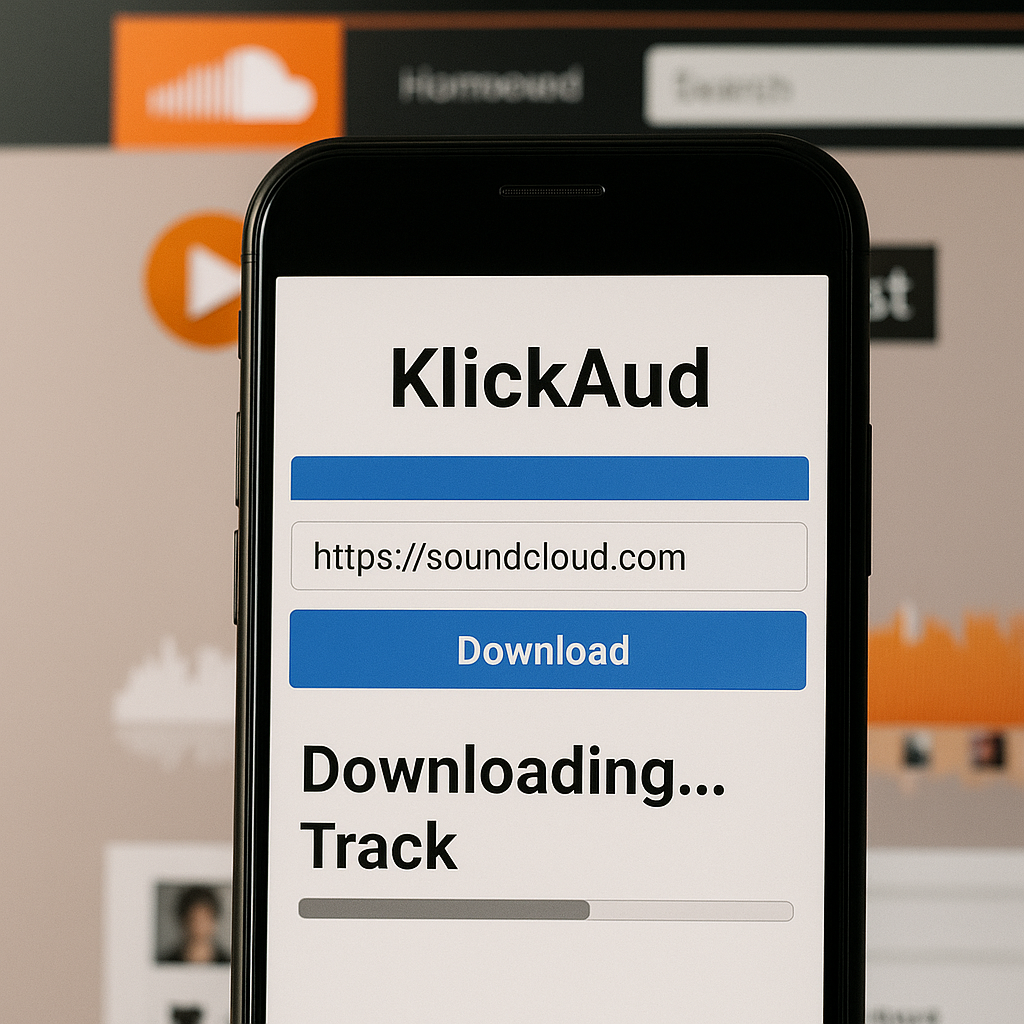
KlickAud is a well-known SoundCloud downloader that simplifies downloading tracks by converting them into MP3 format. Here’s how you can use it:
- Go to SoundCloud and find the track you want to save.
- Copy the track URL. Highlight the URL in your browser's address bar and hit Ctrl+C (Windows) or Command+C (Mac).
- Head to KlickAud, the free SoundCloud downloader website.
- Paste the URL you copied into the field on KlickAud's homepage.
- Click the ‘Download’ button, and KlickAud will start processing the track.
- Once it's done, you can download your track as an MP3 file.
KlickAud is simple and efficient, ensuring standard MP3 quality, typically at 128 kbps, making it a favorite among users for its straightforward functionality.
Understanding SoundCloud Audio Quality
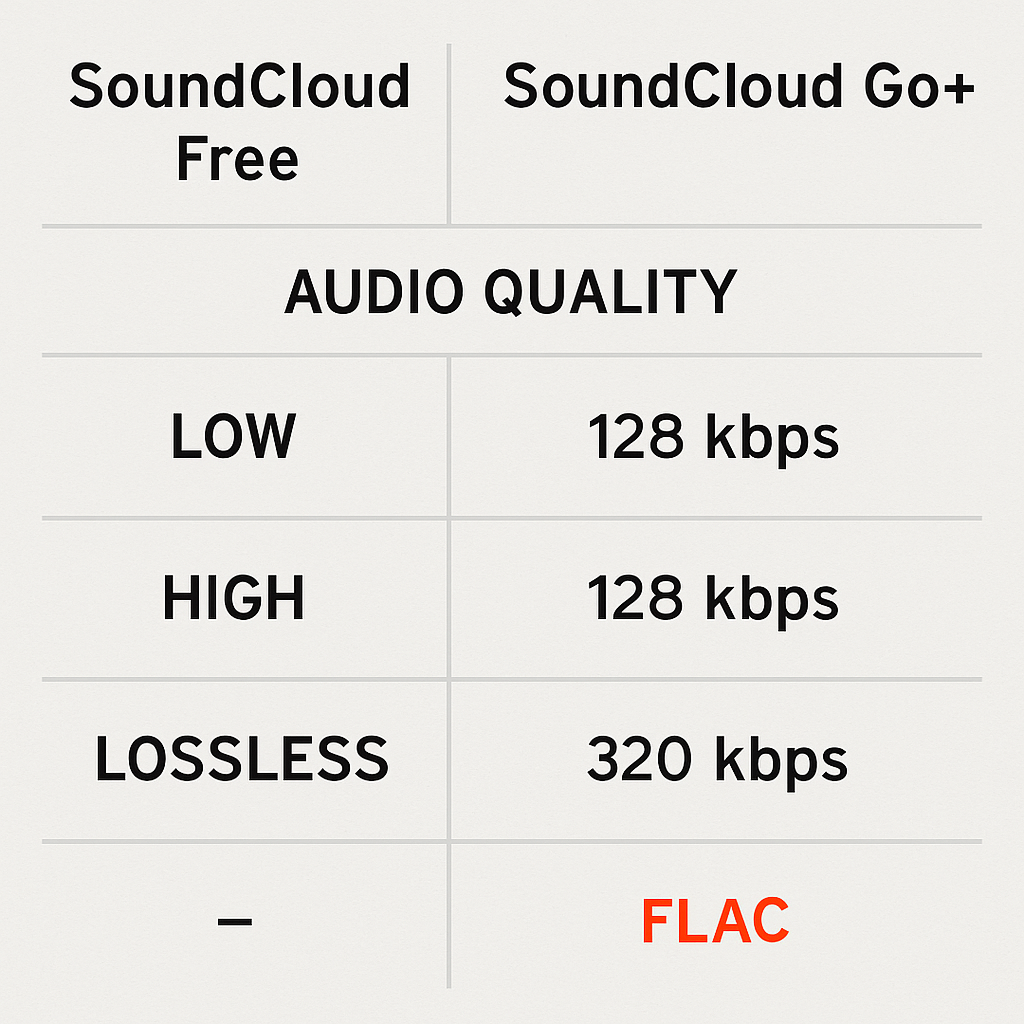
Audio quality matters when downloading music. On SoundCloud, the quality depends on your subscription level:
- Free Users get 128 kbps MP3 quality.
- SoundCloud Go+ Subscribers can stream and download at a higher 256 kbps AAC, providing a richer audio experience.
Knowing these quality options can help when using tools to convert SoundCloud to MP3, especially if you’re after high-fidelity audio.
Alternative Tools for Downloading and Conversion
If KlickAud isn’t quite what you need, or you’re after higher audio quality, here are some alternatives:
- Lucida: Offers an easy-to-use interface and lets you convert tracks to different formats, not just MP3. Free versions might limit download quality.
- DoubleDouble: Known for high-speed downloads and batch downloading, it's a great choice if you want to download a SoundCloud playlist quickly.
- VideoProc: Though mainly for videos, it also supports audio downloads, converting at high-quality up to 320 kbps, perfect for audiophiles.
Each tool has unique features, so choose based on your needs like download speed, quality, and usability.
Legal and Ethical Considerations
When downloading music from SoundCloud, remember these key points:
- Respect the artists by only downloading tracks available for offline use.
- Check SoundCloud’s terms of service to avoid infringing on copyright laws.
- Don’t use or distribute the downloads for commercial purposes unless you've got the rights to do so.
Following these guidelines ensures you support artists and enjoy your music collection legally and ethically.
FAQs: Common SoundCloud Downloading Questions
Q: How do I download songs from SoundCloud?
A: Use a tool like KlickAud. Just copy the SoundCloud track link, paste it into the downloader, and follow the steps to get your MP3.
Q: What's the best SoundCloud to MP3 converter?
A: KlickAud is a top choice for its simplicity and reliability. For more features like high-quality and batch downloads, consider tools like Lucida or DoubleDouble.
Q: Can I convert SoundCloud to MP3 320kbps online?
A: While tools like KlickAud typically offer 128 kbps, using software like VideoProc can get you up to 320 kbps, though this may require installation.
Conclusion
Downloading tracks from SoundCloud makes it easy to enjoy your favorite music offline. Tools like KlickAud provide a hassle-free way to convert SoundCloud to MP3, balancing simplicity with effectiveness. Just be sure to consider quality and legal factors. Dive into different tools to see which matches your needs while keeping within ethical boundaries and SoundCloud’s terms. Happy listening!

About the Author


