
.png)
SoundCloud
Downloader To MP3
Download any SoundCloud Song or
WAV
AAC
FLAC
MP3
Try our SoundCloud Downloader above for free SoundCloud song downloads. Want more features? Try Premium today.

Your Go-To Guide for Downloading SoundCloud Music as MP3
Introduction
SoundCloud has become a go-to spot for music lovers eager to discover fresh tracks and support up-and-coming artists. But let’s face it—sometimes you want to take your favorite tracks offline and enjoy them without worrying about internet access. If you've ever wondered how to find a reliable SoundCloud downloader, you're in the right place. This guide will walk you through the steps to download from SoundCloud and convert those tracks into MP3 format, ensuring that your playlist is ready to rock no matter where you are.
SoundCloud does its best to protect artists' rights, so downloading directly is often limited. Luckily, by using SoundCloud to MP3 converters, you're just a few clicks away from offline access. Whether you want the highest quality audio with 320kbps MP3 or are just seeking a free SoundCloud downloader for occasional use, we've got you covered.
Direct Downloads from SoundCloud
Some artists on SoundCloud make their tracks available for direct download, but this is up to them. Here's how you can find out if a direct download is an option for the track you love:
- Visit the track page on SoundCloud: Navigate to the track you're interested in.
- Look for the download button: This little button shows up under the track’s waveform if downloads are allowed.
- Download the file: Click the button, and the file will download directly to your device.
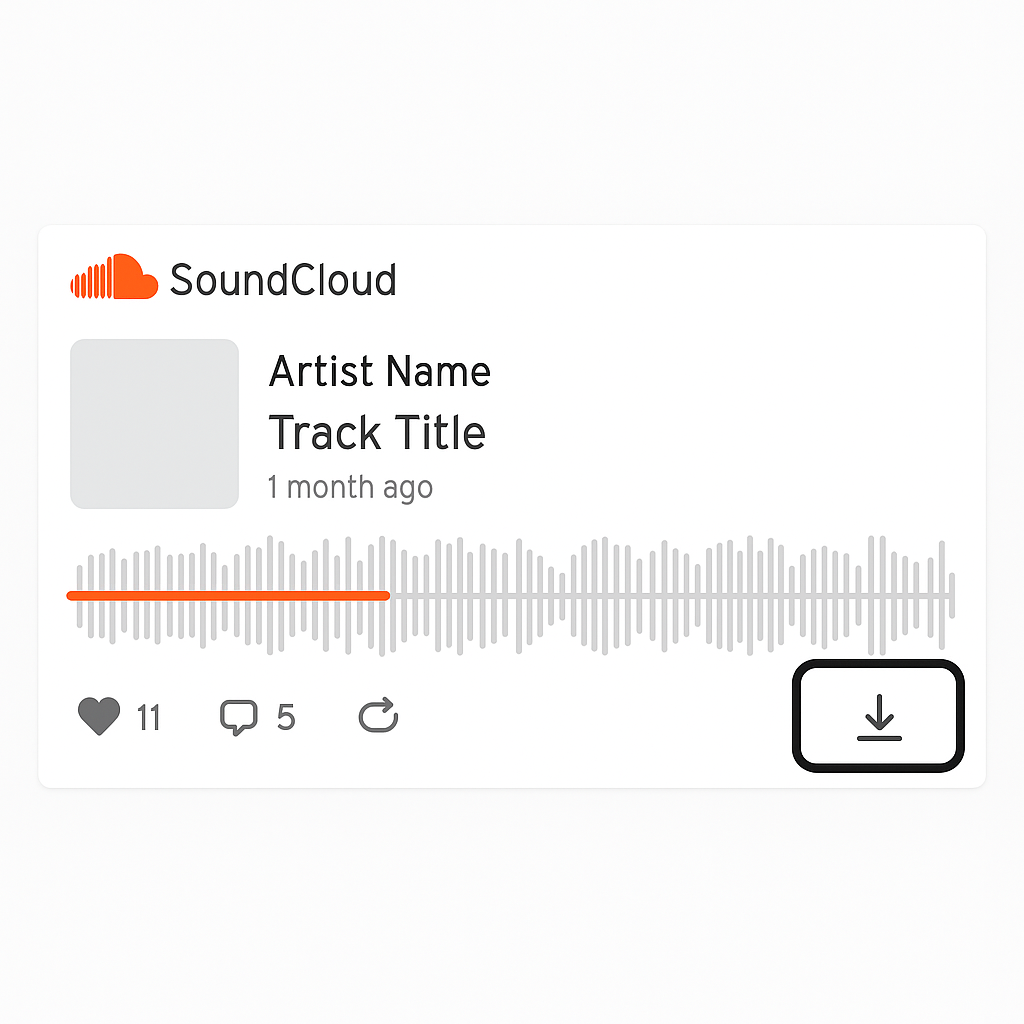
Remember, not all tracks have this option—it really depends on the artist's preferences and rights management decisions.
Using Online Converters
When a direct download isn't possible, an online SoundCloud downloader is a handy workaround. Here's how to make the most of an online converter:
- Step 1: Copy the URL of the SoundCloud track you want.
- Step 2: Visit the converter site and paste the URL into the platform.
- Step 3: Hit the "Convert" or "Download" button to start the process.
- Step 4: Once ready, your MP3 will be available to download.
This approach is perfect for quick, hassle-free conversions without needing to download extra software—ideal for those casual jams.
Dedicated Software Solutions
If you're frequently downloading or need top-notch quality, then software like TuneFab SoundCloud Music Converter is worth considering. Here’s why it stands out:
- Batch Downloading: Grab multiple tracks or whole playlists effortlessly.
- ID3 Tag Preservation: Keep valuable metadata intact—handy for organizing your library.
- High-Quality Sound: Opt for 320kbps MP3 for the best audio experience.

To get started, typically you’ll want to:
- Download and install the software: Straight from the official site.
- Add SoundCloud URLs: Input the tracks or playlists you're interested in.
- Set your preferences: Decide on quality and format.
- Begin downloading: Hit the go button, sit back, and let it work its magic.
Recording Methods
When downloads are out of the question, recording can be a solid backup. Use audio recording software to capture SoundCloud music as it plays. While this method takes a bit more time, it ensures you can save the tracks you enjoy when other options hit a roadblock.
Quality Considerations
Choosing the right audio quality is crucial for how you'll enjoy your music. Here’s what to bear in mind:
- File Size vs. Quality: Higher bitrate (like 320kbps) means better sound but bigger files.
- Storage: Make sure your device can handle the storage, especially if you're a fan of FLAC files.
- Listening Devices: Choose based on whether you're using high-end gear or more standard setups.
Conclusion
By converting SoundCloud tracks to MP3, you gain the freedom to enjoy music offline anytime and anywhere. Whether through online converters, special software, or recording methods, your options are aplenty. For a seamless experience, check out Musicverter's SoundCloud to MP3 tool and their SoundCloud Playlist Downloader. Dive into a world of offline music with ease!
FAQs
Q: How do I download songs from SoundCloud?
A: Check if the track has the download feature on SoundCloud. If not, Musicverter's tools are your best bet for unsupported tracks.
Q: What's the best SoundCloud to MP3 converter?
A: For top quality and user-friendly experience, go with Musicverter’s SoundCloud to MP3 converter.
Q: Can I convert SoundCloud to MP3 320kbps online?
A: Absolutely, just use Musicverter's online tool to achieve those high-quality 320kbps MP3 conversions.

About the Author


