
.png)
SoundCloud
Downloader To MP3
Download any SoundCloud Song or
WAV
AAC
FLAC
MP3
Try our SoundCloud Downloader above for free SoundCloud song downloads. Want more features? Try Premium today.

Your Comprehensive Guide to Downloading SoundCloud Songs with MusicVerter
Introduction
In today's music-driven world, having the freedom to listen to your favorite tracks offline isn't just a luxury—it's a necessity. While SoundCloud offers a treasure trove of music, enjoying these tunes without an internet connection can be tricky. Sure, SoundCloud’s Go and Go+ subscriptions provide some offline options, but they’re often tied to artist permissions. That’s where MusicVerter steps in. As a top-notch SoundCloud to MP3 converter, it guarantees you high-quality tracks for offline enjoyment. Follow along as we dive into how you can easily download tracks from SoundCloud using MusicVerter.

How to Download SoundCloud Songs
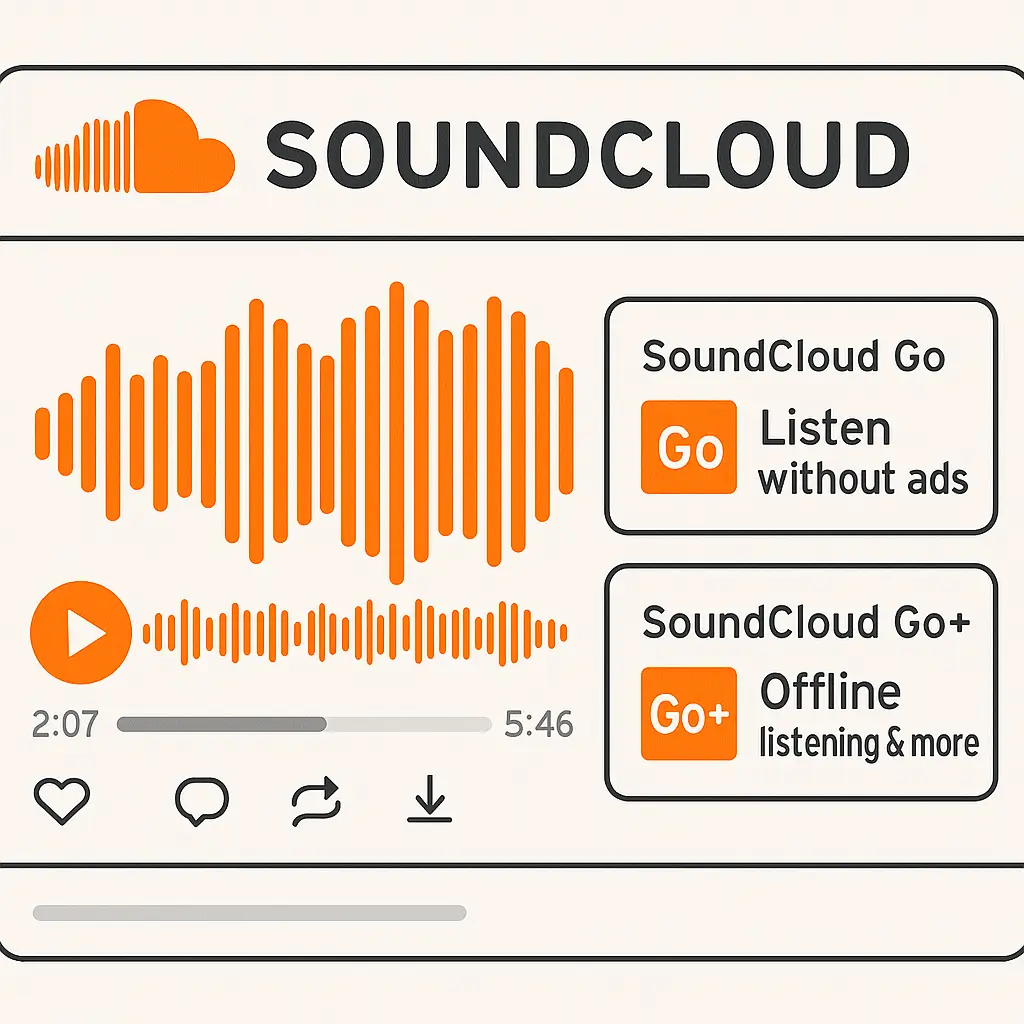
Finding a way to download songs from SoundCloud can be a bit of a puzzle due to some restrictions. SoundCloud Go and Go+ subscriptions do let you listen offline, but they come with caveats based on artist permissions. Here's how you can navigate this:
SoundCloud Go/Go+: These services let you access certain songs offline, but the selection hinges on artist permissions, limiting what you can download.
Artist Permissions: Always verify if your favorite tunes are available for offline listening directly via SoundCloud to stay legal.
Understanding these options sets you up for making legal downloads while using MusicVerter to break free from any limitations.
Benefits of Using MusicVerter
MusicVerter is your trusty companion—a free SoundCloud downloader that’s as straightforward as it is powerful. Here's why it's worth using:
- High-Quality Conversion: Convert SoundCloud tracks to MP3 at up to 320kbps, so you won't compromise on audio quality.
- User-Friendly Interface: Simple and intuitive, the MusicVerter interface makes converting music feel effortless.
- Multiple Formats: Beyond MP3, MusicVerter offers formats like FLAC and WAV, making sure your files play on any device you choose.
Thanks to these features, MusicVerter outshines as the ultimate solution for downloading and enjoying SoundCloud playlists offline.
Step-by-Step Guide for MusicVerter
Using MusicVerter to download from SoundCloud is a breeze. Here's all you need to do:
- Visit MusicVerter: Head over to MusicVerter on your browser.
- Copy the SoundCloud URL: Find the song or playlist you want on SoundCloud and copy its URL.
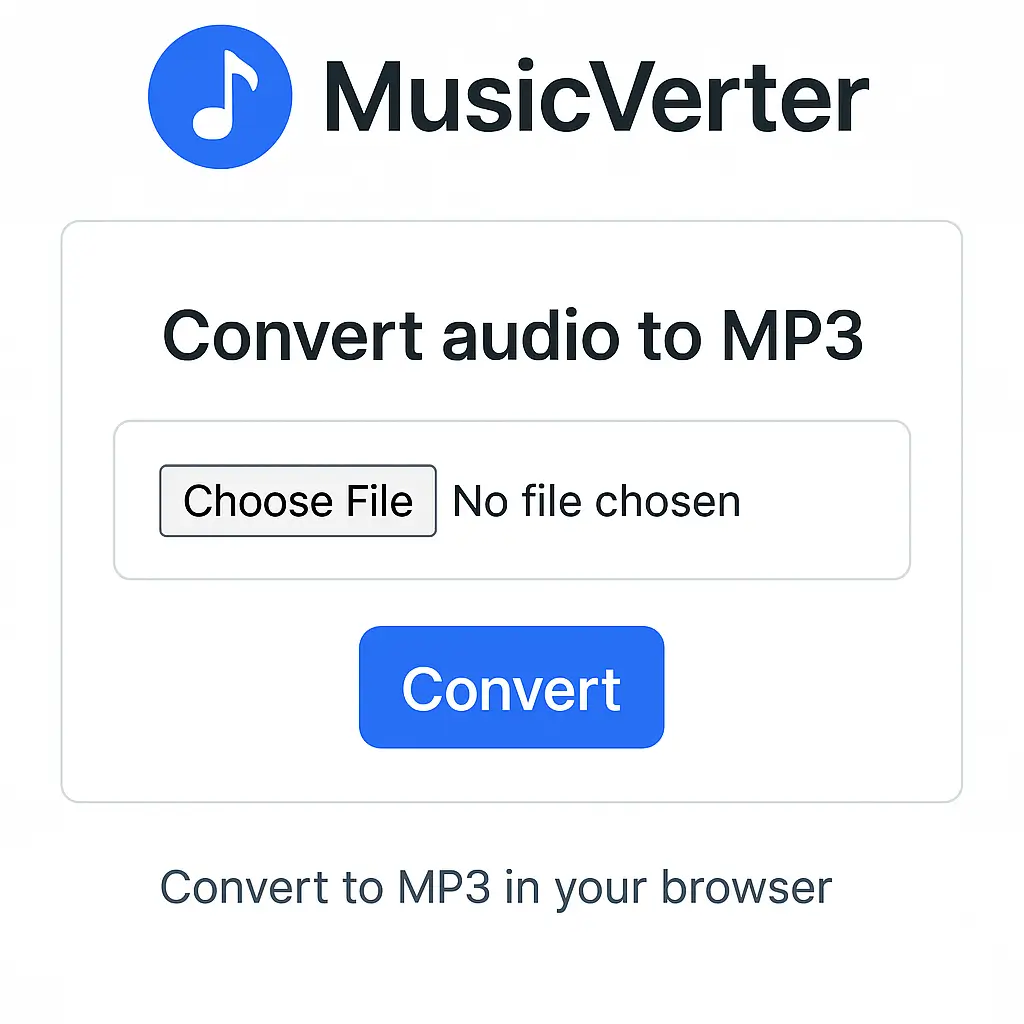
- Paste the URL: Enter the copied link into the input field on the MusicVerter website.
- Choose Output Format: Choose your preferred format (like MP3 or FLAC) and quality, such as 320kbps, to ensure top-notch sound.
- Start Download: Hit the download button and let MusicVerter handle the conversion for easy offline access.
These steps show just how smoothly you can convert SoundCloud to MP3 320kbps with MusicVerter.
Conclusion
Music enthusiasts who value high-quality music without the tether of internet connectivity need MusicVerter. It’s the ideal solution to effortlessly convert and download your favorite SoundCloud tracks for offline enjoyment. Whether it’s for casual listening, DJ sets, or creative projects, MusicVerter stands out as the go-to SoundCloud to MP3 tool. Dive into using MusicVerter today and enjoy limitless offline listening!
FAQs
Q: How do I download songs from SoundCloud?
A: Just use MusicVerter! It’s a simple tool where you paste your SoundCloud URL, click download, and your favorite tunes are ready to go.
Q: What's the best tool for converting SoundCloud to MP3?
A: MusicVerter tops the list for SoundCloud to MP3 conversion. It's easy to use and supports high-quality downloads up to 320kbps.
Q: Can I convert SoundCloud to MP3 320kbps online?
A: Absolutely, with MusicVerter. It seamlessly converts and downloads your SoundCloud tracks in MP3 format up to 320kbps, delivering excellent sound quality with ease.

About the Author


