
.png)
SoundCloud
Downloader To MP3
Download any SoundCloud Song or
WAV
AAC
FLAC
MP3
Try our SoundCloud Downloader above for free SoundCloud song downloads. Want more features? Try Premium today.

Easy SoundCloud to MP3 Conversion with MusicVerter
Introduction
SoundCloud offers a vibrant hub for music lovers, artists, and creators alike. Bursting with diverse audio content, it’s no wonder people flock there to explore and share unique tracks. Yet, many find themselves asking how to seamlessly download their favorite tunes to enjoy offline or integrate them into personal projects. Enter MusicVerter—a quick, free, and user-friendly SoundCloud downloader. With MusicVerter, converting SoundCloud tracks to MP3 is a breeze. Join us as we guide you through the simple steps to download songs from SoundCloud, and keep your favorite music at your fingertips whenever you want.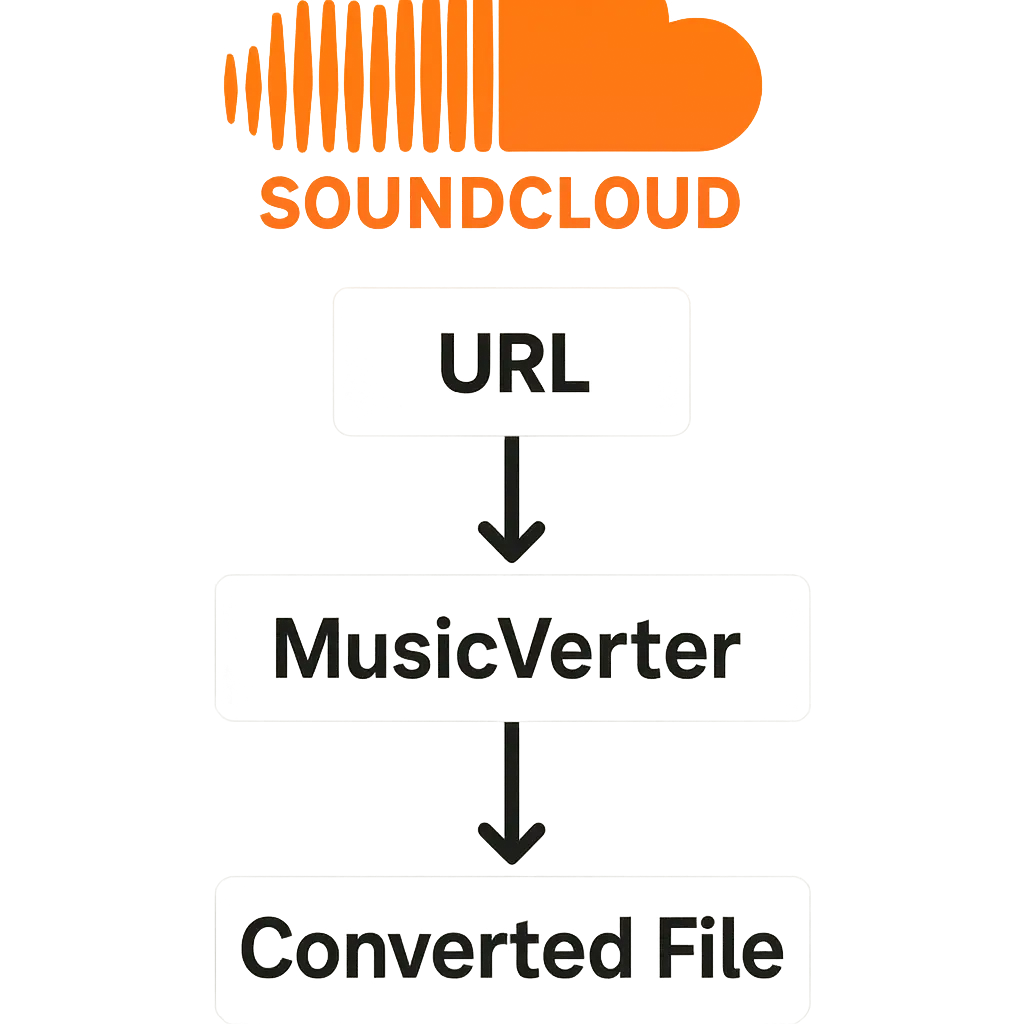
How to Download SoundCloud Songs Using MusicVerter
Getting your favorite SoundCloud songs on your device is a simple task with MusicVerter. Here’s how you can do it:
- Visit SoundCloud: Open your favorite browser and head over to SoundCloud. Find the track you’re interested in downloading.
- Copy the URL: Once you’ve spotted your desired track, just copy its URL straight from the address bar.
- Open MusicVerter: Navigate to MusicVerter's SoundCloud to MP3 converter in another tab.
- Paste the URL: In the URL field on the MusicVerter site, paste the SoundCloud track link you copied.
- Start the Conversion: Hit the “Convert” button, and let MusicVerter handle the magic.
- Download Your MP3: Click the download link after the conversion finishes, and the MP3 is yours to keep.![SoundCloud Downloader]()
With these straightforward steps, downloading SoundCloud songs for offline listening is as easy as pie.
Converting SoundCloud to MP3 Effortlessly
With MusicVerter, transforming SoundCloud music into MP3 files is designed to be both easy and efficient:
- High-Quality Downloads: Enjoy conversions to pristine 320kbps MP3 files, maintaining the integrity of your favorite tunes.
- Batch Conversion Options: For playlist lovers, MusicVerter’s SoundCloud Playlist Downloader lets you grab multiple tracks quickly, saving you effort and time.
- Accessibility Across Devices: Whether you’re on a desktop, tablet, or smartphone, MusicVerter’s compatibility ensures seamless conversions anywhere, anytime.
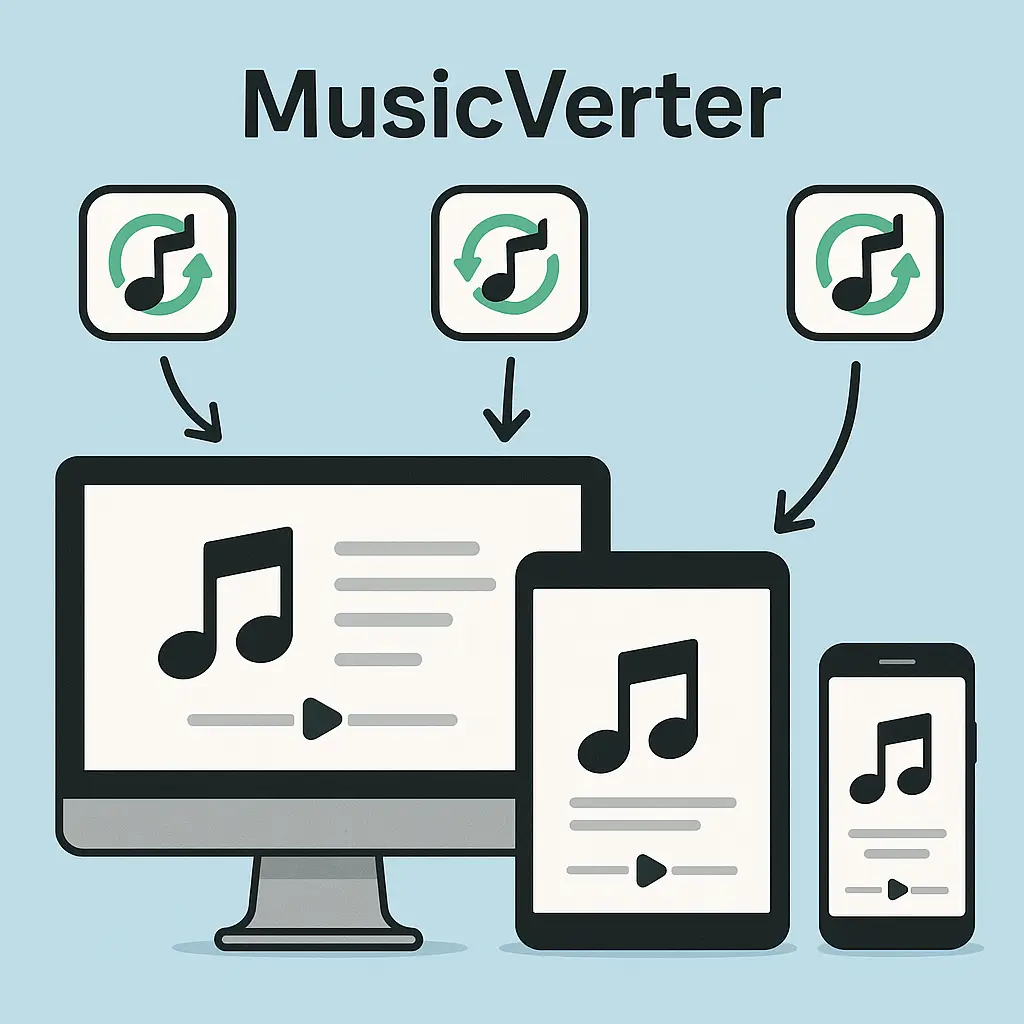
MusicVerter is not just an effective tool; it's a versatile ally for all your music needs.
Benefits of Using MusicVerter
Here’s why MusicVerter is the go-to SoundCloud to MP3 converter:
- Completely Free and Lightning Fast: No hidden fees or subscriptions, just swift, complimentary service.
- Intuitive and User-Friendly: Its clean interface means anyone can navigate with ease, regardless of experience.
- Format Flexibility: Supports different audio formats, giving you options for varied audio needs, from casual listening to professional mixing.
- No Software Hassle: Operate MusicVerter directly in your browser; no extra software or plugins needed.
The advantages make it clear why MusicVerter is trusted by music lovers and creators around the globe.
Conclusion
MusicVerter takes the hassle out of downloading and converting SoundCloud tracks. This reliable online SoundCloud downloader provides high-quality MP3 conversions and a seamless, simple user experience. Whether you're enhancing your music library or seeking a trustworthy way to access offline tunes, MusicVerter is your premier solution. Dive into MusicVerter today and elevate your SoundCloud enjoyment.
FAQs
Q: How do I download songs from SoundCloud?
A: Using MusicVerter to download songs from SoundCloud is a breeze—copy the URL of your desired track, paste it into MusicVerter, and enjoy your newly converted MP3.
Q: What's the best SoundCloud to MP3 converter?
A: MusicVerter stands out as the top choice for converting SoundCloud tracks to MP3. It’s fast, free, and extremely easy to use, making it a favorite for music fans everywhere.
Q: Can I convert SoundCloud to MP3 320kbps online?
A: Absolutely, with MusicVerter you can convert SoundCloud tracks to top-notch 320kbps MP3 files, ensuring excellent audio quality for your collection.

About the Author


