
.png)
SoundCloud
Downloader To MP3
Download any SoundCloud Song or
WAV
AAC
FLAC
MP3
Try our SoundCloud Downloader above for free SoundCloud song downloads. Want more features? Try Premium today.

Effortless SoundCloud to MP3 Conversion with MusicVerter in 2026
Introduction
In our fast-paced lives, having your favorite tracks available offline truly amplifies the joy of music. SoundCloud, beloved by music lovers and creators alike, offers a vast range of tunes that you might want at your fingertips anytime, anywhere. Whether you’re a DJ looking for tracks for a seamless set, a commuter aiming to preserve data, or simply someone who loves building a digital library, converting SoundCloud tracks to MP3 is often just what you need. That's where MusicVerter makes its mark as your trusty SoundCloud to MP3 converter, quickly and effortlessly transforming how you access music.

Why Use MusicVerter?
When you need to convert SoundCloud tracks to MP3, MusicVerter shines for several reasons. It transforms your favorite tunes into high-quality MP3 files without losing any of the magic. You can download songs and full playlists while preserving impeccable sound quality, even up to 320kbps, catering to everyone from audiophiles to casual listeners.
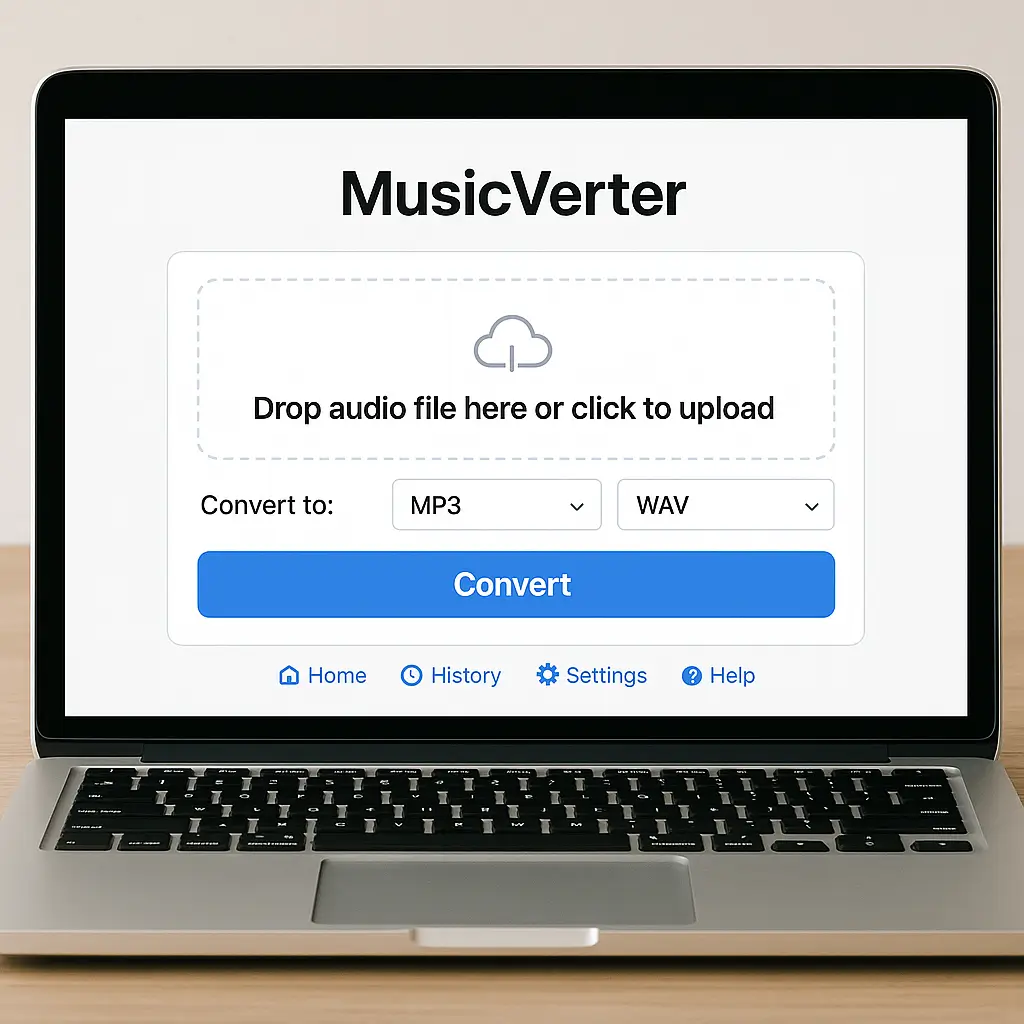
MusicVerter is all about simplicity. Its user-friendly interface is designed for anyone—from novices to tech-savvy users. Plus, as a web-based tool, you’re free from the hassle of installing software. MusicVerter places a strong emphasis on data security, ensuring that your downloads are safe and bloat-free.
Need more information? Visit the MusicVerter SoundCloud to MP3 page for direct access to conversions.
Step-by-Step Guide to Download SoundCloud Songs
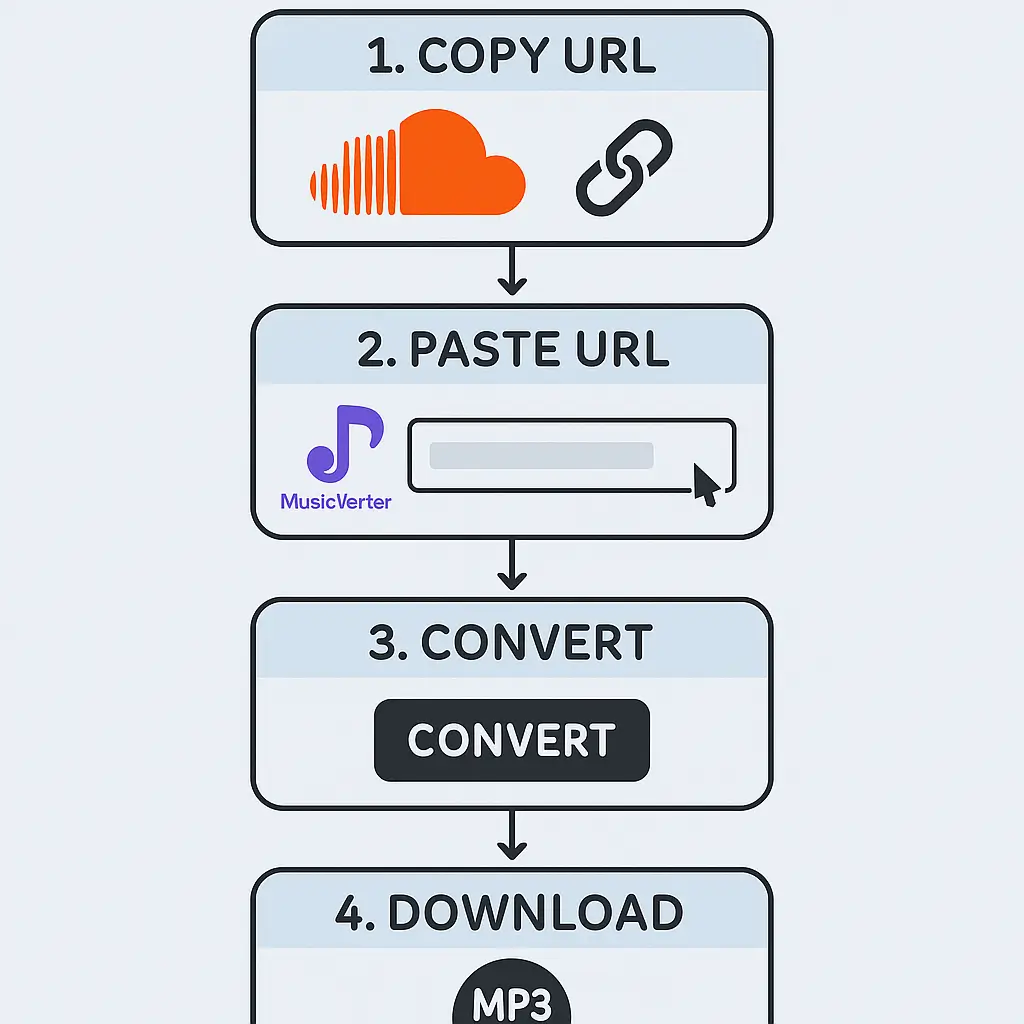
Downloading your favorite SoundCloud tracks with MusicVerter is straightforward and fast. Here’s how you can enjoy your music offline:
Find the Track URL:
Go to SoundCloud, pick the track or playlist you wish to download, and copy the URL directly from your browser’s address bar.Use MusicVerter:
Open MusicVerter in your browser. Navigate to the MusicVerter SoundCloud Playlist Downloader to manage multiple tracks simultaneously.Set Conversion Preferences:
Paste the SoundCloud URL into MusicVerter's input field. Pick your output format—usually MP3—and select the audio quality, with options up to 320kbps for the best listening experience.Download the MP3 File:
Hit ‘Convert’ and let MusicVerter process your request. Your download will start automatically, and soon, your tracks will be ready for offline play.
Benefits of Using MusicVerter
Choosing MusicVerter as your SoundCloud to MP3 converter offers numerous perks. It ensures you can take your music offline, making it ideal for uninterrupted listening on commutes or in low-signal areas. The MP3 format is universally compatible, allowing playback across all your devices—from smartphones to laptops.
Additionally, with high-quality output at 320kbps, your tracks maintain superb clarity, great for personal enjoyment or professional use. Given its focus on ease and reliability, MusicVerter easily stands as the top choice for SoundCloud to MP3 conversion available today.
Conclusion
If you're searching for a hassle-free way to download and convert SoundCloud tracks, MusicVerter is the tool you need in 2026. It remains an indispensable resource for turning your favorite SoundCloud music into offline treasures. By following a few simple steps, you can elevate your music experience and enjoy tracks anytime, anywhere. Discover MusicVerter's capabilities and see for yourself how it simplifies SoundCloud downloads.
FAQs
Q: How do I download songs from SoundCloud?
A: It's simple with MusicVerter. Just copy the track URL from SoundCloud, paste it into MusicVerter, choose your format and quality, and download your MP3 file.
Q: What's the best SoundCloud to MP3 converter?
A: MusicVerter is the top tool for converting SoundCloud tracks to MP3, thanks to its easy use, high-quality outputs, and secure downloads, all without any software download.
Q: Can I convert SoundCloud to MP3 320kbps online?
A: Absolutely, with MusicVerter, you can convert your tracks to high-quality 320kbps MP3 files by selecting the 320kbps option during conversion.

About the Author


