
.png)
SoundCloud
Downloader To MP3
Download any SoundCloud Song or
WAV
AAC
FLAC
MP3
Try our SoundCloud Downloader above for free SoundCloud song downloads. Want more features? Try Premium today.

Effortlessly Convert SoundCloud to MP3 with MusicVerter
Introduction
In today's fast-paced world, music lovers want quick access to their favorite tracks anytime, anywhere. Whether you're setting the soundtrack for a road trip or prepping playlists for your next big event, converting SoundCloud tracks to MP3 offers unmatched convenience. That's where MusicVerter comes in. With its easy-to-use, free tool, you can seamlessly download from SoundCloud and enjoy your playlists offline, without a hitch.

How to Download Songs from SoundCloud
Grabbing your favorite tracks from SoundCloud is a breeze with MusicVerter, whether you're using a desktop computer or a mobile device. Here's how you do it:
Step-by-Step Guide for Desktop Users
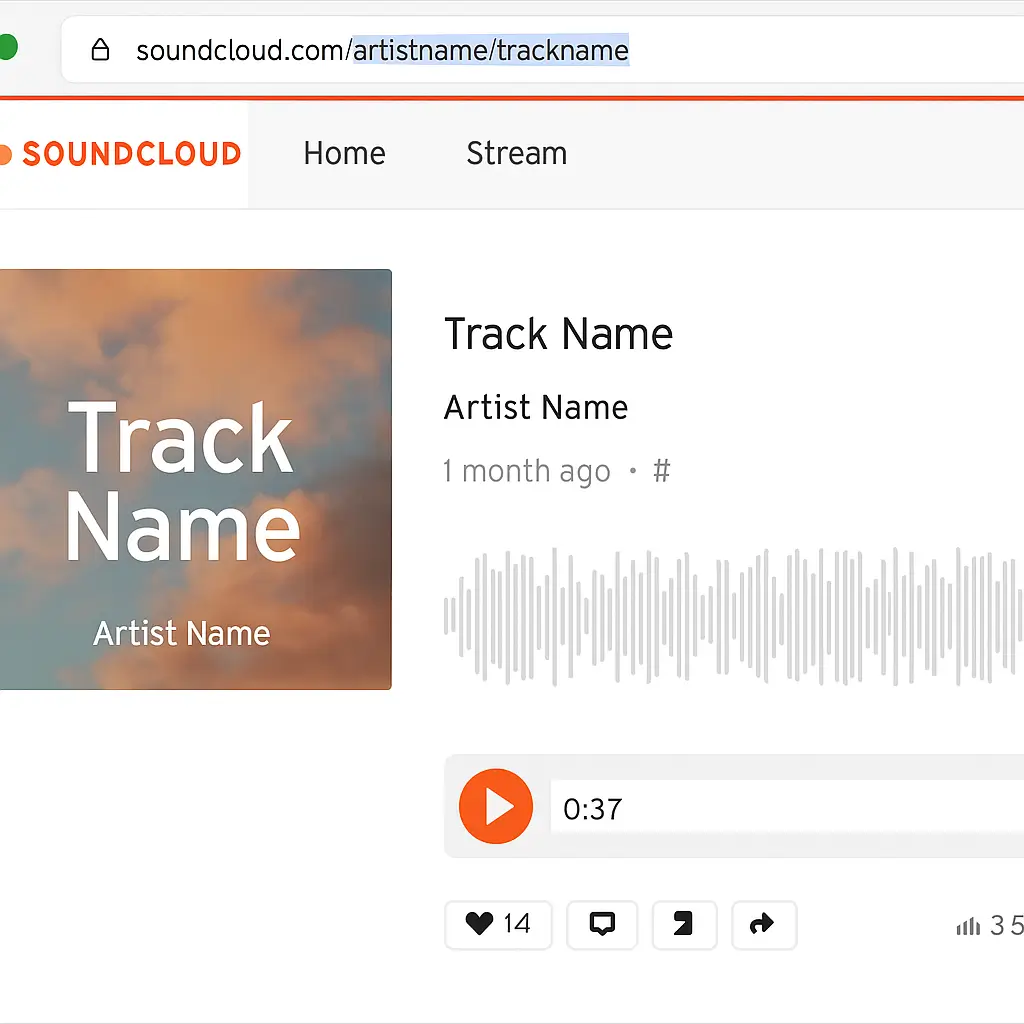
Open SoundCloud: Head to the SoundCloud website and sign in if required.
Select Track: Pick out the song or playlist you want to download.
Copy URL: Take the URL from your browser's address bar.
Visit MusicVerter: Go to MusicVerter's SoundCloud to MP3 converter.
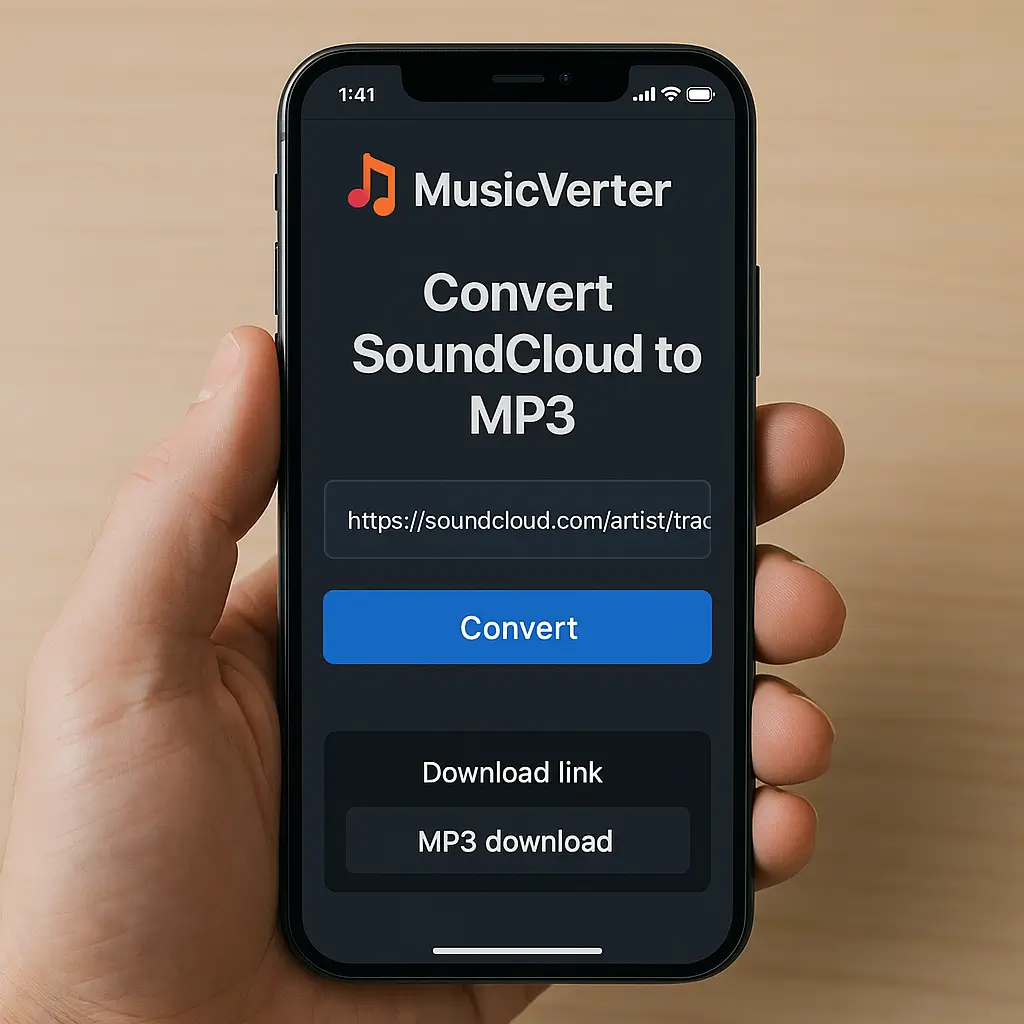
Paste URL: Drop that copied URL into the field provided on the MusicVerter page.
Choose Format: MP3 is already a default choice, keeping it super breezy for you.
Download: Hit 'Convert' followed by 'Download' to get that track onto your computer for offline enjoyment.
Step-by-Step Guide for Mobile Users
Launch SoundCloud App: Fire up the SoundCloud app on your phone.
Find Your Track: Look for and select the track you wish to grab.
Copy Track Link: Tap the share button, then copy the link.
Access MusicVerter: Open your mobile browser and visit the MusicVerter SoundCloud Playlist Downloader.
Paste Link and Convert: Pop the link into the designated space and start the conversion to MP3.
Download File: Tap 'Download' to save the song or playlist directly onto your phone.
With MusicVerter, converting tunes for offline listening is quick and hassle-free, no matter your device.
Benefits of Using MusicVerter
Why choose MusicVerter for transforming your SoundCloud experience? Here’s what makes it stand out:
User-Friendly Experience: With its simple interface, MusicVerter makes quick work of downloads, getting your tracks ready in just moments.
Legal and Ethical: MusicVerter prioritizes compliance with SoundCloud's terms, ensuring downloads are legitimate and respect creators' rights.
High-Quality Audio: Convert SoundCloud to MP3 320kbps for exceptional sound clarity, so your library sounds as good as a live show.
Cross-Device Compatibility: No matter whether you're on a smartphone, tablet, or PC, MusicVerter works seamlessly across all your gadgets.
Opting for MusicVerter means embracing a smooth, compliant, and quality journey into offline music enjoyment.
Conclusion
When it comes to converting SoundCloud tracks into high-quality MP3 files, MusicVerter is your ultimate ally, making offline playback straightforward and swift. Its user-friendly approach, paired with legal compliance and superior audio quality, positions it as the top choice among SoundCloud downloaders. From single tracks to full playlists, MusicVerter streamlines the process, transforming how you experience your music collection. Why wait? Try out MusicVerter today and elevate your music experience!
FAQs
Q: How do I download songs from SoundCloud?
A: Just use MusicVerter. Copy your desired track's URL from SoundCloud, paste it into the MusicVerter site, choose MP3, and hit download!
Q: What's the best SoundCloud to MP3 converter?
A: MusicVerter! It’s quick, converts in high audio quality, and offers an effortless user experience.
Q: Can I convert SoundCloud to MP3 320kbps online?
A: Absolutely, with MusicVerter you can convert SoundCloud tracks to MP3 320kbps, guaranteeing superb audio quality without fuss.
Turning to MusicVerter means opting for a reliable and efficient tool to let your favorite tunes shine in their best quality possible.

About the Author


