
.png)
SoundCloud
Downloader To MP3
Download any SoundCloud Song or
WAV
AAC
FLAC
MP3
Try our SoundCloud Downloader above for free SoundCloud song downloads. Want more features? Try Premium today.

Effortlessly Convert Your Favorite SoundCloud Tracks to MP3 with MusicVerter
Introduction
Love listening to music on SoundCloud but wish you could take your favorite tracks with you, even offline? Knowing how to convert SoundCloud to MP3 effortlessly can make a huge difference. MusicVerter is here to help, offering a fast, user-friendly, and free way to download and convert tracks from SoundCloud directly into MP3 format. In this guide, we'll show you how easy it is to use MusicVerter so you can enjoy high-quality music anytime, anywhere, without missing a beat.
![SoundCloud Downloader]()
Unlocking SoundCloud Downloads
Before you dive into downloading tracks from SoundCloud, it's important to keep artist permissions in mind. Not all content on SoundCloud is available for download due to copyright rules and artist preferences. Thankfully, with MusicVerter, you can convert the tracks you're legally allowed to into top-notch MP3 files, giving your music library a boost while also staying true to ethical music-sharing practices.
Converting SoundCloud to MP3 with MusicVerter
Turning your SoundCloud favorites into easily accessible MP3s using MusicVerter is a breeze. Here's a simple guide to get you started:
Find Your Track: Head over to SoundCloud and pick the track you want to download.
Copy the URL: Once you've found your track, copy its URL straight from your browser's address bar.
Visit MusicVerter: Go to MusicVerter's SoundCloud to MP3 converter.
Paste the URL: Enter the copied track URL in the space provided on the MusicVerter page.
Choose Quality: Select your desired audio quality, including options up to 320kbps for crystal-clear sound.
Convert and Download: Press the 'Convert' button and let MusicVerter do the magic. Once your file is ready, download it directly to your device.
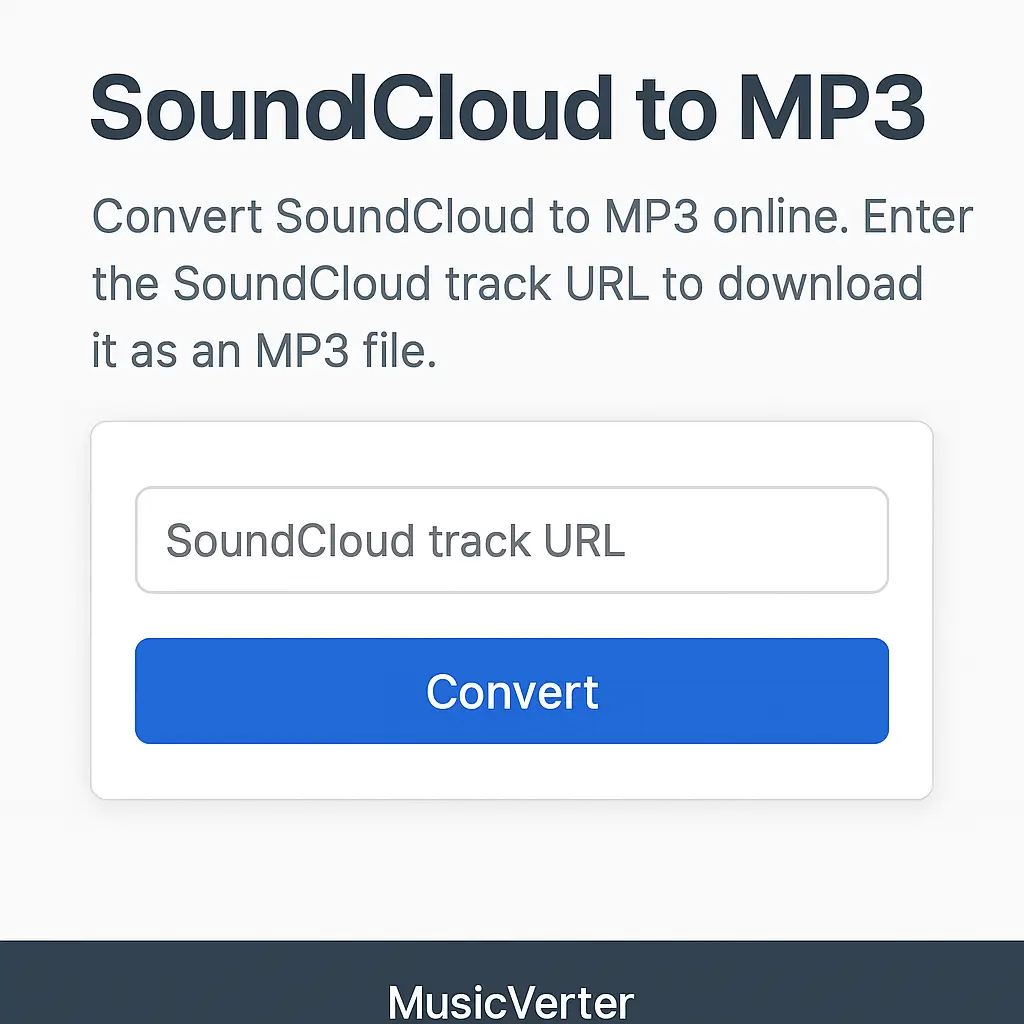
MusicVerter simplifies the downloading process, providing an easy-to-use platform that's perfect for converting SoundCloud tracks to MP3 format.
Why Choose MusicVerter?
Superior Audio Quality: With conversion options up to 320kbps, MusicVerter ensures that your music sounds as good offline as it does online.
Versatile Compatibility: MP3 files from MusicVerter work seamlessly with nearly any device—smartphones, tablets, or computers.
Intuitive Design: The straightforward and approachable layout of MusicVerter makes it accessible—even if you're a first-timer.
Playlist Downloads Made Easy: Want to download an entire playlist? MusicVerter has you covered. Check out our SoundCloud Playlist Downloader for hassle-free multiple downloads.
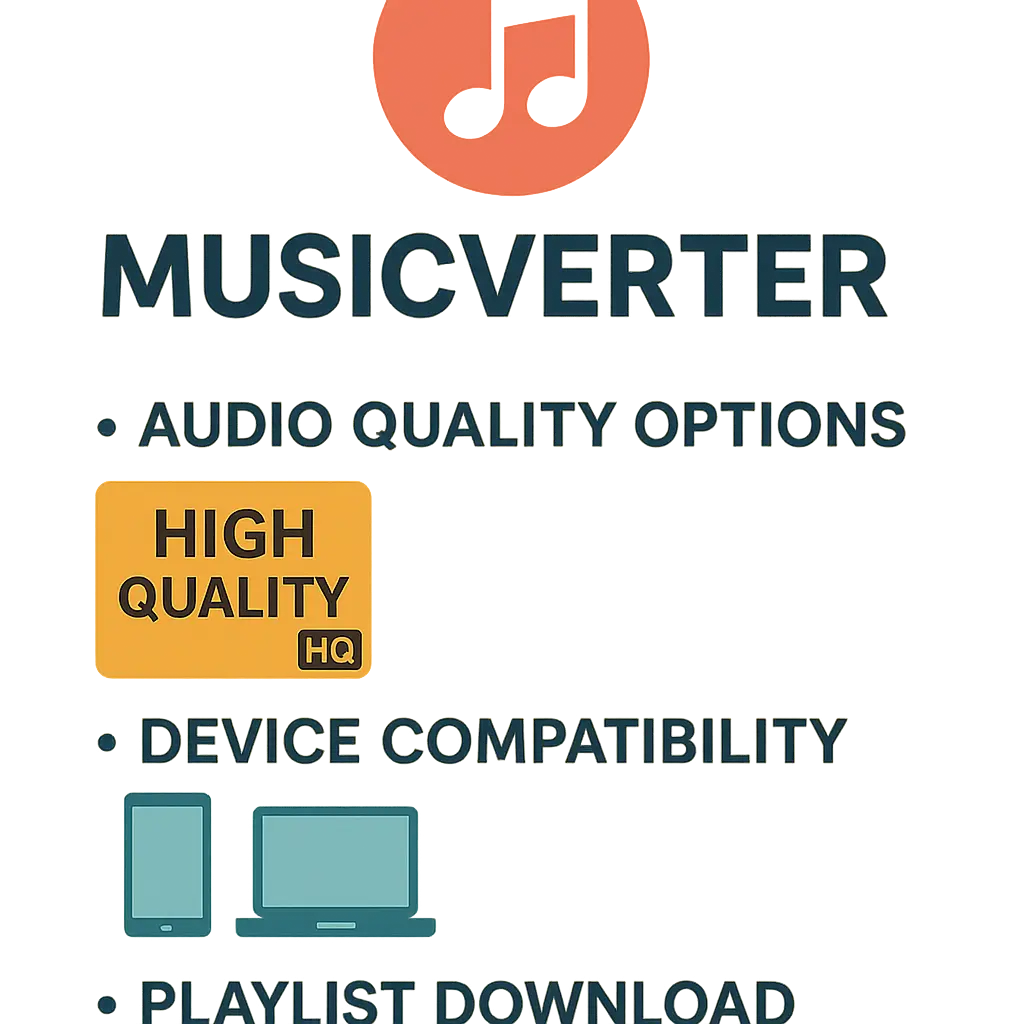
Conclusion
In our fast-paced digital world, MusicVerter proves to be the go-to tool for converting SoundCloud tracks to MP3 quickly and legally. Its user-friendly design, along with high-quality audio conversion capabilities, meets all your music needs without any stress. If you're keen on converting SoundCloud tracks to MP3 and keeping your music experience top-tier, MusicVerter is the must-have solution.
FAQs
Q: How do I download songs from SoundCloud?
A: It's easy! Use MusicVerter by copying the track URL, heading over to the MusicVerter site, pasting your URL, picking the quality you want, and hitting download.
Q: What's the best tool for converting SoundCloud to MP3?
A: MusicVerter is your best bet for transforming SoundCloud tracks into MP3s, offering high-quality, speedy, and user-friendly downloads.
Q: Can I convert SoundCloud to MP3 320kbps online?
A: Absolutely! MusicVerter lets you convert SoundCloud tracks to MP3 at a superb 320kbps quality, ensuring outstanding sound with every conversion.

About the Author


