
.png)
SoundCloud
Downloader To MP3
Download any SoundCloud Song or
WAV
AAC
FLAC
MP3
Try our SoundCloud Downloader above for free SoundCloud song downloads. Want more features? Try Premium today.

Expert Guide to Converting and Downloading SoundCloud to MP3 Safely
Introduction
For those who love discovering new tunes or enjoy unique music, downloading from SoundCloud might sometimes feel like trying to catch a breeze in a jar. SoundCloud is full of original music gems, but direct download options aren't always available unless the artist provides them. This often leads us to explore alternative methods to download from SoundCloud. Whether you're after an easy-to-use SoundCloud to MP3 converter or a comprehensive downloader, this is your guide to doing it safely and efficiently.
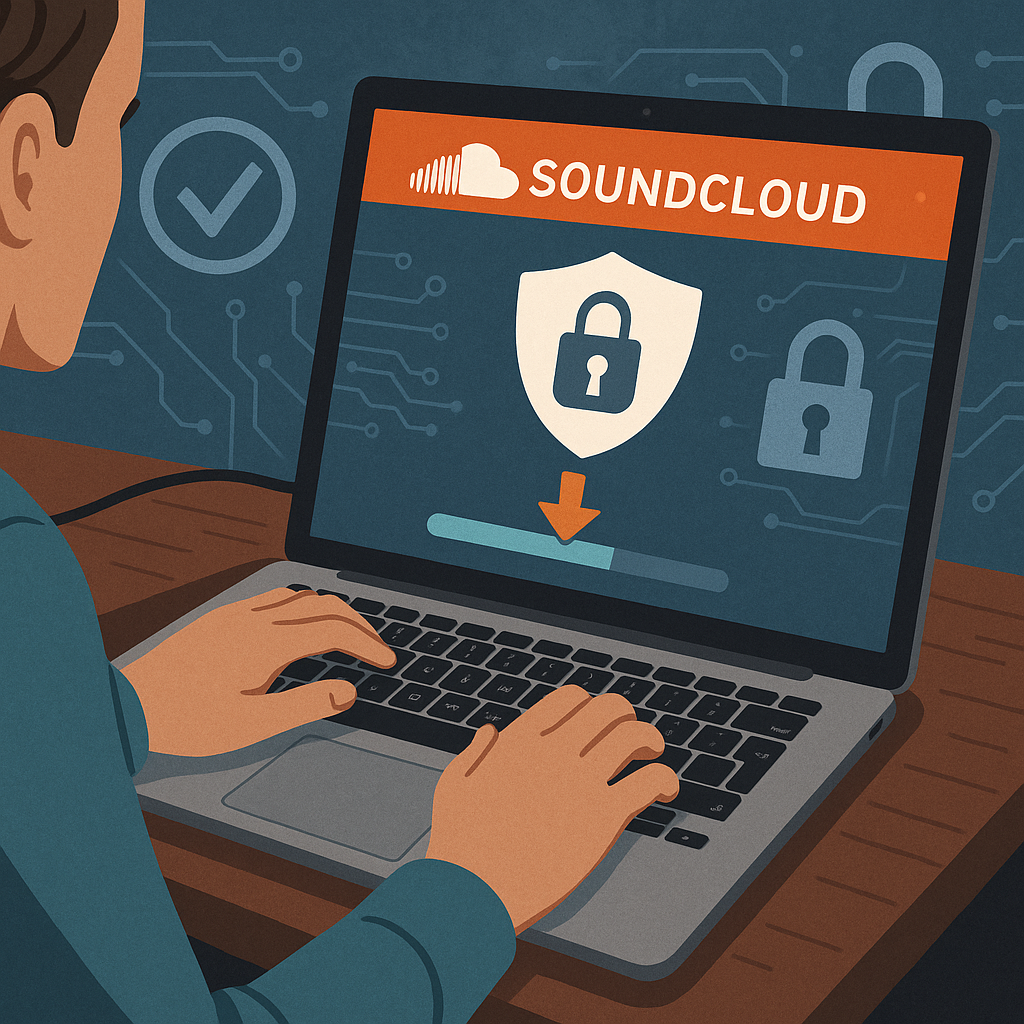
Safe and Secure Ways to Download
When it comes to downloading music from SoundCloud, one thing's for sure: safety should be at the forefront. Some websites promising free downloads may carry risks like malware, intrusive ads, or phishing threats. That's why selecting a trustworthy tool is crucial. Musicverter is a good example, as it ensures safe downloads with features designed to protect your device. By choosing reliable options, you can enjoy a smooth download experience without the worry of compromising your security.
Using Third-Party Tools for Downloading
Several trusted tools simplify the process of downloading SoundCloud tracks and playlists, both efficiently and securely.
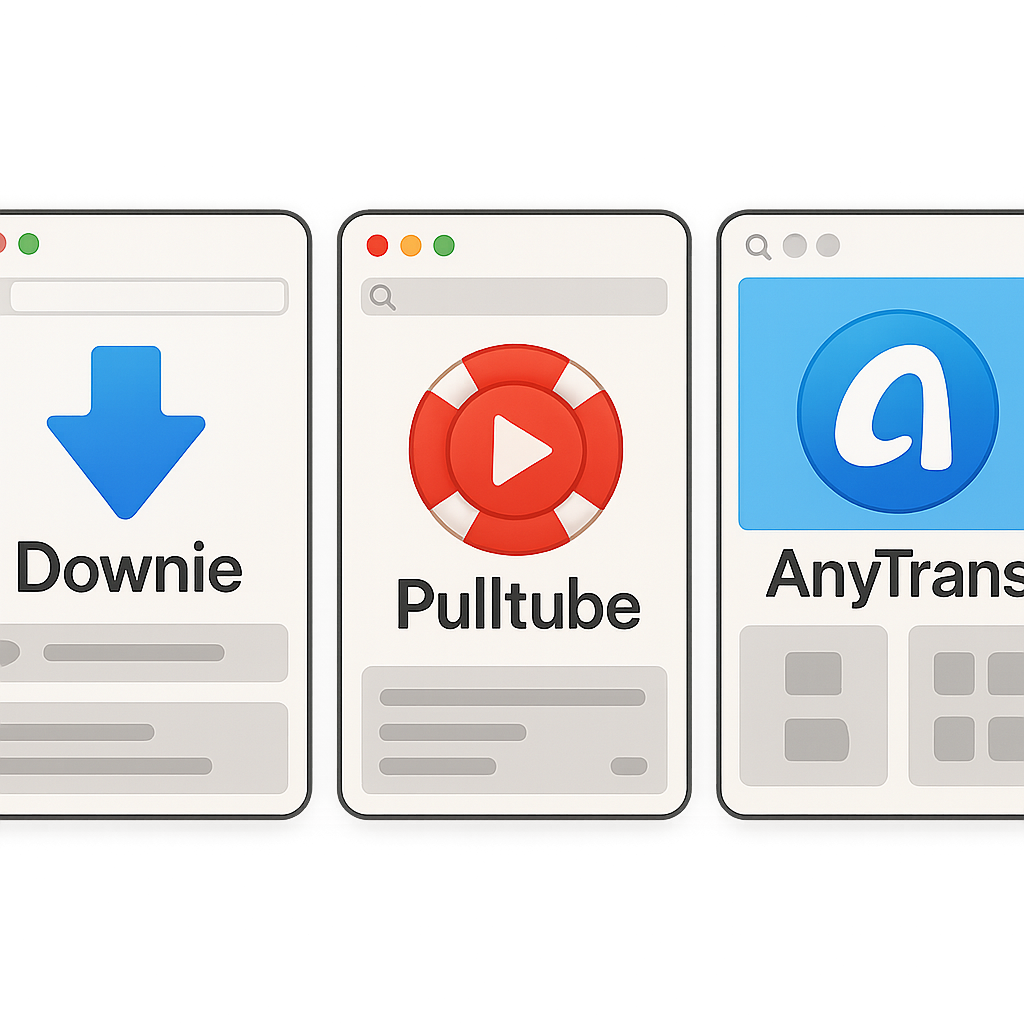
Downie: This tool is favored for its simplicity. Just copy your desired track URL, paste it into Downie, and start the download—it's as easy as that.
Pulltube: Perfect for Mac enthusiasts, Pulltube does more than download; it lets you trim videos too. It's not just a SoundCloud to MP3 converter; it’s a versatile tool.
AnyTrans: Tailored for iOS aficionados, AnyTrans makes it a breeze to transfer downloaded SoundCloud tracks directly to your Apple devices.
Steps to Download Tracks Using These Tools
Copy the URL: Begin by copying the URL of the SoundCloud track you're interested in downloading.
Open Your Downloader: Choose your preferred tool—whether it’s Downie, Pulltube, or AnyTrans.
Paste the URL: Enter the copied URL in the tool.
Choose an Output Format: Decide on the output format you want, such as MP3.
Download Your Track: Hit download and save the file to your device.
By following these steps, you can quickly and safely download SoundCloud tracks using these reliable tools.
Understanding Quality and Formats
SoundCloud provides music in various qualities, from 128kbps standard to 256kbps AAC for those using SoundCloud Go+. If you're keen on converting SoundCloud to MP3 at a quality of 320kbps or aim to obtain the best possible audio quality, it’s vital to select tools optimized for high-quality downloads. Musicverter’s SoundCloud to MP3 tool is crafted for these purposes, ensuring high fidelity in your downloads.

Conclusion
To wrap it up, while downloading from SoundCloud can sometimes be tricky, selecting safe, reliable tools can simplify this task. By choosing Musicverter's SoundCloud downloader or other reputable tools, you guarantee a seamless and secure download experience. Why not start exploring today with tools like Setapp and enjoy a treasure trove of music offline?
FAQs
Q: How do I download songs from SoundCloud?
A: To download songs from SoundCloud, you can use reputable third-party tools like Pulltube or AnyTrans. Simply copy the song's URL, paste it into the tool, and click download.
Q: What's the best SoundCloud to MP3 converter?
A: Musicverter stands out as an excellent choice for converting SoundCloud to MP3, thanks to its seamless, safe, and high-quality service.
Q: Can I convert SoundCloud to MP3 320kbps online?
A: Definitely! Tools like Musicverter allow you to convert SoundCloud tracks to high-quality MP3s, supporting up to 320kbps when available.
By following these expert insights, you can enjoy all the richness of SoundCloud offline, ensuring top audio quality while safeguarding your devices against security threats.

About the Author


