
.png)
SoundCloud
Downloader To MP3
Download any SoundCloud Song or
WAV
AAC
FLAC
MP3
Try our SoundCloud Downloader above for free SoundCloud song downloads. Want more features? Try Premium today.

Your Ultimate Guide to Downloading Tracks from SoundCloud
Introduction
SoundCloud is a haven for music lovers, offering a rich array of fresh tracks and podcasts from creators all over the globe. However, one common query among users is how to download these tracks for offline listening. If you've looked for ways to navigate SoundCloud’s download features, you're not alone. While the process isn't always straightforward because not all tracks are downloadable, there are workarounds. This guide dives into how you can download tracks from SoundCloud, the hurdles you might encounter, and the versatile tools that can help.
How to Download Tracks on SoundCloud
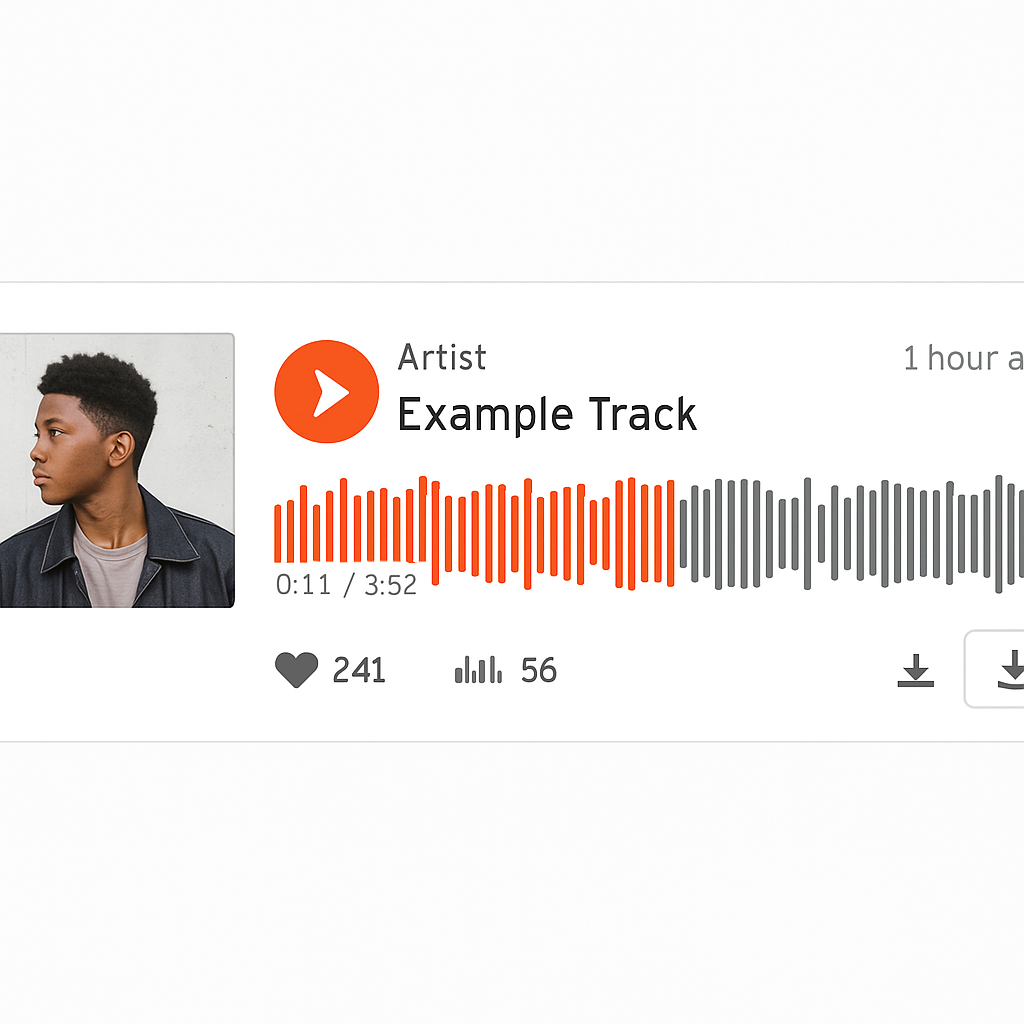
Downloading tracks directly from SoundCloud can be seamless, provided that the track's creator has enabled the option. Here’s a simple guide:
- Log into Your SoundCloud Account: Make sure you're signed in to your account so you can access downloading options.
- Locate the Track: Browse to find the track you’re interested in and check for a download button beneath it.
- Check Download Permissions: If the creator has activated download permissions, you'll see a download button available.
- Click Download: Hit that button, and the track will start downloading onto your device.
Remember, not every track includes this feature since creators manage these permissions themselves through the Permissions tab.
Limitations and Exceptions
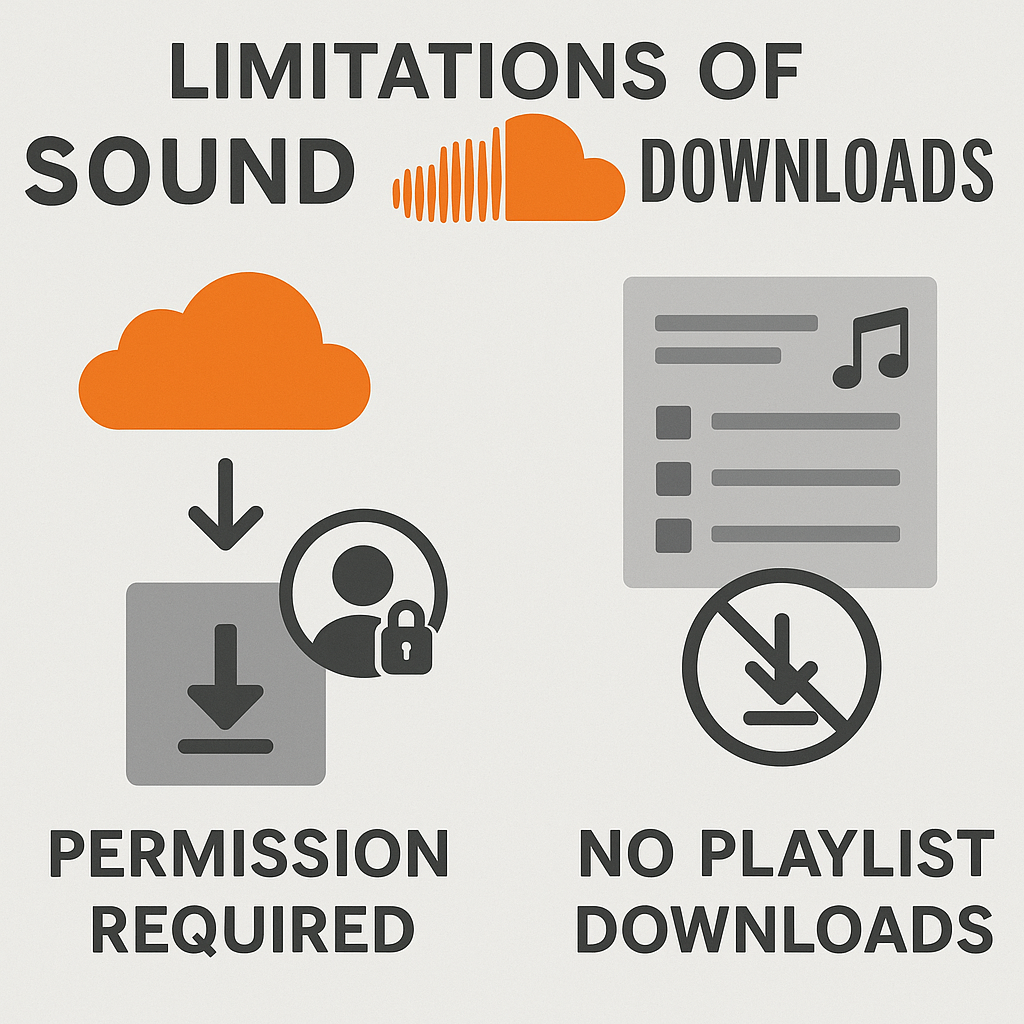
While SoundCloud does offer a way to download individual tracks, you will encounter some restrictions:
- Permission-based Availability: You can only download tracks where the creator has turned on the download option.
- No Playlist Downloads: SoundCloud doesn’t support downloading playlists as a whole; you'll need to download each track separately as allowed.
- SoundCloud Go and Go+: These subscriptions let you listen offline, but they don’t allow you to save actual files on your device.
These restrictions can make alternative methods like a SoundCloud to MP3 converter useful for getting your music offline when built-in options aren't available.
Mobile Download Options
For those using SoundCloud on mobile devices, downloading isn’t directly possible unless you're using SoundCloud Go or Go+. These services let you save tracks for offline playback, but not as separate files.
Steps for Offline Listening with SoundCloud Go/Go+
- Subscribe to SoundCloud Go/Go+: You’ll need a subscription via your app store.
- Choose Tracks for Offline Use: Within the app, browse tracks or playlists and enable the offline listening toggle.
- Enjoy Offline: Access your saved tracks anytime within the app without an internet connection.
This way, your favorite music is always at your fingertips, connectivity or not.
Troubleshooting Common Issues
When using SoundCloud, you might hit a few snags such as download errors or buffering. Here’s how to counteract these common problems:
- 403 Error: This usually indicates permission issues. Make sure you’re logged in and that the track permits downloading.
- Track Freezing or Buffering: Check your network connection. If you're on Wi-Fi, consider rebooting your router. Ensure your app or browser is up-to-date.
- Try a Different Browser or Device: Functionality can vary, so switching from one browser to another, or from mobile to desktop, can help.
These fixes should smooth out most bumps you encounter while downloading on SoundCloud.

Conclusion
Figuring out how to download tracks from SoundCloud might seem daunting, but understanding its policies and using tools like the best SoundCloud to MP3 tool can simplify the process greatly. And for those who want uninterrupted music on the go, SoundCloud Go/Go+ offers excellent offline listening.
Keep exploring Musicverter to stay updated on SoundCloud download options and more tips for enhancing your listening experience.
FAQs
Q: How do I download songs from SoundCloud?
A: To download songs from SoundCloud, look for the download button on tracks made available for download by the uploader. Click it, and your track will start downloading.
Q: What's the best SoundCloud to MP3 converter?
A: Musicverter is considered the top tool for converting SoundCloud tracks to MP3, thanks to its user-friendly interface and reliability.
Q: Can I convert SoundCloud to MP3 320kbps online?
A: Absolutely! Musicverter offers a seamless way to convert SoundCloud tracks to MP3 320kbps, ensuring top-notch audio quality with ease.

About the Author


