
.png)
SoundCloud
Downloader To MP3
Download any SoundCloud Song or
WAV
AAC
FLAC
MP3
Try our SoundCloud Downloader above for free SoundCloud song downloads. Want more features? Try Premium today.

How to Effortlessly Convert SoundCloud Songs to MP3
Introduction
SoundCloud is a haven for discovering fresh and unique music from artists around the world. But what if you want to take those tracks with you offline? Luckily, transforming SoundCloud tunes into MP3s is simpler than you might think. Whether you're a passionate music lover, a DJ prepping for a set, or just someone who prefers offline listening, this guide is here to help. We’ll walk you through straightforward steps on how to "convert SoundCloud to MP3" using various methods, including the intuitive MusicVerter’s SoundCloud to MP3 Converter.
Convert SoundCloud to MP3 with MusicVerter
Turning your favorite SoundCloud tracks into MP3 files is a breeze with MusicVerter. Here’s how you can do it:
Grab the URL: Start by finding the SoundCloud track you want. Once located, copy its URL.
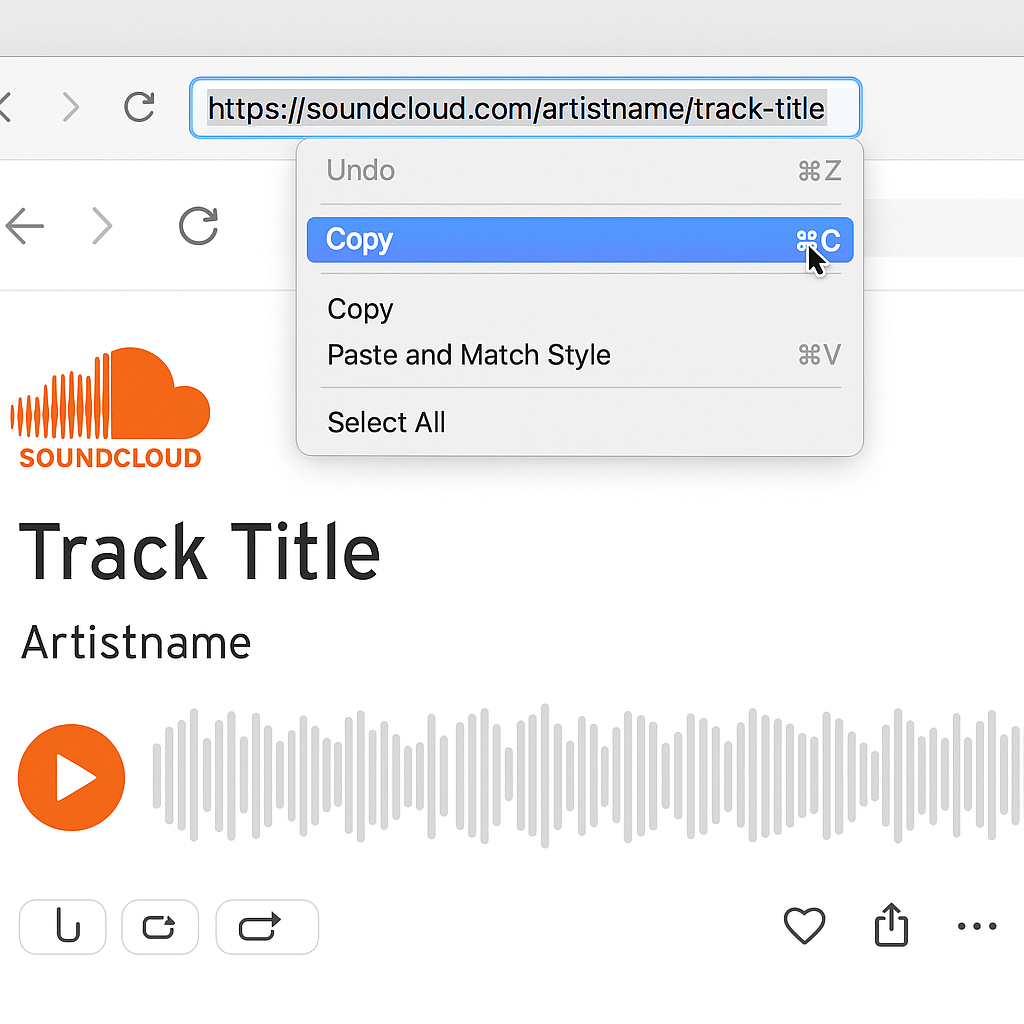
Head to MusicVerter: Go to MusicVerter right here.
Paste and Choose Format: Enter the track’s URL into the provided field on the site. Then, select MP3 for a good balance between quality and file size.
Download Your Track: Hit the download button and save the MP3 file straight to your device.
MusicVerter doesn’t just stop at MP3s; it can handle WAV, AAC, and FLAC as well, all while preserving top-notch audio quality. And, it's all available without cost, making it a fantastic choice as a "free SoundCloud downloader."
Downloading Directly from SoundCloud
Though MusicVerter offers a versatile solution, you might have luck downloading directly from SoundCloud. Here’s how it works:
Artist-Enabled Downloads: Some tracks can be downloaded straight from SoundCloud if the artist has allowed it.
Steps to Try:
Locate the song on SoundCloud.
Click on the “More” (three dots) menu next to the track.
If applicable, select “Download file” to save it directly.

However, remember this depends on artist permissions, so not every song will be available for direct download.
Comparing Your Download Options
Deciding between using MusicVerter or relying on SoundCloud's native features really comes down to your needs:
| Feature | MusicVerter | SoundCloud Direct Download |
|--------------------------|---------------------------------------------------------------|-------------------------------------------|
| Availability | Free online with MP3, WAV, AAC, FLAC options | Restricted by what artists allow |
| Audio Quality | Offers high-quality conversions | Matches the original upload quality |
| Versatility | Suitable for single tracks and playlists Download SoundCloud playlist | Limited |
| User Experience | Very user-friendly | Simple if downloads are enabled |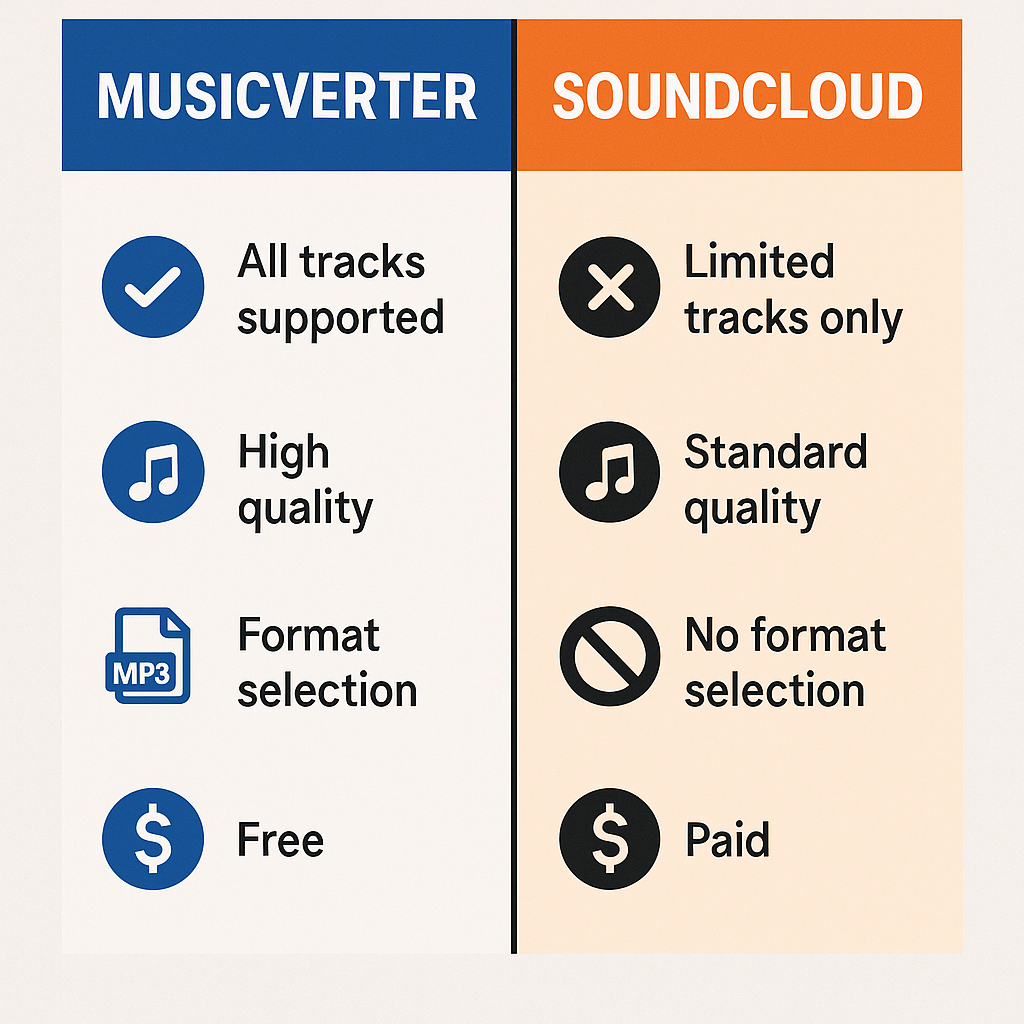
Your choice depends on what best matches your needs for flexibility, quality, and what's permissible.
FAQs
Q: How do I download songs from SoundCloud?
A: You have the option to download songs directly if the artist permits, or you can easily convert them for offline listening using MusicVerter’s SoundCloud to MP3 converter.
Q: What's the best SoundCloud to MP3 converter tool?
A: MusicVerter is a superior choice thanks to its ease, variety of formats, and ability for high-quality conversions.
Q: Can I convert SoundCloud to MP3 320kbps online?
A: Yes, MusicVerter allows you to choose from various quality levels, including 320kbps.
Tips for Seamless Downloads:
- For smoother conversion, make sure you have a strong internet connection.
- Always check if the track is available for download on SoundCloud.
- Use MusicVerter for playlist conversions to save both time and effort.
Conclusion
Whether you’re making use of MusicVerter’s super convenient converting capabilities or exploring direct downloads through SoundCloud, there are great options available for downloading your favorite tracks. MusicVerter not only offers an adaptive and cost-free solution but stands out as an excellent choice for all your “SoundCloud to MP3” needs. Dive into the world of offline music today and start converting tracks in no time!
By choosing MusicVerter, you embrace a hassle-free way of bringing your music offline, combining quality with convenience. Give it a try and elevate how you enjoy music, anytime, anywhere!

About the Author


