
.png)
SoundCloud
Downloader To MP3
Download any SoundCloud Song or
WAV
AAC
FLAC
MP3
Try our SoundCloud Downloader above for free SoundCloud song downloads. Want more features? Try Premium today.

Master the Art of SoundCloud to MP3 Conversion with MusicVerter in 2026
Introduction
Are you ready to take your music listening to the next level? Whether you're a passionate music lover or a creator seeking offline access to tracks, MusicVerter is your go-to platform for converting SoundCloud to MP3. By converting tracks on SoundCloud, MusicVerter allows you to enjoy your favorite tunes anytime, anywhere—with top-notch sound quality at 320kbps. This guide will walk you through the simple steps to harness the power of MusicVerter on both desktop and mobile devices, showcasing why it's the preferred SoundCloud downloader in 2026.
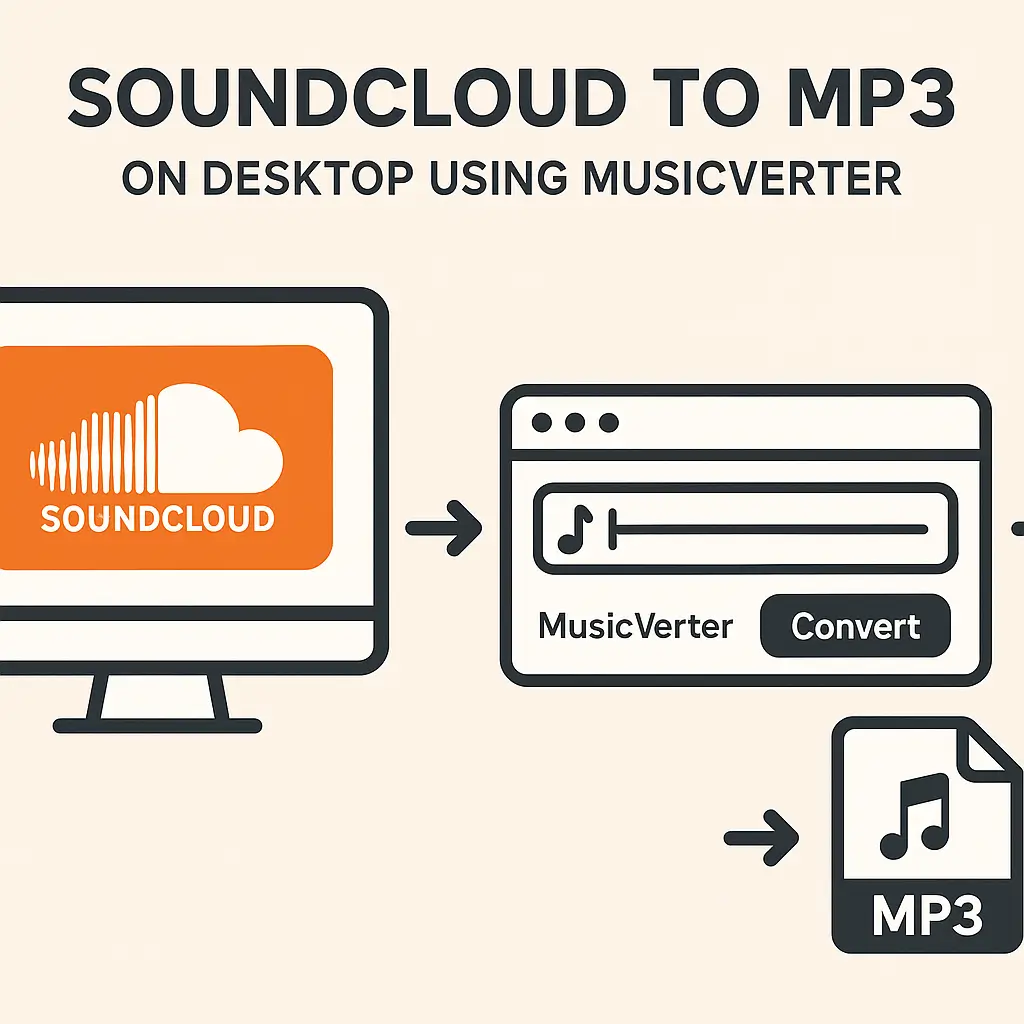
How to Download SoundCloud Tracks to MP3 on Desktop
Converting your SoundCloud favorites into MP3s with MusicVerter on a desktop is easier than you might think. Follow these simple steps to keep the music flowing offline:
Open MusicVerter's Website: Start by navigating to MusicVerter's SoundCloud to MP3 page via your web browser.
Get the URL of the SoundCloud Track: Find the track you want on SoundCloud and copy its URL from the address bar.
Enter the URL into MusicVerter: On MusicVerter’s homepage, you'll find a space to paste the track’s URL.
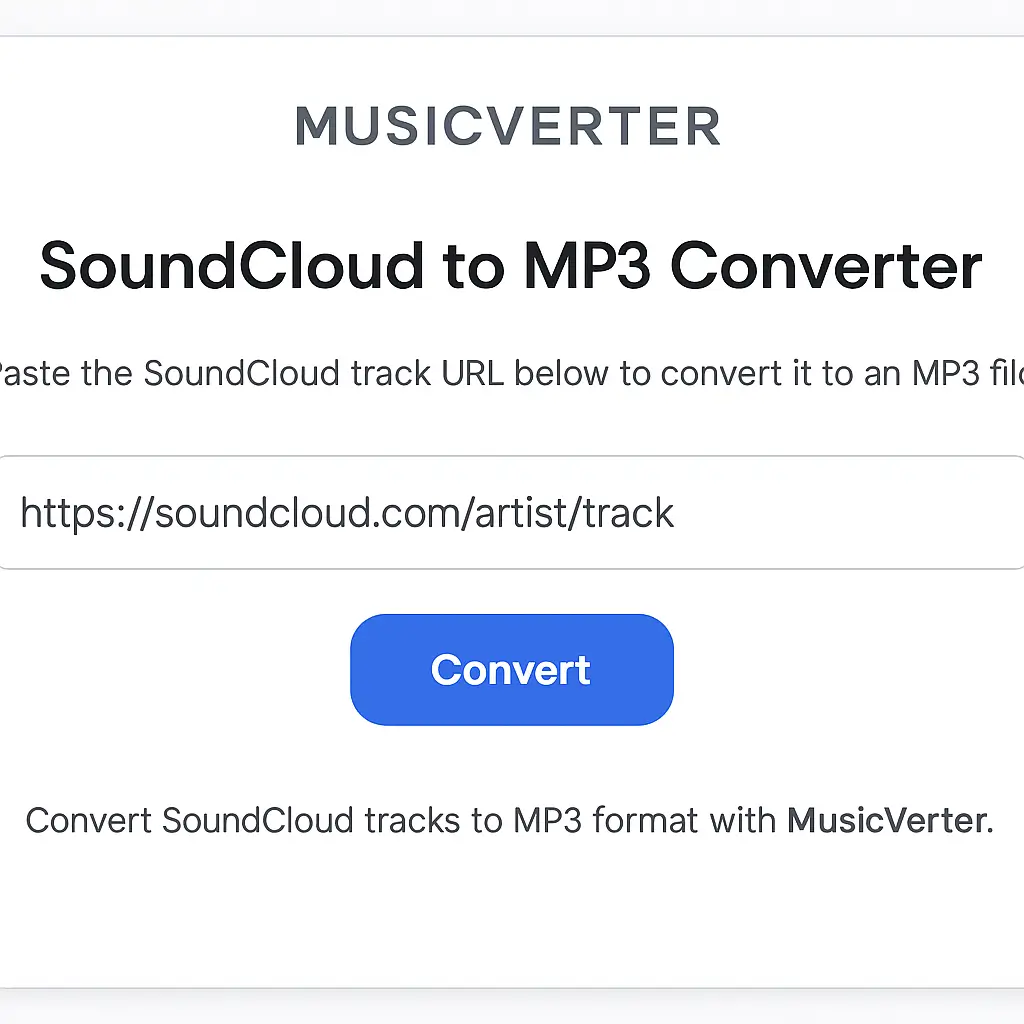
Choose MP3 as the Output Format: Select MP3 as your preferred format. For the best audio experience, go for the 320kbps quality setting.
Convert the Track: Click on 'Convert' and let MusicVerter do its magic.
Download the MP3 File: Once the conversion is complete, download your new MP3 file to your desktop.
This straightforward process lets you enjoy SoundCloud tracks offline whenever you want. If you're looking to download a whole playlist, check out our SoundCloud Playlist Downloader for bulk downloads.
How to Download SoundCloud Tracks on Mobile
If you're on-the-go, you'll be glad to know MusicVerter is compatible with mobile devices too. Here's how you can convert tracks using your smartphone:
Visit MusicVerter on Your Mobile Browser: Use your mobile browser to go to MusicVerter's mobile-friendly site.
Copy and Paste the Track URL: Find and copy the URL of the SoundCloud track you wish to convert on your mobile device.
Paste the URL into MusicVerter: On the site, paste this URL into the input box provided.
Set Your Conversion Preferences: Select the MP3 format and choose 320kbps for the best sound quality.
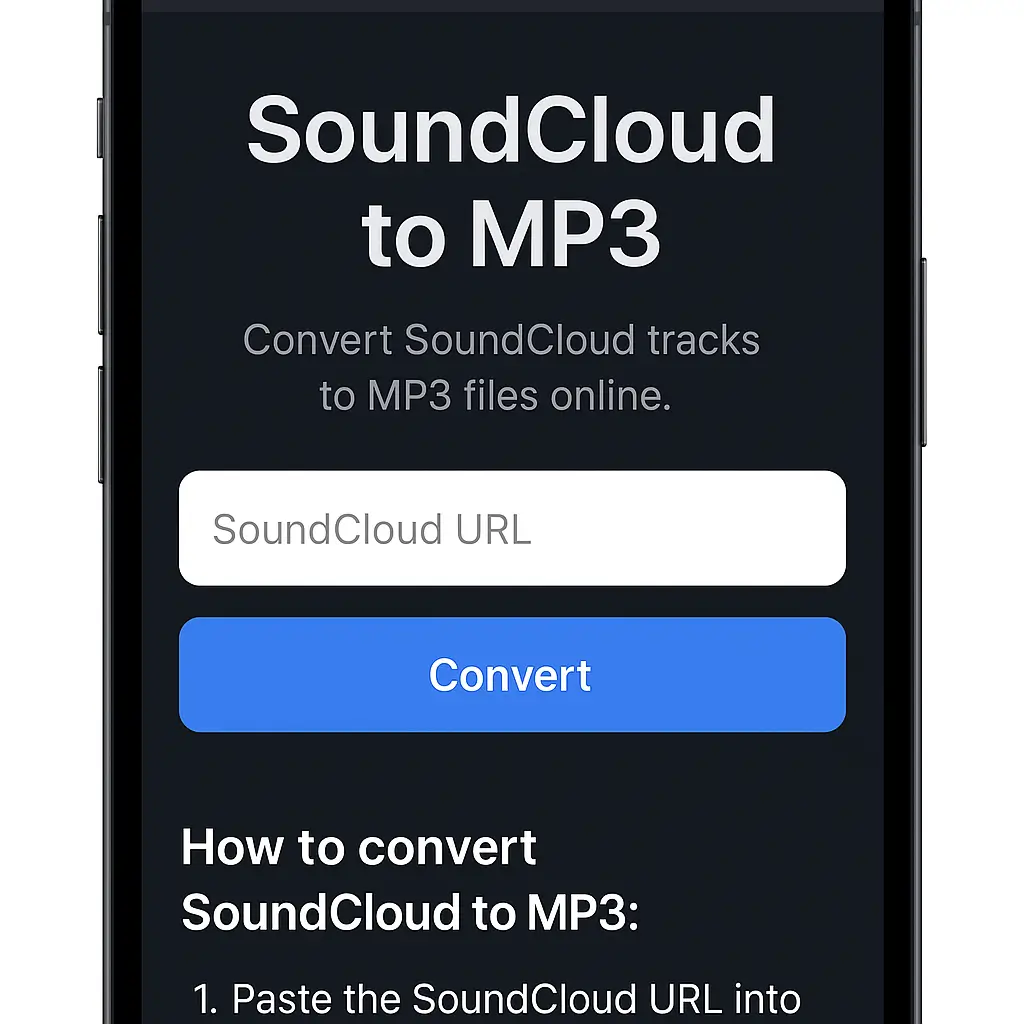
- Download the MP3: Tap 'Convert' and then save the file directly onto your mobile device.
This seamless mobile conversion process ensures your music is always within reach—without needing extra apps or software.
Benefits of Using MusicVerter
Why choose MusicVerter as your SoundCloud to MP3 solution? Here’s what sets it apart:
- Exceptional Sound Quality: Enjoy every beat with 320kbps MP3 quality, ensuring a rich audio experience.
- Intuitive Interface: A clean, user-friendly interface makes navigation a breeze for both newbies and pros.
- Universal Support: MP3 files can be played on virtually any device, making them easily accessible.
- Respectful of Usage Rights: Provides download options solely for tracks that creators have permitted.
- Swift Conversions: Experience fast processing times, so you spend less time waiting and more time enjoying.
Conclusion
When it comes to converting SoundCloud tracks to MP3, MusicVerter offers an unbeatable combination of ease, quality, and speed. Whether you’re on a computer or a mobile device, MusicVerter unlocks your ability to listen offline, anytime. Try MusicVerter today and rediscover your music collection like never before!
FAQs
Q: How do I download songs from SoundCloud?
A: Downloading songs from SoundCloud is simple with MusicVerter. Just grab the URL of the track, paste it into MusicVerter, select the MP3 format, and hit 'Convert' to get your music.
Q: What's the best SoundCloud to MP3 converter?
A: MusicVerter reigns supreme as the best SoundCloud to MP3 tool, offering quick, high-quality conversions wrapped in a user-friendly experience—without nods to other tools.
Q: Can I convert SoundCloud to MP3 320kbps online?
A: Absolutely! With MusicVerter, you can easily turn SoundCloud tracks into high-quality 320kbps MP3 files to ensure your listening pleasure.
Make the most of MusicVerter for your SoundCloud to MP3 conversion needs and hear the difference yourself!

About the Author


