
.png)
SoundCloud
Downloader To MP3
Download any SoundCloud Song or
WAV
AAC
FLAC
MP3
Try our SoundCloud Downloader above for free SoundCloud song downloads. Want more features? Try Premium today.

Mastering SoundCloud: Download and Convert Playlists to MP3 for Your iPod
Introduction
SoundCloud is a treasure trove for music lovers, offering an array of unique tracks and emerging artists. Yet, despite its extensive library, actually downloading tracks for offline listening isn't something SoundCloud supports natively. That's where SoundCloud to MP3 conversion tools come into play, offering a nifty solution for anyone wanting to enjoy their favorite playlists offline—or sport those tunes on their trusty iPod. In this guide, we’ll dive into how you can effortlessly download and convert SoundCloud playlists to MP3 so you can keep your favorite tracks handy, no matter where you are.
Why Convert SoundCloud to MP3
So, why should you consider converting your SoundCloud playlists to MP3? For starters, MP3 is an incredibly versatile audio format that works on just about any device you can think of—from iPods and smartphones to desktop computers. Unlike streaming, having MP3 files allows you uninterrupted listening pleasure, minus the need for a pesky internet connection. Plus, MP3 files are compact and won't hog your device's storage space while still delivering decent audio quality.
Especially for iPod aficionados, MP3 is the ideal format for smooth syncing and playback with Apple’s beloved portable music gadgets. By converting playlists into MP3, you'll ensure offline access to your tunes, giving your music collection the flexibility to travel with you, unrestrained by platform limitations.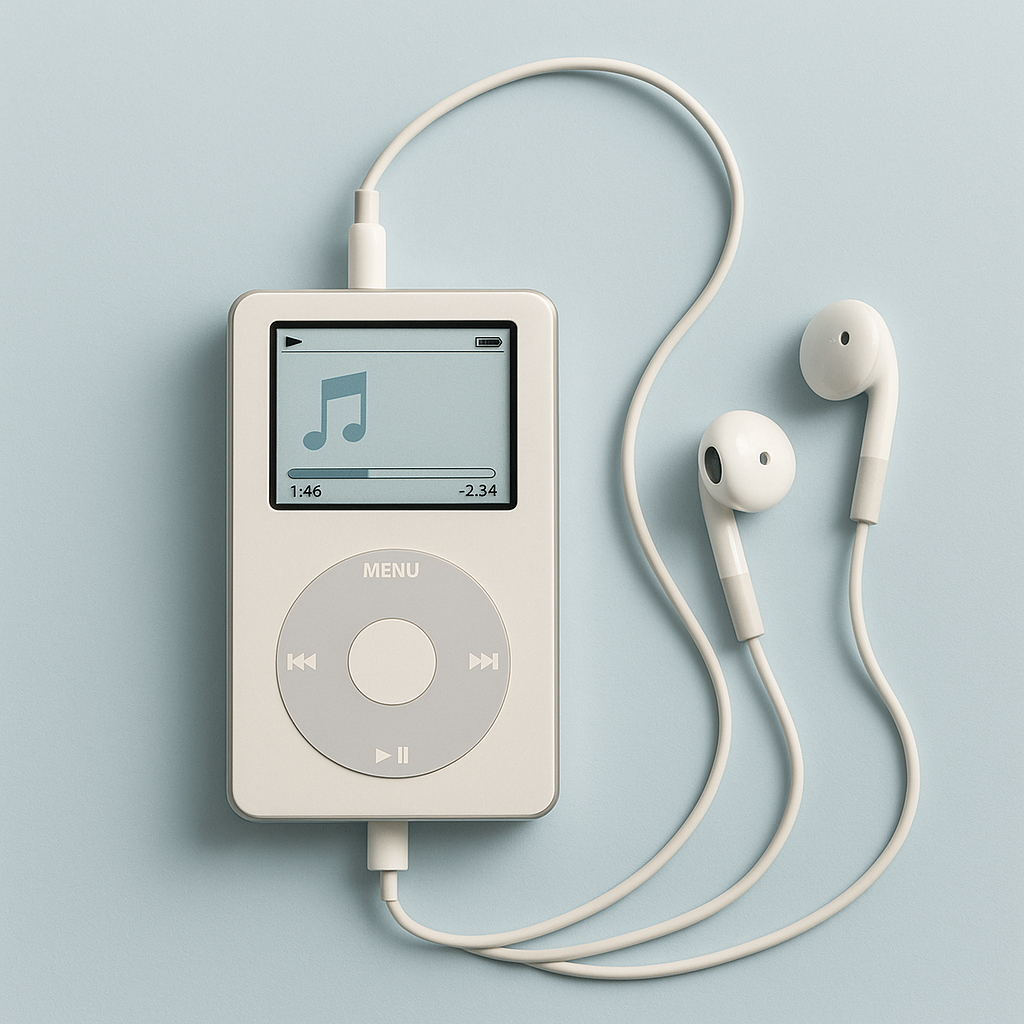
Tools and Methods
Using yt-dlp
Yt-dlp is a robust tool that makes it easy to download whole playlists from SoundCloud. Here’s how you can get started:
- Install yt-dlp: First, you'll need to download and set up yt-dlp from its official repository.
- Find the Playlist URL: Jump over to SoundCloud and snag the URL of the playlist you want to grab.
- Run yt-dlp: Open your command prompt or terminal and enter the command
yt-dlp <playlist-url>, swapping<playlist-url>for your actual link. - Download the Files: Yt-dlp will kick off the download, saving the tracks to a location of your choice.
This straightforward method helps you get the audio files ready for conversion without hassle.![SoundCloud Downloader]()
Using foobar2000 for Conversion
Once you have your tracks, foobar2000 steps in as an excellent choice for converting them to MP3. Here’s how you do it:
- Download and Install Foobar2000: Grab it from the foobar2000 website.
- Add Files: Load your SoundCloud downloads into the foobar2000 library.
- Select Conversion Options: Click on your tracks, then navigate to
Convert>Quick Convert, and pickMP3as your format. - Set Output Options: Opt for settings like "Convert SoundCloud to MP3 320kbps" for richer sound quality.
- Start Conversion: Hit
Convert, and foobar2000 will work its magic, creating MP3 files from your tracks.
These tools are user-friendly and come highly recommended by music fans and tech enthusiasts alike.
Common Challenges
A common hurdle in converting SoundCloud tracks to MP3 is keeping the audio quality intact. Since MP3 is a lossy format, some data can be lost during compression. To counter this, select settings such as "Convert SoundCloud to MP3 320kbps" for optimal sound fidelity. High-quality tools like yt-dlp and foobar2000 help minimize quality loss with their sophisticated encoding techniques.
Another issue is staying within legal bounds. Always download and convert music responsibly, in line with SoundCloud’s terms of service, and support artists whenever possible by purchasing music.
Free vs. Paid Solutions
There are a plethora of tools available for downloading and converting SoundCloud playlists, but free options often deliver as impressively as their paid counterparts. Open-source tools like yt-dlp and foobar2000 offer robust performance without requiring you to pay a cent.
While paid tools may offer extras, like batch downloading or integrated browsers, free tools are usually more than sufficient for most conversion needs. For those curious about additional features, checking out Musicverter's SoundCloud Playlist Downloader can be a worthwhile exploration.
Conclusion
Getting your SoundCloud playlists converted to MP3 for a seamless listening experience on your iPod couldn’t be simpler. By leveraging free, powerful tools like yt-dlp and foobar2000, you can download, convert, and enjoy your favorite tracks with excellent sound quality and format compatibility. If you're eager to explore more advanced tools and features, take a peek at Musicverter’s SoundCloud to MP3 converter to elevate your music-uploading adventures.
FAQs
Q: How do I download songs from SoundCloud?
A: You can download songs by using tools like yt-dlp. Simply copy the playlist URL you want and run it through yt-dlp to start downloading.
Q: What's the best SoundCloud to MP3 converter?
A: Many people recommend yt-dlp and foobar2000 due to their effectiveness and reliability for converting SoundCloud tracks.
Q: Can I convert SoundCloud to MP3 320kbps online?
A: Absolutely. Using tools like foobar2000, you can set your conversion output to MP3 320kbps to enjoy high-quality sound in your converted files.

About the Author


