
.png)
SoundCloud
Downloader To MP3
Download any SoundCloud Song or
WAV
AAC
FLAC
MP3
Try our SoundCloud Downloader above for free SoundCloud song downloads. Want more features? Try Premium today.

Mastering SoundCloud to MP3 Downloads: A Comprehensive Guide
Introduction
Have you ever stumbled across an amazing track on SoundCloud but had no way to enjoy it offline? SoundCloud is a game-changer for music lovers, bringing artists and fans together through a vast soundscape. But, snagging those tracks for offline listening? That's another story. Fortunately, tools like MusicVerter make converting SoundCloud tracks to MP3 a breeze. Let's dive in and explore some hassle-free methods to download from SoundCloud and keep your favorite tunes at your fingertips.
Methods to Download SoundCloud Tracks
Using MusicVerter: Step-by-step Guide
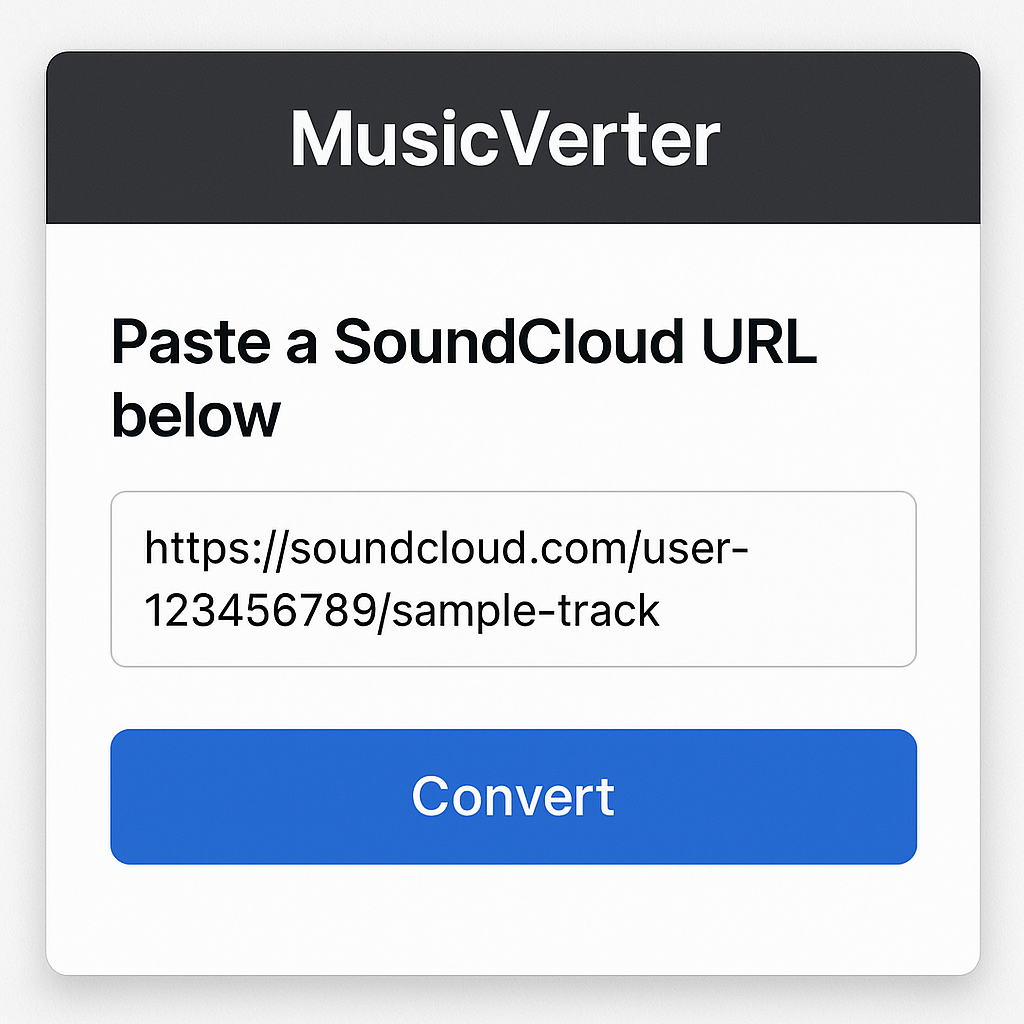
MusicVerter transforms the process of downloading and converting SoundCloud tracks into a simple task. Want to see how it works? Follow these steps:
- Visit MusicVerter: Head over to the MusicVerter SoundCloud to MP3 converter.
- Copy SoundCloud URL: Find that catchy tune on SoundCloud and copy its URL.
- Paste the URL: Drop the copied link into the input box on MusicVerter.
- Select Format: Choose MP3 as your preferred format.
- Download the Track: Hit the “Convert” button, wait for it to do its magic, and then save your MP3.
With MusicVerter, you can enjoy superior MP3 quality and broaden your offline music stash in no time.
Direct Download from SoundCloud
Did you know SoundCloud has its own download button? Here's how to find those downloadable tracks:
- Log into SoundCloud: Confirm you're signed in.
- Locate Downloadable Tracks: Look for tracks with a “Download” button beneath them.
- Download the Track: Click and save to start enjoying your music offline.
Keep in mind, however, that this feature is only available for tracks artists have allowed for download.
Using TunePat Music One for Batch Downloads
Introduction to TunePat Features
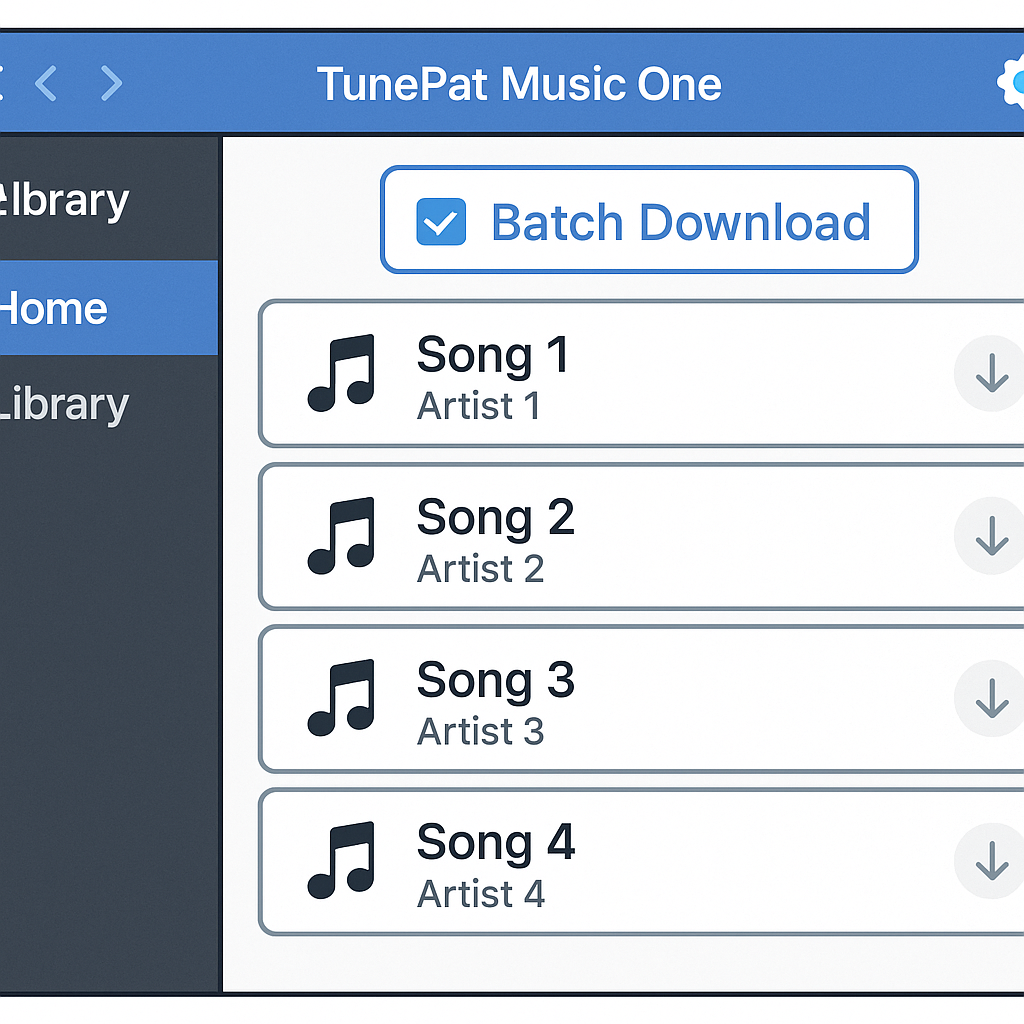
Are you looking to download multiple tracks at once? TunePat Music One might just be your go-to:
- Batch Download Support: Grab multiple tunes in one go.
- Multiple Formats Available: Choose from MP3, FLAC, WAV, and more.
- High-Quality Audio: Opt for MP3 files with up to 320kbps for unmatched clarity.
Steps for Converting and Batch Downloading
Ready to download entire playlists? Here’s how you do it with TunePat:
- Install TunePat Music One: Get it up and running on your desktop.
- Log into Your SoundCloud Account: Access SoundCloud within the app.
- Select Tracks for Download: Queue up your desired tracks or playlists.
- Choose Your Format: Pick MP3 or another format you prefer.
- Begin Batch Download: Start the download and wait for the music to roll in.
TunePat seamlessly handles bulk downloads, letting you keep up with your favorite artists effortlessly.
Understanding SoundCloud’s Subscription Tiers
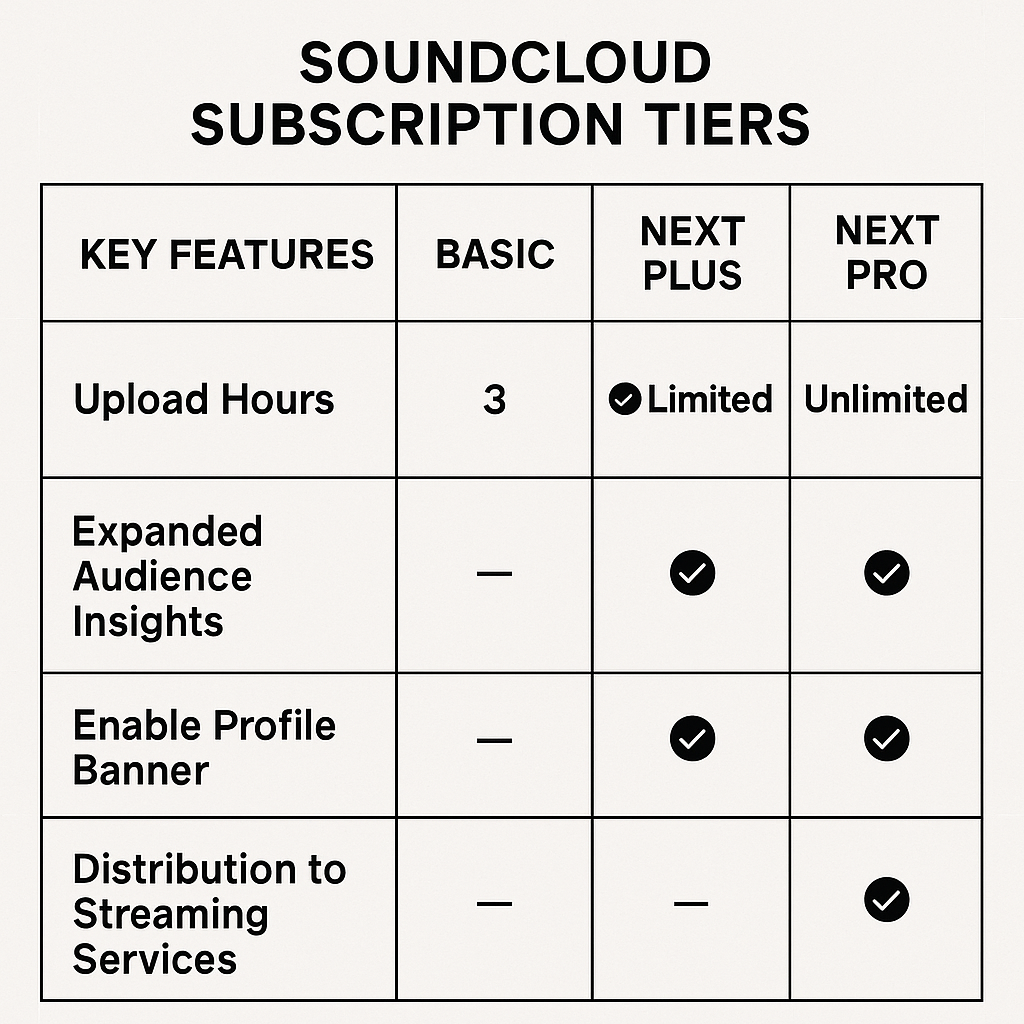
SoundCloud offers various premium subscriptions that enhance your listening experience:
- SoundCloud Go: Enjoy offline streaming, no ads, and background play.
- SoundCloud Go+: Get even better audio quality and an extended library.
- SoundCloud DJ: Perfect for DJs who need live performance-ready features.
Audio Quality Considerations
If you're on the standard free SoundCloud, your audio will be, well, standard. With SoundCloud Go+, you can stream in HD at 320 kbps. Yet, downloading tracks in MP3 isn't allowed, even with premium accounts, so choose wisely.
Comparison of Tools and Features
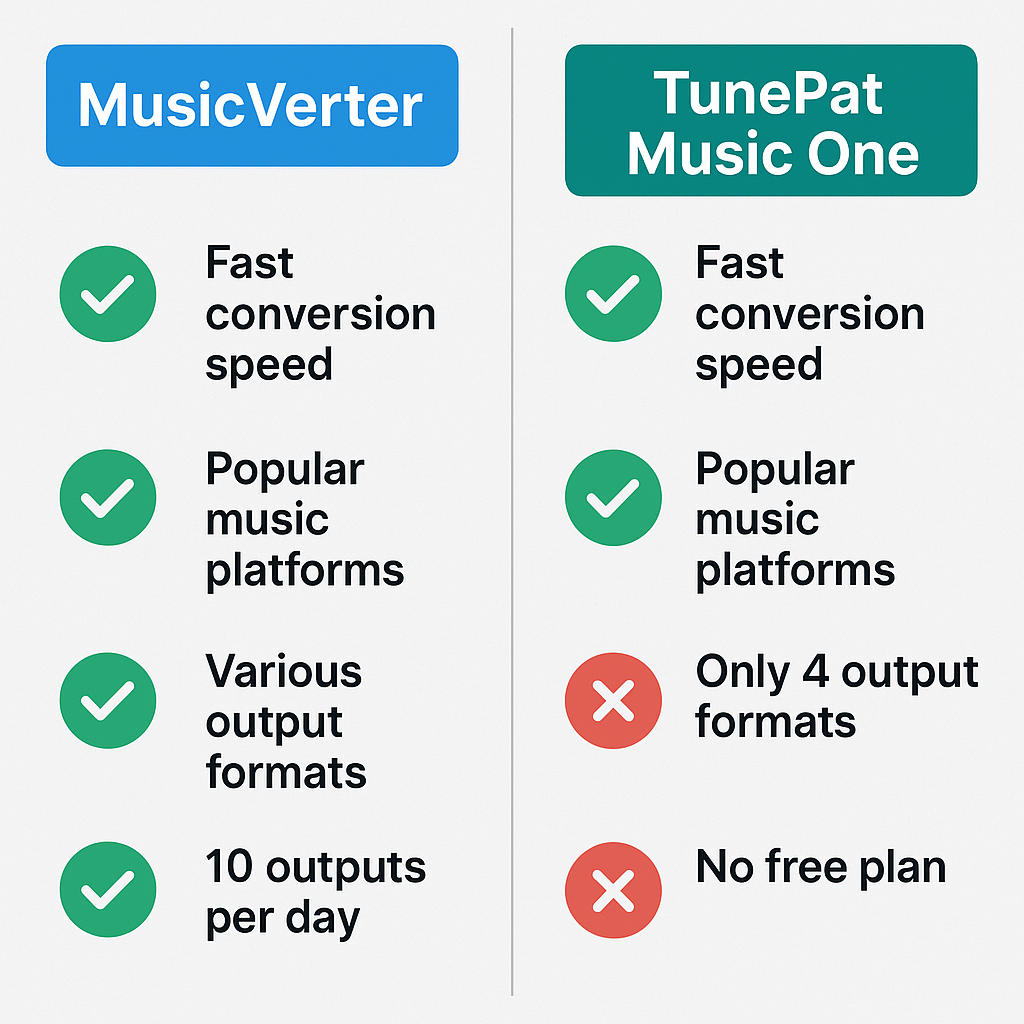
Let’s compare MusicVerter and TunePat Music One:
| Feature | MusicVerter | TunePat Music One | |------------------------|------------------------------------|---------------------------------| | Conversion Quality | High-quality MP3 | Customizable (MP3, FLAC, WAV) | | Batch Download | No | Yes | | Supported Formats | MP3 | MP3, FLAC, WAV, etc. | | User-Friendly Interface| Yes | Yes | | Pricing | Free to use | Subscription required |
MusicVerter is your quick and free option, while TunePat shines for more complex downloading needs.
Conclusion
Why wait to enjoy SoundCloud’s music on the go? Whether you lean towards the simplicity of SoundCloud to MP3 conversion with MusicVerter or need the robust capabilities of TunePat Music One, both bring offline listening to your world. Dive into your favorite tracks today with these user-friendly tools.
FAQs
Q: How do I download songs from SoundCloud?
A: Direct downloads are available for select tracks, but for broader access, try MusicVerter to convert songs to MP3 effortlessly.
Q: What's the best SoundCloud to MP3 converter?
A: MusicVerter comes highly recommended thanks to its ease of use and reliable conversion quality.
Q: Can I convert SoundCloud to MP3 320kbps online?
A: Absolutely, with both MusicVerter and TunePat Music One, 320kbps conversions are a breeze for high-quality audio enthusiasts.

About the Author


