
.png)
SoundCloud
Downloader To MP3
Download any SoundCloud Song or
WAV
AAC
FLAC
MP3
Try our SoundCloud Downloader above for free SoundCloud song downloads. Want more features? Try Premium today.

The Ultimate Guide to Safely Downloading Music from SoundCloud
Introduction
SoundCloud is a treasure trove for music lovers on the hunt for fresh beats and new artists. Yet, downloading tracks straight from the platform often presents a challenge. Without an artist's permission, saving music for offline enjoyment isn't an option through SoundCloud directly. This limitation leads many to seek out alternative solutions, primarily through a "SoundCloud downloader" or a "SoundCloud to MP3" converter, to easily enjoy their favorite tunes offline.
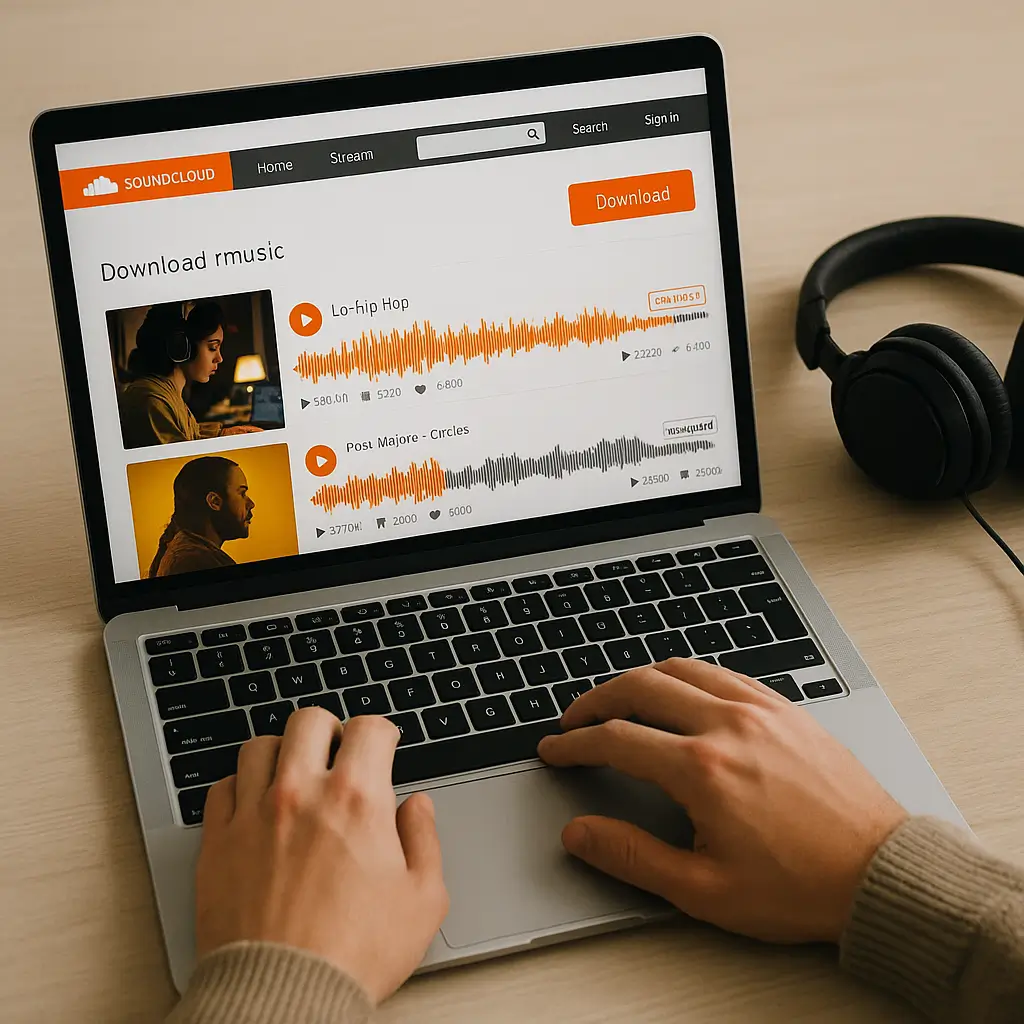
To download music from SoundCloud safely and without hassle, you need the right tools. This guide will dive into converting SoundCloud to MP3 using trusted applications, helping you avoid the pitfalls of dubious sites and malware threats. Let’s explore the best ways and tools to smoothly convert your favorite SoundCloud tracks to MP3 while keeping your device secure.
Why Use a SoundCloud Downloader
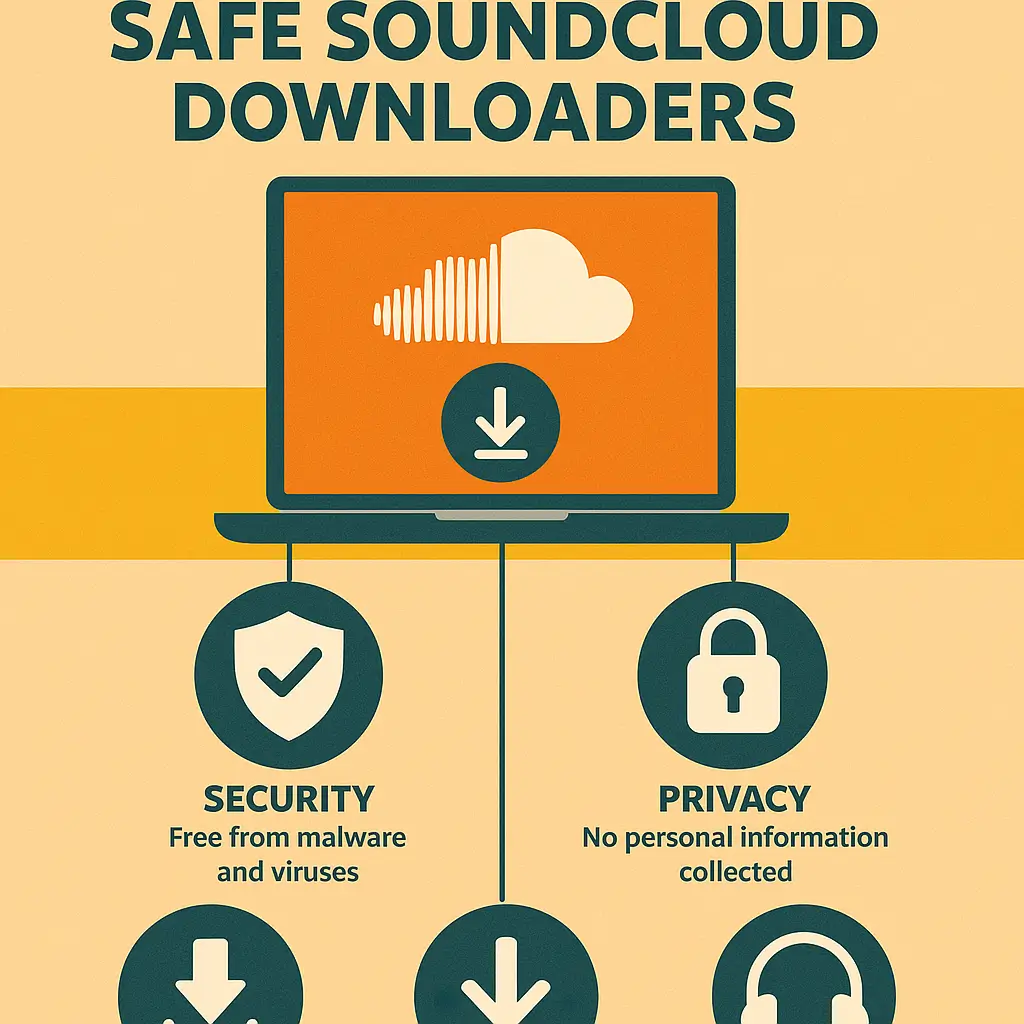
Not every third-party site claiming to offer SoundCloud downloads is safe or trustworthy. They can bombard you with annoying pop-ups or, worse yet, infect your device with malware. That’s why it's vital to choose a sound and reliable SoundCloud downloader.
Great tools not only protect your device but also streamline the process to convert SoundCloud to MP3 effortlessly. They also ensure you don’t accidentally reveal any personal information. Plus, the top tools provide file management features, helping you keep your music collection organized and easily accessible.
Tools Overview: Downie and Pulltube
To make downloading a breeze, apps like Downie and Pulltube offer dependable solutions for grabbing both single tracks and complete playlists.
Method 1: Downloading Individual Tracks with Downie
Simplicity and efficiency define Downie. Here's how to use it to download individual tracks:
Method 2: Using Pulltube for Playlists
Pulltube excels at downloading entire playlists, perfect for those who want offline access to a variety of songs:
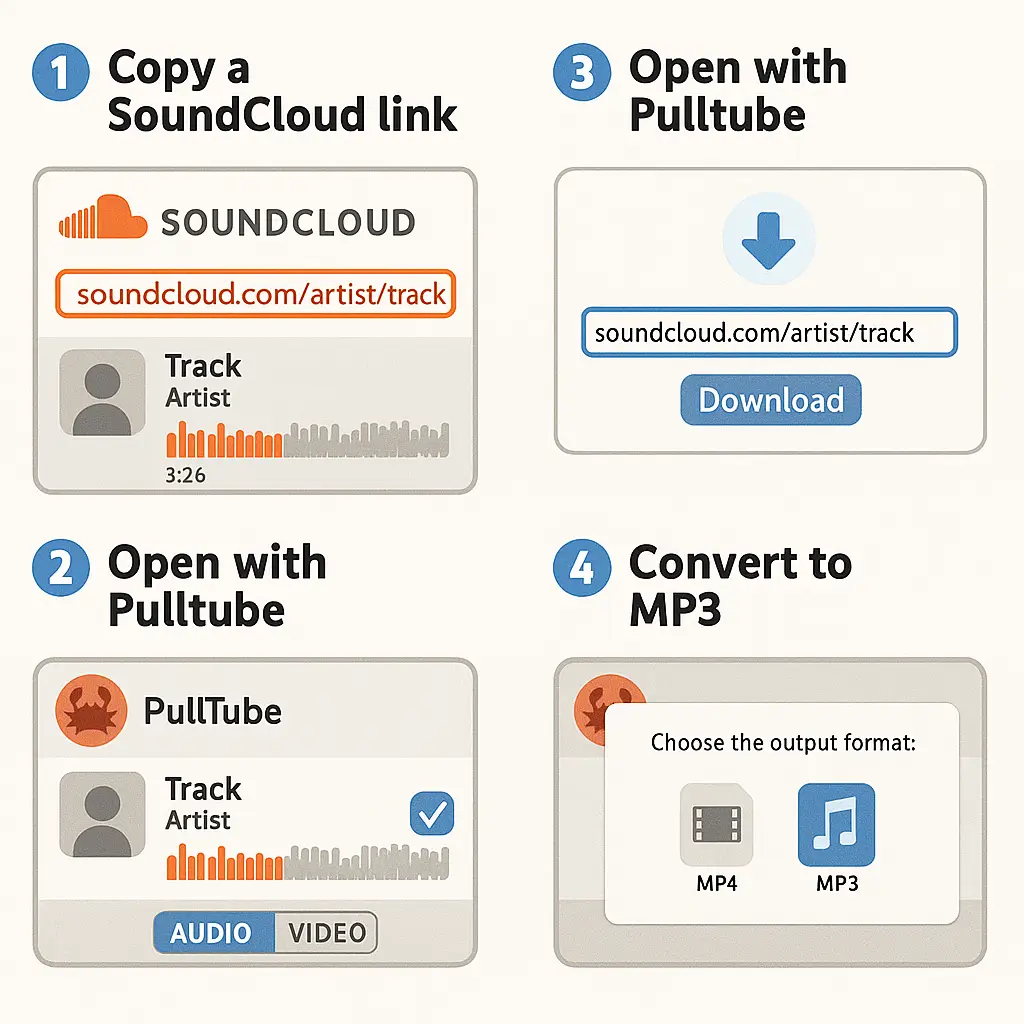
These tools simplify the SoundCloud to MP3 conversion process, making it smooth and secure.
Organizing and Transferring Your Music
After downloading your favorite tracks, it’s important to keep everything tidy and easy to access across devices.
How to Maintain a Clean Library with Duplicate File Finder GPT
Using Duplicate File Finder GPT can help keep your music collection neat by finding and removing duplicate tracks:
Transferring Music with AnyTrans for iOS
For those who love listening on their iOS devices, AnyTrans for iOS is a game-changer, streamlining music transfers:
With these tools, your SoundCloud music not only remains accessible but is also perfectly organized.
Conclusion
Using tools like Downie and Pulltube, downloading music from SoundCloud can be hassle-free and secure. Relying on these trusted applications, you can convert tracks to MP3 without worries about dodgy sites. Remember, using tools like Duplicate File Finder GPT helps keep your music library neat, while AnyTrans for iOS makes transferring tunes to your mobile device seamless. These efficient solutions, available on Setapp, keep your collection secure and within easy reach.
FAQs
A: Use reliable apps like Downie or Pulltube to safely download songs from SoundCloud. These tools make converting tracks to MP3 stress-free, with no malware fears.
A: Downie and Pulltube are top choices for converting SoundCloud tracks to MP3, offering secure and reliable download options via the Setapp platform.
A: Absolutely, tools like Pulltube enable you to select the quality setting you prefer, including 320kbps, when converting SoundCloud tracks to MP3. These features are part of the Setapp subscription.

About the Author


