
.png)
SoundCloud
Downloader To MP3
Download any SoundCloud Song or
WAV
AAC
FLAC
MP3
Try our SoundCloud Downloader above for free SoundCloud song downloads. Want more features? Try Premium today.

Seamlessly Convert SoundCloud to MP3 with MusicVerter in 2026
Introduction
SoundCloud has transformed how we discover and share music, creating a vibrant space where artists and fans connect over a world of diverse sounds. While streaming is a breeze, many listeners crave the ability to enjoy their favorite tracks offline in crisp quality. That's where MusicVerter shines—a top-notch SoundCloud downloader that makes it a snap to convert SoundCloud tracks to MP3. In this guide, I'll show you how to use MusicVerter so you can always have your favorite tunes handy, even without the internet.
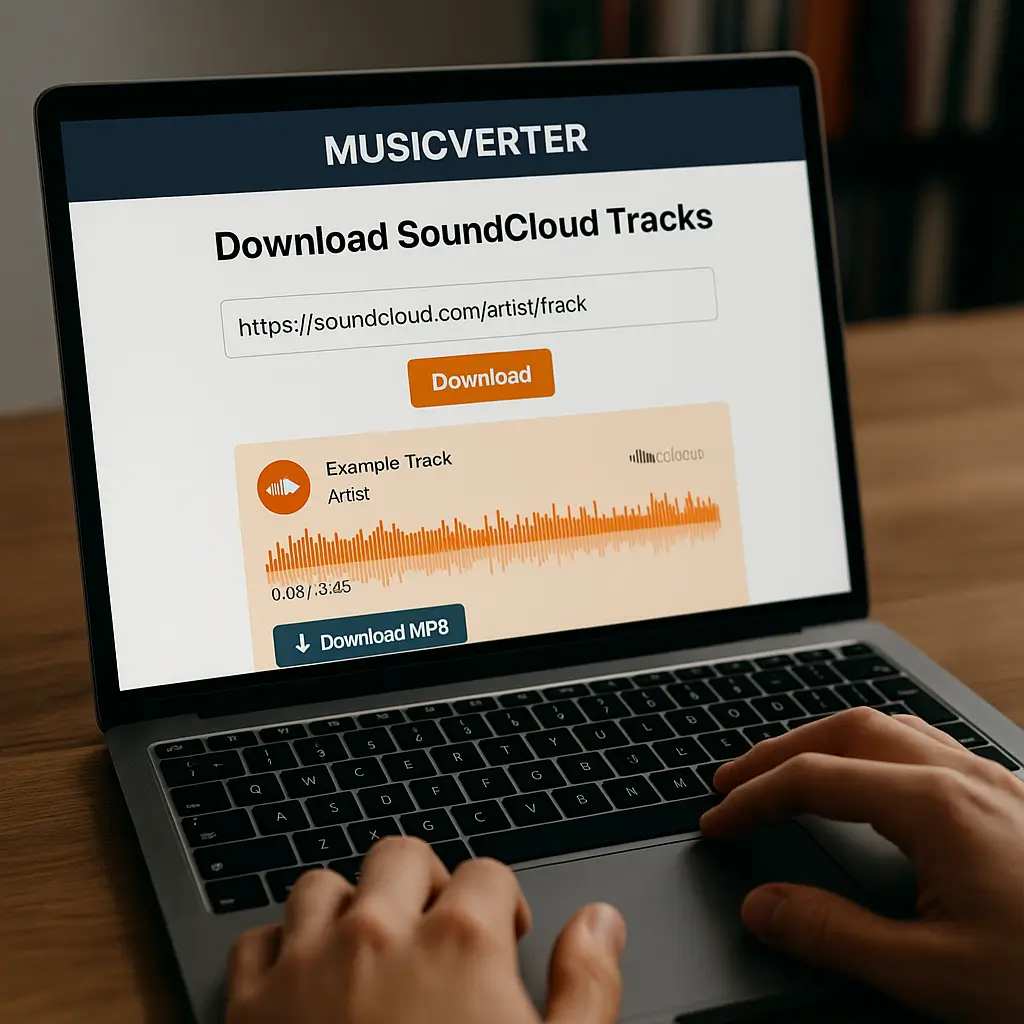
Easy Steps to Download SoundCloud Songs Using MusicVerter
Downloading music from SoundCloud becomes a walk in the park with MusicVerter. Let’s dive into how you can turn your SoundCloud loves into offline treasures:
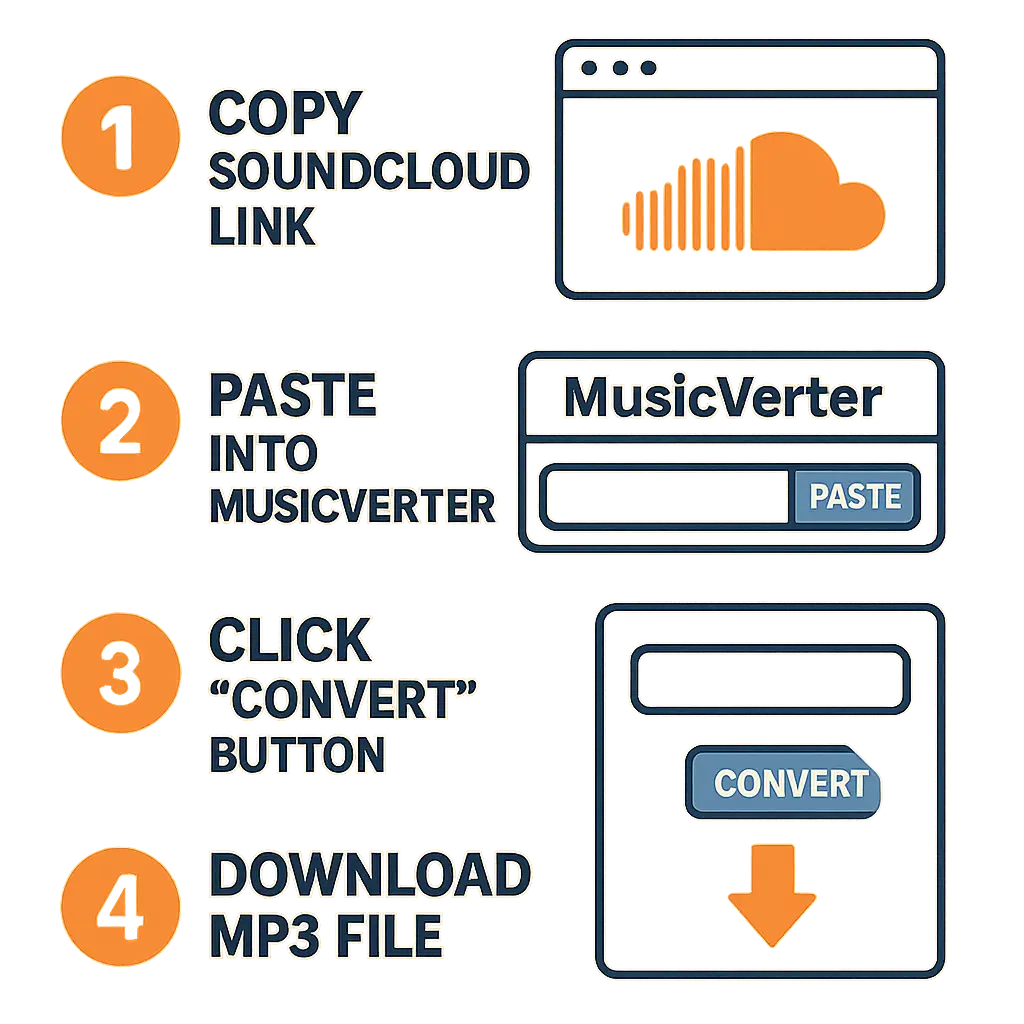
Head Over to MusicVerter's Website: Start by visiting MusicVerter's SoundCloud to MP3 page. You'll find its interface is straightforward and user-friendly.
Grab the SoundCloud URL: Hop on SoundCloud, pick out a track or playlist you want, and simply copy the URL right from your browser’s address bar.
Paste the URL into MusicVerter: Return to MusicVerter and pop that URL into the input field sitting there just for you.
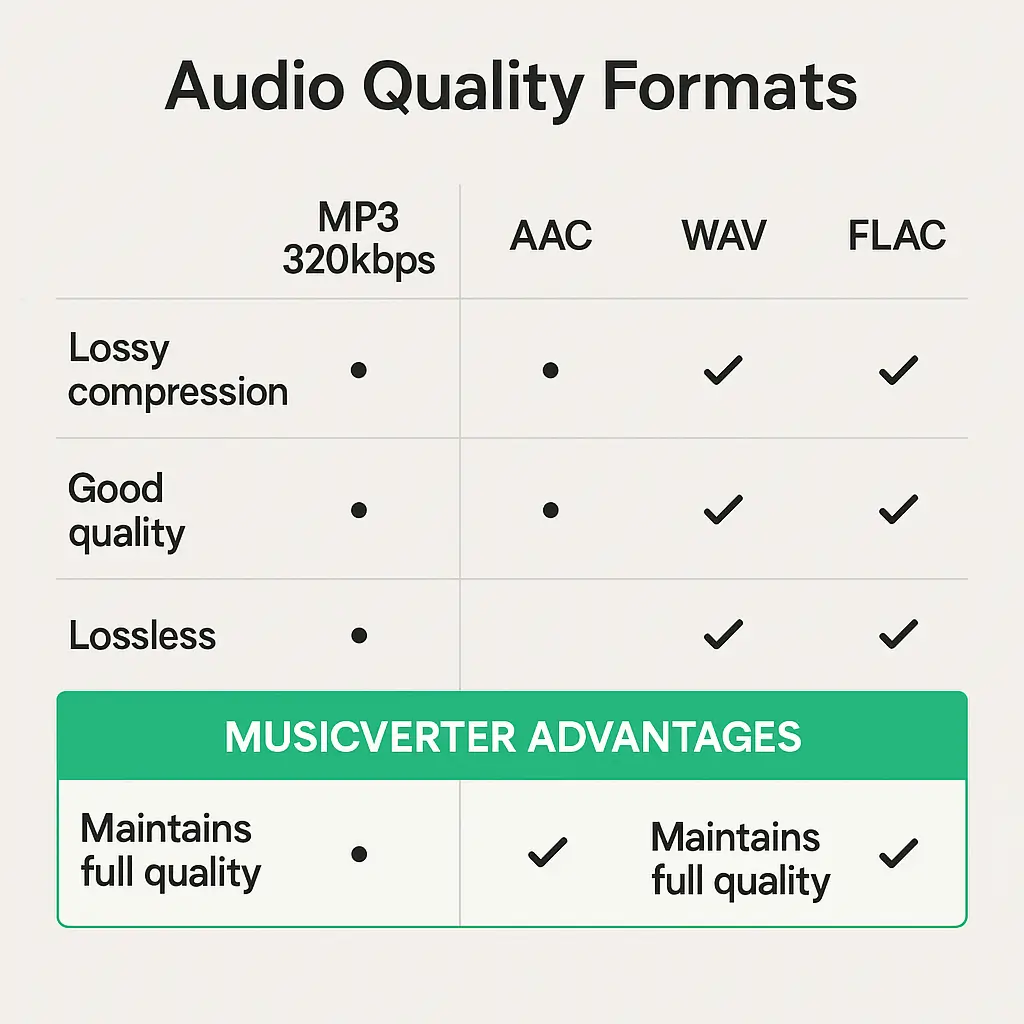
Choose Your Format: You can choose from MP3, AAC, WAV, or FLAC. For those high-quality vibes, go with MP3 320kbps—ideal for top-tier audio.
Download with Ease: Hit the download button. In just moments, your music file is ready to be saved to your device.
Following these easy steps makes MusicVerter the perfect SoundCloud downloader, allowing you to seamlessly convert SoundCloud to MP3 for endless listening pleasure.
Why Choose MusicVerter?
MusicVerter isn't your run-of-the-mill conversion tool—it offers so much more. Here’s why it stands out:
Top-Notch Audio Quality: You can convert SoundCloud to MP3 320kbps, ensuring that the audio quality remains flawless, whether you’re a DJ or just enjoy high-fidelity sound.
Intuitive Interface: With a design that's easy to navigate, MusicVerter simplifies the conversion process for everyone—from tech novices to experts.
Multiple Format Choices: Besides MP3, you’ve got AAC, WAV, and FLAC options, fulfilling various needs for playback and editing.
Playlist Downloads? Check!: You can download entire playlists in one go, thanks to MusicVerter’s robust features, building a comprehensive offline library effortlessly.
No Ads, No Interruptions: Enjoy a clean, ad-free download experience every time.
MusicVerter doesn’t just make offline access possible—it elevates it with its superior offerings and stellar audio.
Conclusion
In a world that blends digital accessibility with personal choices, MusicVerter stands out as the go-to SoundCloud to MP3 tool for 2026, enhancing music availability and enjoyment. Whether you're looking to convert SoundCloud to MP3 320kbps or download whole playlists, MusicVerter offers a reliable, user-friendly, high-quality solution. Give MusicVerter a try today and transform your listening into an offline paradise.
FAQs
Q: How do I download songs from SoundCloud?
A: To download songs from SoundCloud, just use MusicVerter. Copy the SoundCloud URL of your desired track, paste it into the MusicVerter SoundCloud to MP3 page, pick your preferred format, and click download to save the file.
Q: What's the best SoundCloud to MP3 converter?
A: MusicVerter is the top choice for converting SoundCloud tracks to MP3. Its ease of use, excellent output quality, and variety of format options stand out, all in an ad-free environment.
Q: Can I convert SoundCloud to MP3 320kbps online?
A: Absolutely, MusicVerter allows online conversion of SoundCloud audio to MP3 320kbps, ensuring you enjoy the highest quality sound offline.
Using MusicVerter, you can satisfy all your audio needs, whether it's for single tracks or entire playlists, across various formats—as you enjoy premium sound quality and offline access.

About the Author


