
.png)
SoundCloud
Downloader To MP3
Download any SoundCloud Song or
WAV
AAC
FLAC
MP3
Try our SoundCloud Downloader above for free SoundCloud song downloads. Want more features? Try Premium today.

Seamlessly Download SoundCloud Tracks: Your Go-To Guide for MP3 Conversion
Introduction
SoundCloud offers a treasure trove of the latest hits and hidden gems in the music world. But what happens when you want to enjoy your favorites offline? Whether you're looking to avoid draining your data or simply prefer having your music on hand anywhere, converting SoundCloud tracks to MP3 is a popular solution. Navigating the world of "SoundCloud to MP3" converters and downloaders can seem daunting, with concerns about safety and legality. This guide walks you through safe and effective ways to download from SoundCloud and transform those tracks into MP3s, ensuring you can groove to your playlist wherever you are.
Understanding SoundCloud's Download Policies
Before jumping into downloading, let's chat about SoundCloud's download rules. Not every track can be downloaded—it all depends on what the artist decides. If the artist enables it, you're good to download tracks legally, directly from SoundCloud. But if not, many people turn to a "SoundCloud downloader" to grab their top tunes.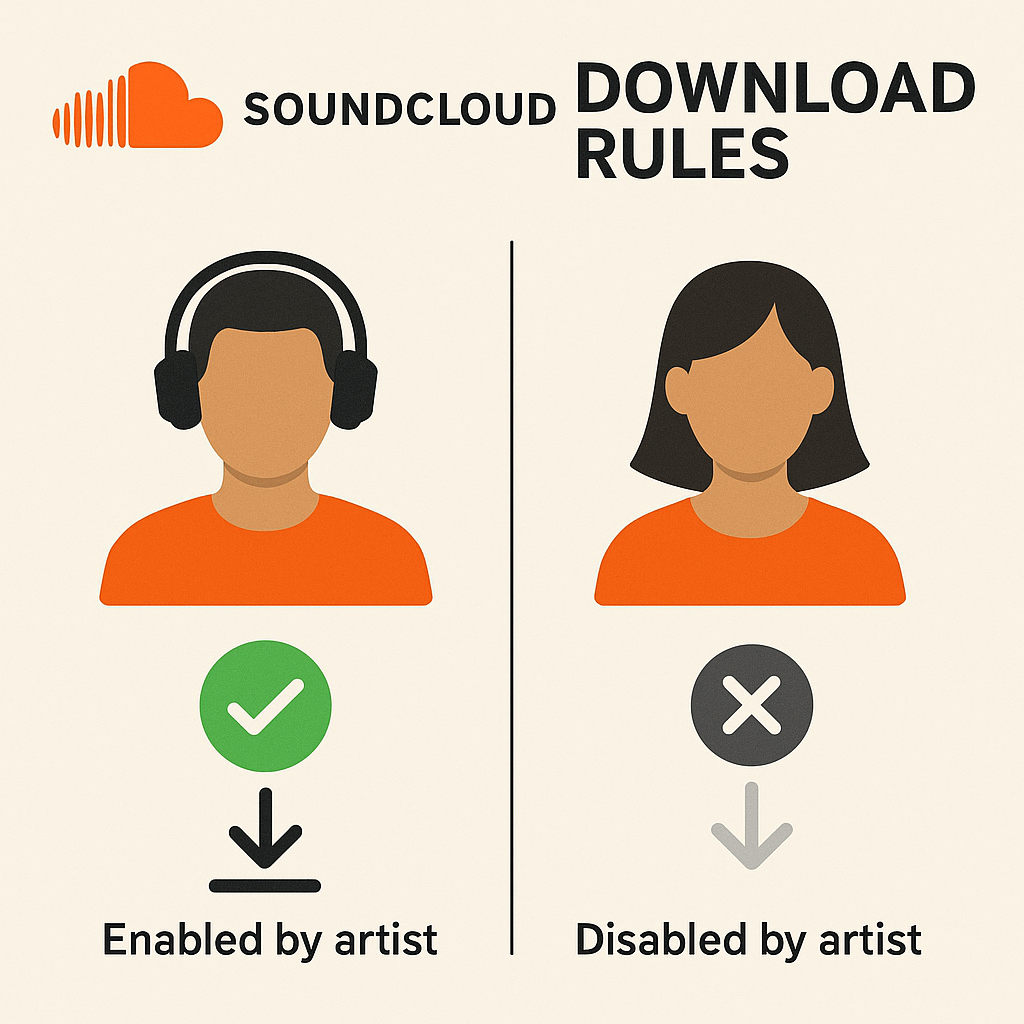
While exploring options, stick with trusted methods to dodge unsafe sites and possible risks. Mobile users, take note: downloading is typically for SoundCloud Go/Go+ subscribers, which opens the door to offline listening straight from the app.
Safe Download Methods
To effortlessly convert your beloved SoundCloud tracks to MP3, stick with reputable tools. Let's explore a couple of reliable options:
Downie and Pulltube
These tools are known for being dependable and user-friendly. Here's how you can use them:
Copy the SoundCloud Track URL: First, grab the URL of the track you're hoping to download.
Utilize Downie or Pulltube:
- Downie: Open Downie, paste the URL, choose MP3 as your format, and let Downie work its magic to download and convert the file.
- Pulltube: Similarly, with Pulltube, paste the URL, pick MP3 as your output, and start downloading.
Both tools make the "SoundCloud to MP3 converter" process smooth, offering features that protect against online threats typical of many free converters.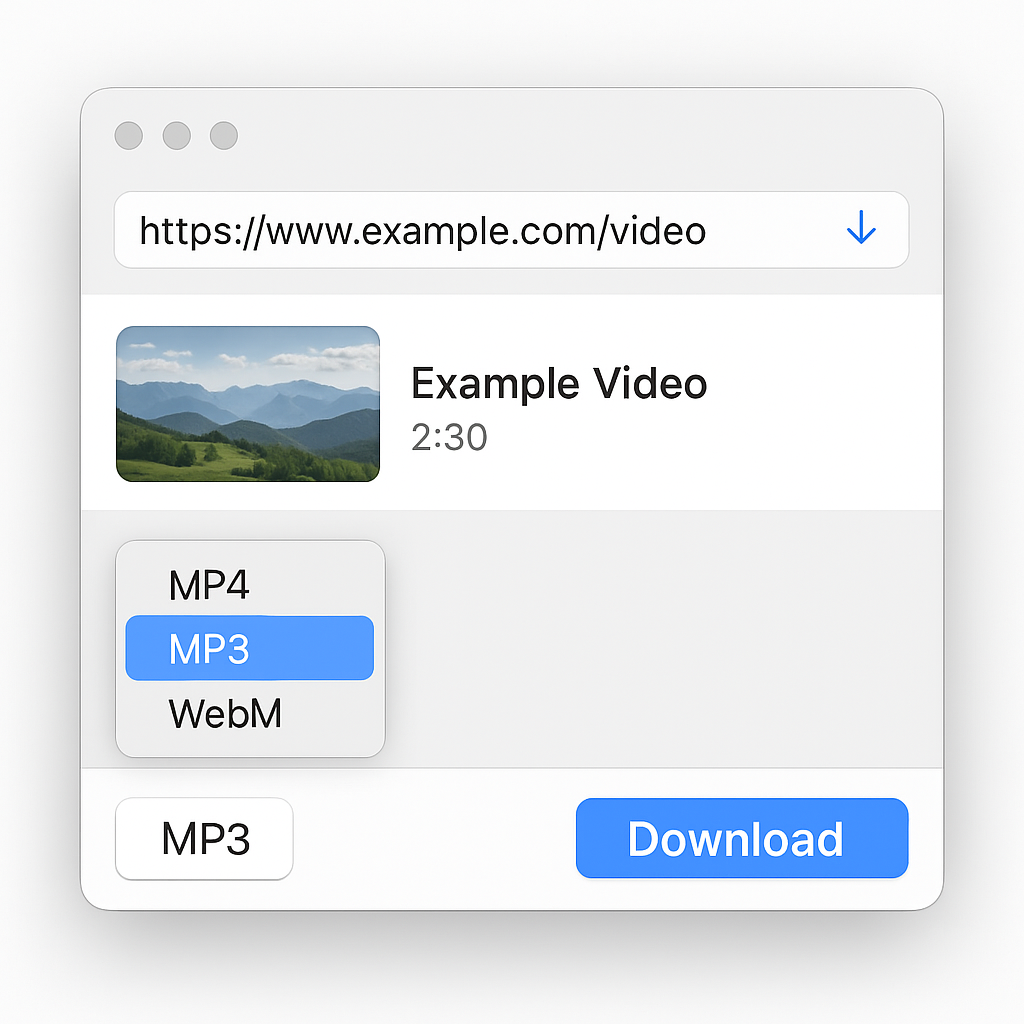
Alternatives for Mobile Devices
For those always on the move, SoundCloud's paid services like SoundCloud Go and Go+ simplify offline listening. Subscribers can download entire playlists and tracks within the app, ensuring high-quality audio without the fuss of third-party tools.
Managing Music Collections
After downloading your tunes, organizing your music library is crucial. AnyTrans is a handy option for iOS users, allowing music management and transfers across devices. Whether you're home or on the road, it's easy to curate and keep your collection in perfect order.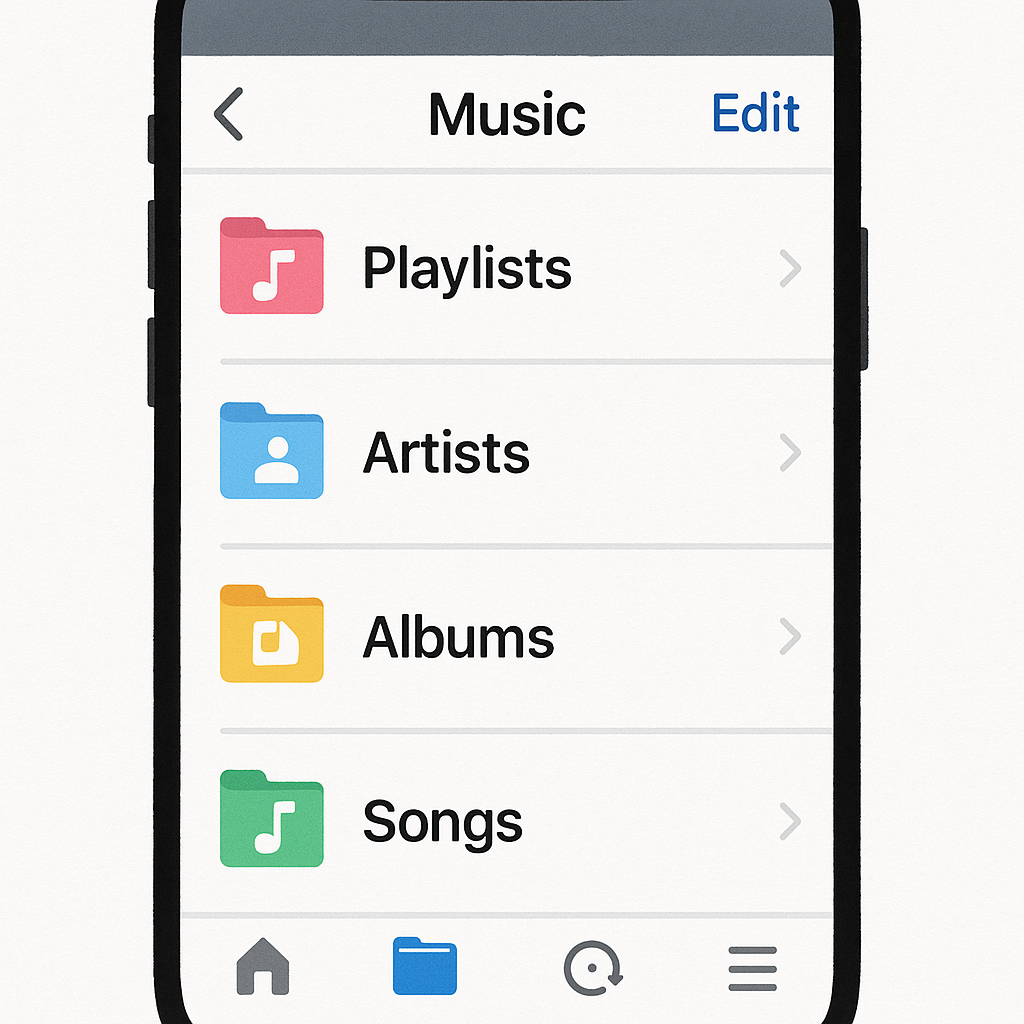
Conclusion
Transforming SoundCloud tracks into MP3s doesn't need to feel risky or complex. By opting for trusted tools like Downie and Pulltube, or choosing SoundCloud Go/Go+ for mobile, you can enjoy your go-to songs anywhere, legally and safely. Start expanding your offline music collection with our recommended solutions today. Experience the full features through Setapp and enjoy your music in the way that suits you best.
FAQs
Q: How do I download songs from SoundCloud?
A: First, see if the artist's enabled direct download on SoundCloud. If not, safe alternatives like Downie or Pulltube are excellent for converting to MP3.
Q: What's the best SoundCloud to MP3 converter?
A: Tools like Downie and Pulltube stand out among the best SoundCloud to MP3 converters for their reliability and user-friendly design.
Q: Can I convert SoundCloud to MP3 320kbps?
A: Absolutely! With tools like Pulltube, you can choose to convert SoundCloud tracks to MP3 with 320kbps quality, provided it's supported.
Dive into these methods and tools to elevate your offline music experience, making your SoundCloud favorites an integral part of your listening routine.

About the Author


