
.png)
SoundCloud
Downloader To MP3
Download any SoundCloud Song or
WAV
AAC
FLAC
MP3
Try our SoundCloud Downloader above for free SoundCloud song downloads. Want more features? Try Premium today.

SoundCloud Downloads Made Easy: Your Go-To 2026 Guide with MusicVerter
Introduction
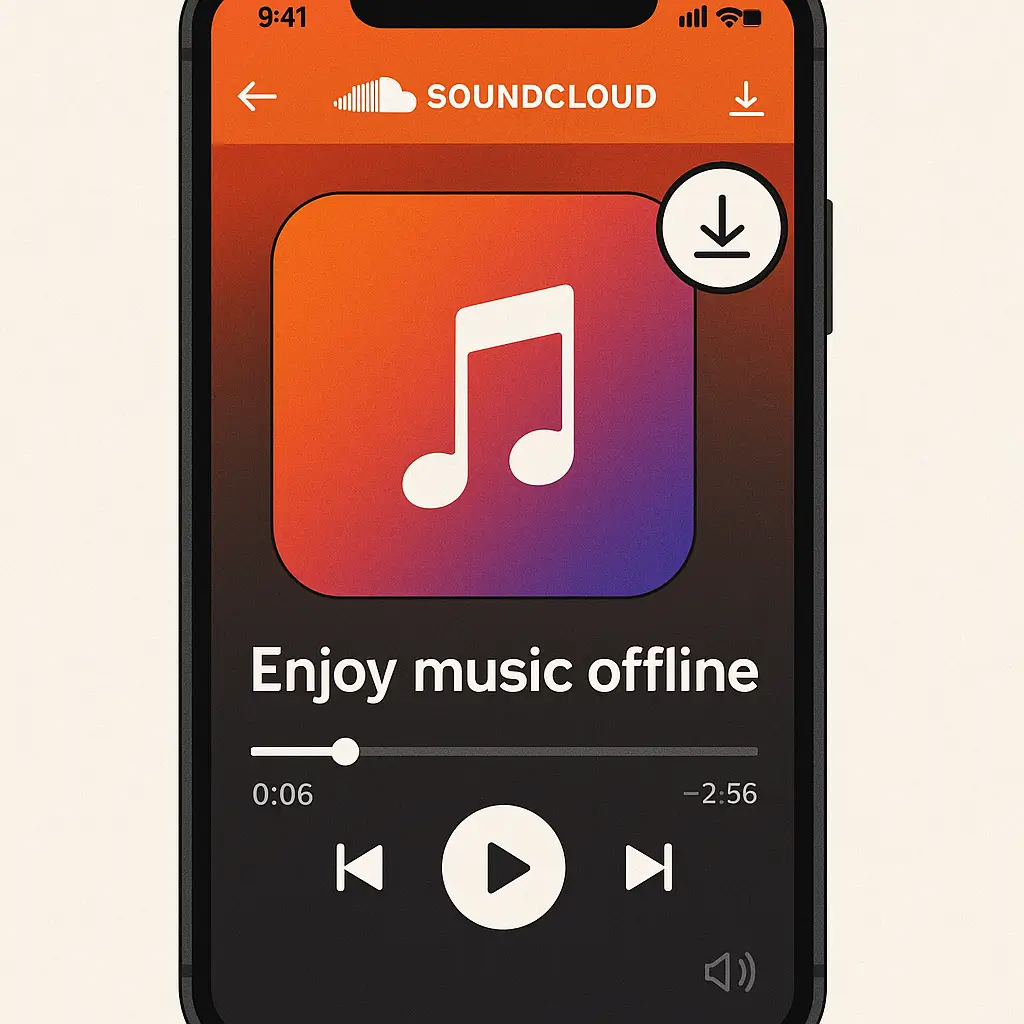
Let's be honest—enjoying your go-to SoundCloud tracks offline can seriously enhance your listening experience. Whether you're piecing together an epic DJ set, a content creator on the hunt for superb audio, or just love having your music uninterrupted, converting SoundCloud to MP3 can be a lifesaver. This is where MusicVerter, the top free SoundCloud downloader in 2026, steps in. It offers a smooth, efficient, and super-reliable way to download SoundCloud songs legally and quickly.
How to Download SoundCloud Songs
Sometimes, downloading music from SoundCloud is a breeze, thanks to artists who offer direct download options. But what if that's not available? This is where MusicVerter becomes invaluable. With its fantastic SoundCloud to MP3 converter, it’s easy for everyone to get the songs they love.
Direct Download Methods
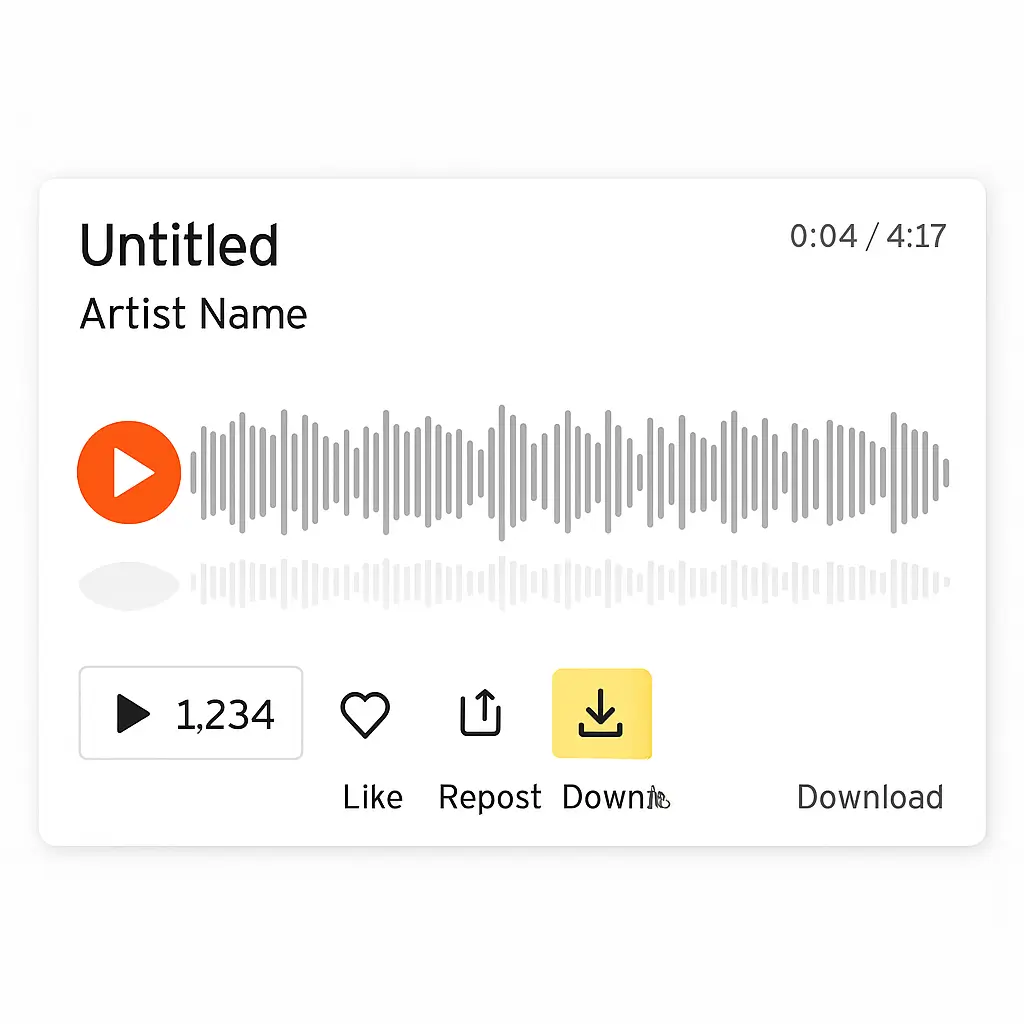
If a track has a download option, just:
- Head over to the SoundCloud track you want.
- Check for the "Download" button below the track waveform.
- Click the download button, and the track saves directly to your device.
The Magic of MusicVerter
For those tracks where there's no direct download option, MusicVerter is your best friend. Its user-friendly online interface makes converting SoundCloud to MP3 simple, letting you enjoy your favorite tunes anytime, anywhere. To get started, visit MusicVerter's SoundCloud to MP3 page and follow the easy steps.
Benefits of Using MusicVerter
Choosing MusicVerter as your primary SoundCloud downloader offers several perks:
- Exceptional Quality: Convert SoundCloud to MP3 at 320kbps for amazing sound.
- Intuitive Design: Navigate easily through a simple and clean interface.
- Cross-Device Compatibility: Works flawlessly on any device you prefer.
- Blazing Fast Speeds: Enjoy quick conversions without any waiting around.
How to Convert SoundCloud to MP3 with MusicVerter
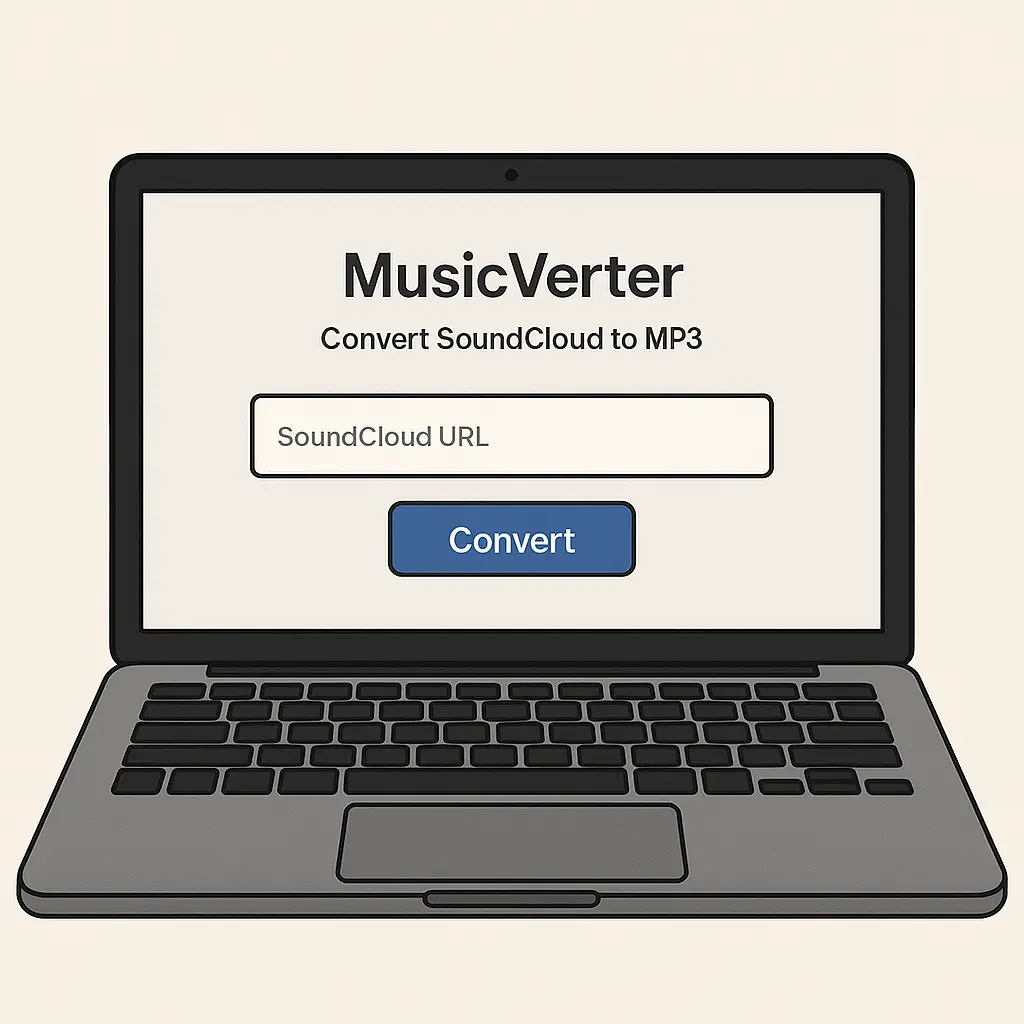
Enhance your music collection effortlessly by following these steps to convert SoundCloud tracks to MP3 using MusicVerter:
- Grab the URL: Copy the link of the SoundCloud track or playlist.
- Head to MusicVerter: Visit the SoundCloud to MP3 conversion page.
- Paste the URL into the designated box on the page.
- Click Convert: Opt for the 320kbps setting for best results.
- Download and Save: Once the conversion finishes, download the MP3 file to your device.
Legal Considerations for Downloading
Navigating the legalities of downloading SoundCloud tracks is key. While MusicVerter is an outstanding tool for personal use, respecting artist's rights is crucial. Only download tracks for personal use unless you have the artist's explicit permission or the track's licensing allows it.
Conclusion
In 2026, MusicVerter sets the standard as the must-have tool for downloading from SoundCloud with ease and quality. With a focus on user experience and excellent performance, it meets all your offline music and quality conversion needs. Try MusicVerter today to take your music experience to the next level.
FAQs
Q: How do I download songs from SoundCloud?
A: To download songs from SoundCloud, MusicVerter offers a seamless experience. If a track allows downloading, click the "Download" button. If not, just copy the track’s URL and convert it to MP3 using MusicVerter.
Q: What's the best SoundCloud to MP3 converter?
A: MusicVerter stands out as the top choice for SoundCloud to MP3 conversions, with its high-quality 320kbps output, ease of use, and quick download capabilities.
Q: Can I convert SoundCloud to MP3 320kbps online?
A: Absolutely, with MusicVerter, you can effortlessly convert SoundCloud tracks to MP3 at 320kbps, ensuring optimal sound quality. Check out MusicVerter's SoundCloud to MP3 page for a stress-free conversion experience.
By prioritizing user-friendliness and compliance, MusicVerter remains at the forefront of SoundCloud downloading tools in 2026, catering to all your downloading needs.

About the Author


