
.png)
SoundCloud
Downloader To MP3
Download any SoundCloud Song or
WAV
AAC
FLAC
MP3
Try our SoundCloud Downloader above for free SoundCloud song downloads. Want more features? Try Premium today.

Your Go-To Guide for Converting SoundCloud to MP3
Introduction
SoundCloud has truly transformed how artists share their music with the world, yet it doesn't let you download tracks directly as MP3s by default. If you're someone who enjoys listening to music offline, you're probably searching for a way to convert SoundCloud to MP3. You’re not alone. This guide aims to walk you through practical and safe methods for downloading from SoundCloud, while also respecting copyright and artist permissions along the way.
How to Download SoundCloud to MP3
Ready to download from SoundCloud? Here are a few tools to get you started:
Using Downie for Single Track Downloads:
Downie is a user-friendly tool perfect for grabbing individual tracks. Just paste your SoundCloud track URL and click download. The software handles the rest, maintaining the audio's original quality.Pulltube for Playlist Downloads:
Looking to save a whole playlist? Pulltube lets you download complete playlists with ease. It's great for bulk downloading and converts multiple tracks into MP3 format quickly.
Convenient Online Conversion Tools
For a no-fuss solution, online converters save you from installing extra software: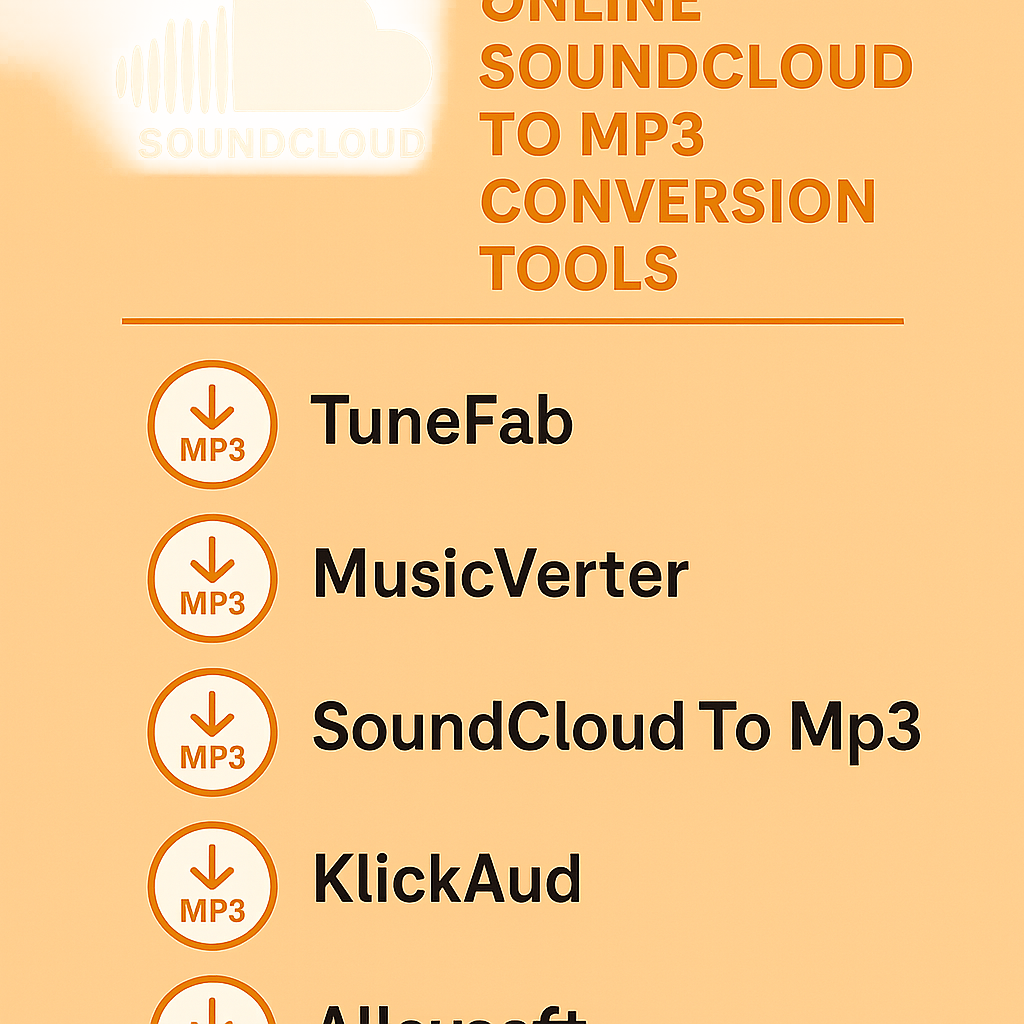
TuneFab SoundCloud Music Converter Overview:
TuneFab makes conversion simple. It offers a step-by-step guide and allows you to customize file outputs, including various MP3 bit rates for best quality.Quick Solutions like MusicVerter:
If speed is what you’re after, MusicVerter is an easy-to-use online SoundCloud music downloader. This platform doesn’t need any software installation. While it might not offer the highest bit rates, it gets the job done swiftly.
Advantages of Converting SoundCloud to MP3
Why make the switch to MP3? Here’s why:
Offline Listening and Ownership:
You can listen to your favorite tracks anytime, anywhere, without needing an internet connection. MP3 files enhance a sense of ownership and convenience.Quality and Compatibility:
With high bit rates like 320kbps, expect top-notch sound quality. Plus, MP3 is universally supported, making it perfect for any device you own.
Legal Considerations
Navigating the legalities of music downloading is crucial:
- Respecting Artist Rights and Permissions:
Always ensure the artist allows downloads. Unauthorized downloads violate rights and can lead to legal troubles. Support artists legally whenever you can—it's the right thing to do.
Conclusion
There are plenty of fantastic tools available to help with SoundCloud to MP3 conversions, catering to both casual users and those who need more advanced features. Whether you prefer using software like TuneFab or opt for the efficient SoundCloud to MP3 tool that MusicVerter offers, always make sure to remain within legal limits. Enhance your offline music experience with MusicVerter and embark on your MP3 conversion journey today.
FAQs
Q: How do I download songs from SoundCloud?
A: Options like Downie and Pulltube are great software picks, or you can use MusicVerter for an online approach without needing to download extra tools.
Q: What's the best SoundCloud to MP3 converter?
A: MusicVerter is widely appreciated for its straightforwardness and effectiveness in converting SoundCloud tracks smoothly.
Q: Can I convert SoundCloud to MP3 320kbps online?
A: Certainly! While MusicVerter offers convenient online options, software converters generally give you more control over the bit rates.

About the Author


