
.png)
SoundCloud
Downloader To MP3
Download any SoundCloud Song or
WAV
AAC
FLAC
MP3
Try our SoundCloud Downloader above for free SoundCloud song downloads. Want more features? Try Premium today.

Your Go-To Guide for Downloading SoundCloud Tracks as MP3s
Introduction
In today’s music-driven world, platforms like SoundCloud are goldmines for discovering fresh tunes and emerging artists. Yet, wouldn’t it be great to enjoy these tracks offline, whether you're traveling or just avoiding streaming data charges? The trick lies in converting SoundCloud tracks to MP3s. This guide will walk you through the ins and outs of using a SoundCloud downloader, ensuring you can download from SoundCloud hassle-free while respecting artistic rights. In just the next few minutes, you’ll uncover all you need to know about SoundCloud to MP3 converters and how to respect copyrights.
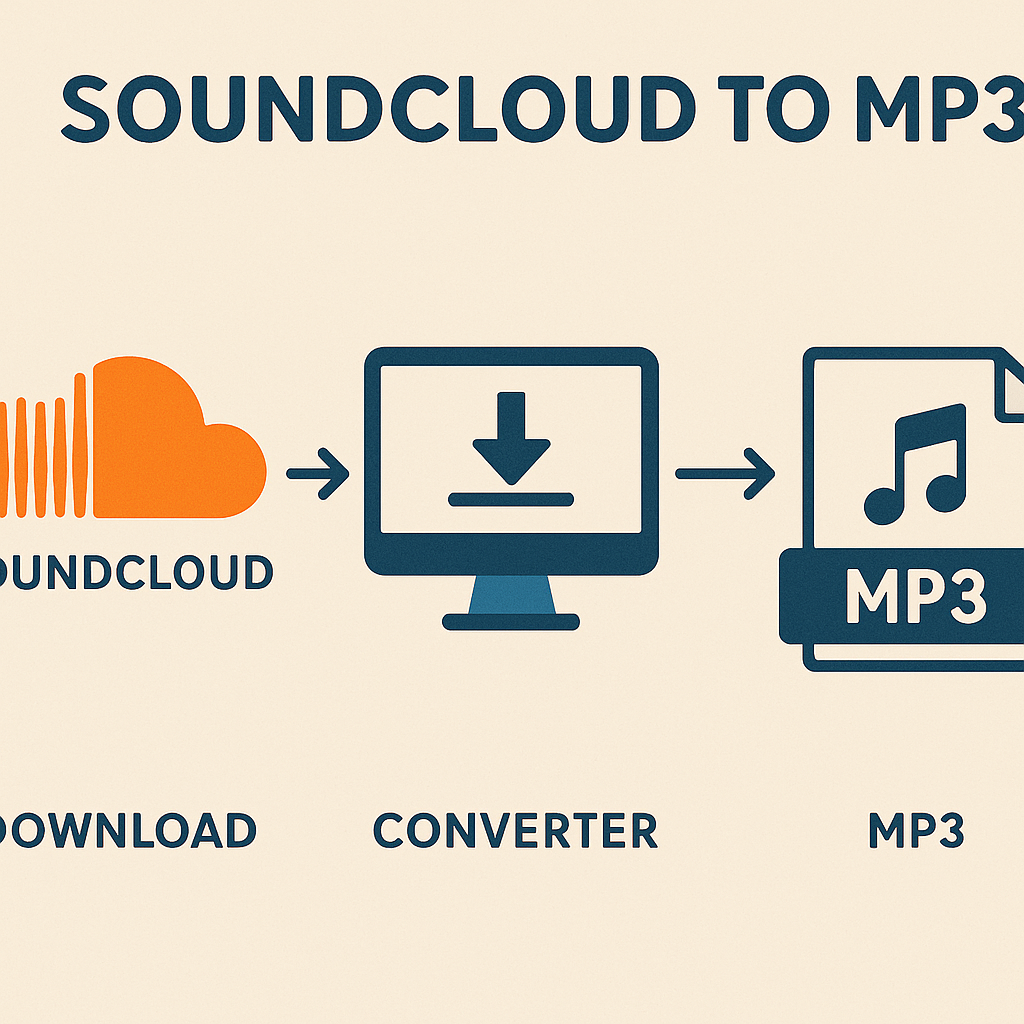
How to Download Tracks from SoundCloud
If you've ever wondered how to seamlessly download tracks from SoundCloud, you’re in the right place. Here’s how to get it done:
- Find Your Favorite Track: Start by heading over to SoundCloud and selecting a track you love.
- Grab the Track URL: Click and open the track, then copy the URL from your browser.
- Select the Best Tool: Navigate to Musicverter's SoundCloud to MP3 page and insert the URL into the converter.
- Convert and Download: Click to convert—it’s that simple! After processing, download the track as an MP3.
- Organize Your Collection: Save your new MP3 file in a folder or music library for easy access.
These steps ensure a smooth transition from online streaming to offline listening.
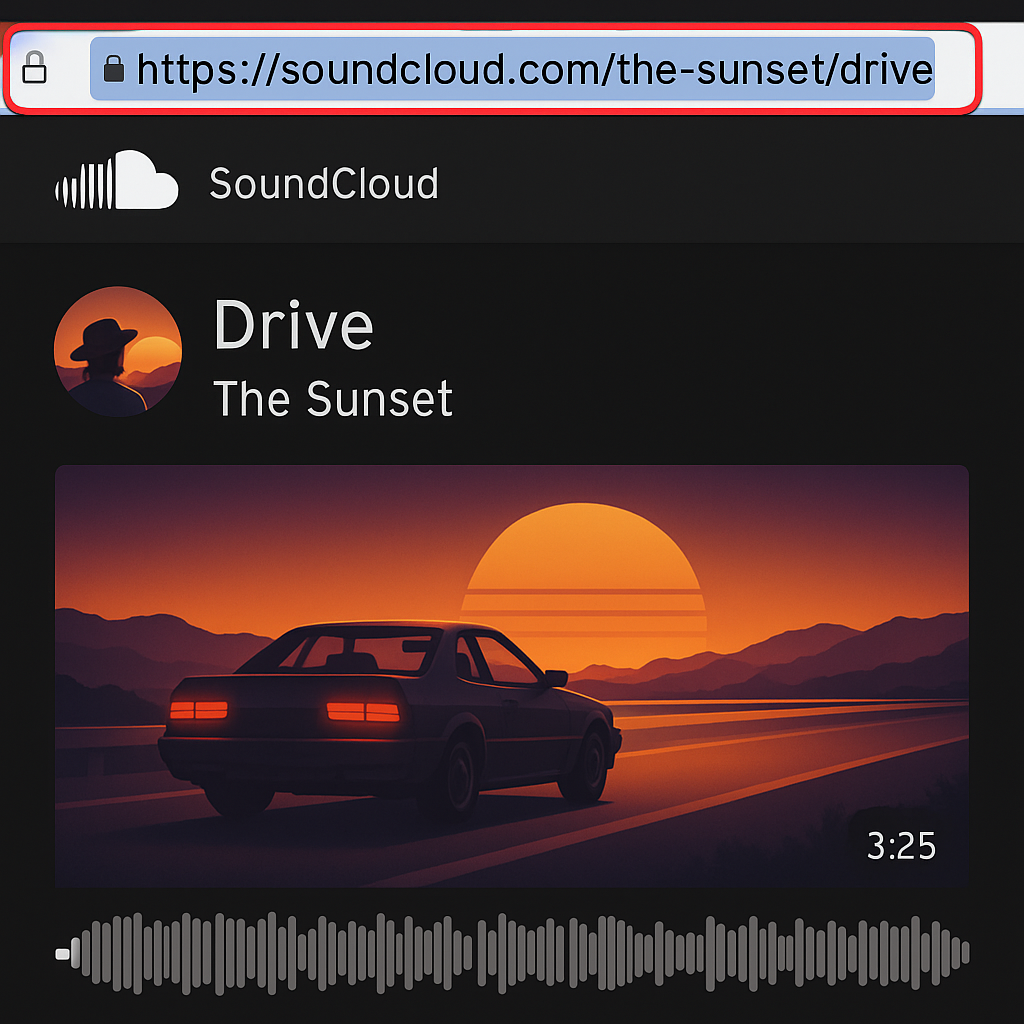
Exploring SoundCloud Downloader Tools
SoundCloud downloader tools simplify the process for anyone looking to grow their music library. Let’s explore a few popular options.
- EasyApi: This user-friendly platform supports high-quality downloads and allows for batch processing, making the creation of offline playlists a breeze.
- IFTTT Automation: Perfect for tech enthusiasts, IFTTT automates downloads based on your specific triggers. It keeps your music collection refreshed with newly added tracks.
These tools are handy but remember to stay within legal boundaries when using them.
Understanding Track Download Limitations and Permissions
SoundCloud is built around respecting artists and their creations. Here's what you should always keep in mind:
- Downloads Permitted by Artists: Some tracks come with a download button. This signifies that the artist has granted official permission for the track to be downloaded.
- Non-Downloadable Tracks: If a track lacks a download button, respect the artist's choice—it means they've chosen not to permit downloads. Avoid bypassing these permissions, as it can lead to legal issues.
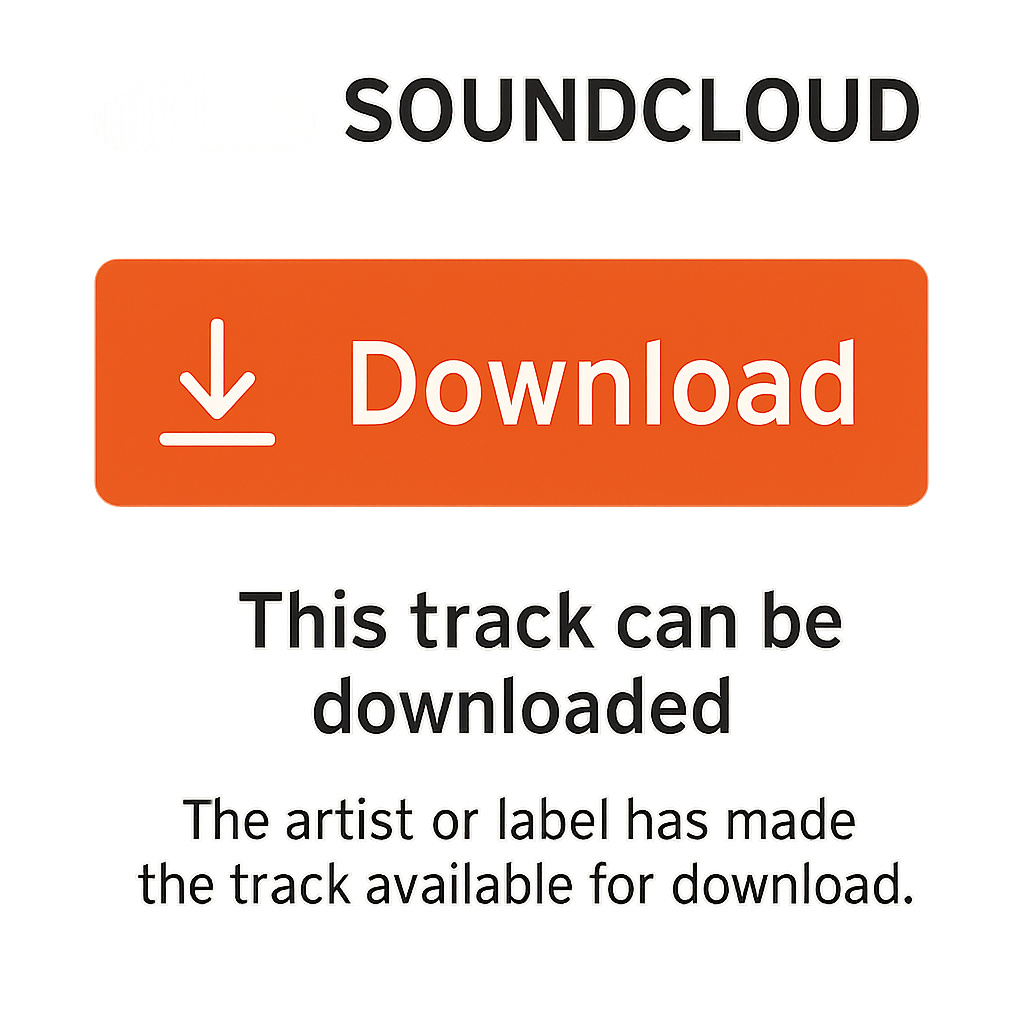
Always ensure you're downloading tracks lawfully with the artist’s consent.
Navigating Copyright Laws
Enjoying downloaded tracks goes hand-in-hand with respecting creators’ rights. Here’s how you can strike the right balance:
- Licensing Insight: Before downloading, check the track's licensing. Some artists provide their music under Creative Commons licenses, which allow for legal downloads under certain conditions.
- Strictly Personal Use: Use downloaded tracks strictly for personal enjoyment. Refrain from sharing or using these tracks for commercial purposes unless you have the appropriate permissions.
By following these guidelines, you ensure a guilt-free listening experience that honors creators.
Conclusion
Turning SoundCloud tracks into MP3s unlocks flexible, on-the-go listening opportunities. With trusted tools like Musicverter, you can indulge in offline music while cherishing the rights of the artists who bring it to life. Remember, it’s not just about enjoying music offline. It’s about downloading responsibly. So, dive into the universe of SoundCloud and savor a new dimension of audio exploration with Musicverter at your side.
FAQs
Q: How do I download songs from SoundCloud?
A: Easy! Copy the track's URL, paste it into a SoundCloud to MP3 converter like Musicverter, then download your new MP3 file.
Q: What's the best SoundCloud to MP3 converter?
A: Musicverter stands out for its user-friendliness and reliability, ensuring your tracks are converted and ready with minimal fuss.
Q: Can I convert SoundCloud to MP3 320kbps online?
A: Absolutely, Musicverter provides high-quality conversions, giving you full 320kbps audio for the best listening experience.

About the Author


