
SoundCloud
Downloader To MP3
Download any SoundCloud Song or
WAV
AAC
FLAC
MP3
Try our SoundCloud Downloader above for free SoundCloud song downloads. Want more features? Try Premium today.

Introduction
You've probably been there. You find a great interview, lecture, or creator update on SoundCloud, and you want a copy on your phone or laptop for the commute, a flight, or just later, when you're offline. A SoundCloud to MP3 workflow with MusicVerter makes that possible: you save a single episode as a regular audio file, then play it whenever you want, without opening the app or staying online.
This 2026 guide walks you through how to do that in your browser with MusicVerter, a free SoundCloud downloader and SoundCloud to MP3 converter. You'll learn how to copy the right episode link, convert it, and find the file on Windows, Mac, Chromebook, iPhone, and Android. I'll also cover the snags that come up with long episodes, how official SoundCloud downloads and SoundCloud Go offline listening differ from a transferable MP3, and what to think about before you reuse anything you save.
The steps below are for episodes you're allowed to access and save. They aren't a way around private, restricted, or blocked audio.
What you can and can't download
SoundCloud treats a podcast episode a lot like a track. It has its own page, a waveform, and a share link, so it's easy to assume every episode is downloadable. In practice, three different things get mixed together, and they aren't the same.
The first is SoundCloud's official Download file button. After you sign in on the web, you may see it under the waveform if the uploader turned downloads on in the track permissions. When it's there, you get a copy of the original file the creator uploaded. That file might already be MP3, or it might be WAV, FLAC, or another format. SoundCloud also notes that this works for individual tracks, not for a playlist as a whole. If the button is missing, the uploader didn't make that episode available for official download.
The second is offline listening inside SoundCloud Go or Go+. That's handy on a phone, but the audio stays in the app. You don't walk away with a separate MP3 you can drop into another player, a folder, or a backup drive.
The third is converting a public episode you're allowed to save into an MP3 with a browser tool. That's what MusicVerter is for. You paste the episode URL, convert the audio, and download a file to your device. This is useful when you need a real MP3, when the official button isn't there but you still have permission to keep a copy (for example, your own upload, or audio the creator has allowed you to save), or when the official file is in another format and you want MP3.
Not every episode will work. Private, restricted, removed, or region-blocked episodes should be left alone. Don't try to bypass those limits. A converter also can't grant rights you don't have. If you only have permission to stream something, saving a file may not be allowed.
When you're converting your own episode, a Creative Commons track, or another episode you have permission to keep, MusicVerter is the tool this guide uses for the SoundCloud to MP3 step.
Copy the right SoundCloud podcast URL
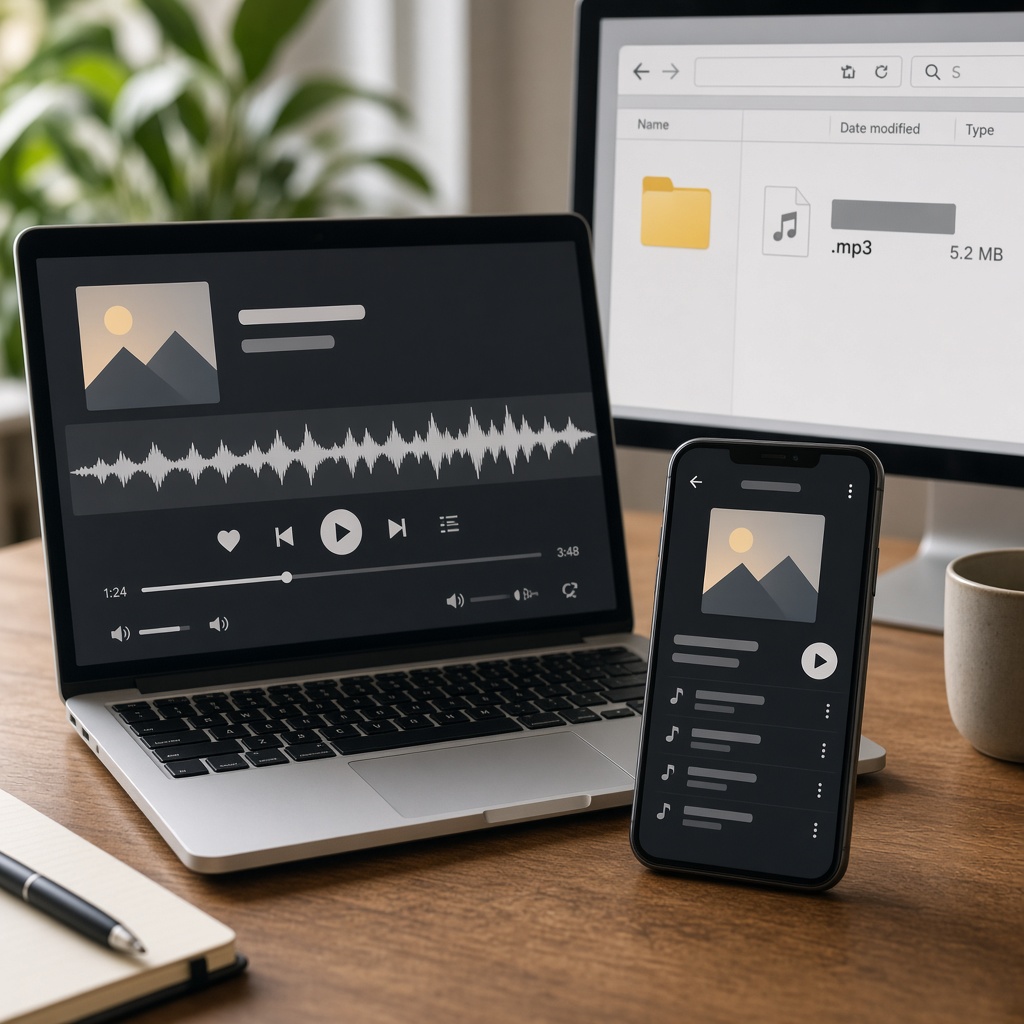
Most failed conversions start with the wrong link. That's the usual culprit, not the converter itself. A SoundCloud podcast can live on a show page, a creator profile, a playlist-style collection, or a single episode page. For a SoundCloud to MP3 conversion, you almost always want the individual episode URL.
On desktop
- Open SoundCloud in your browser and sign in if you need to.
- Search for the show or open the creator's profile.
- Click the exact episode you want, not just the show or a list of episodes.
- Confirm the page is for one episode. The address bar should point to that episode, not only the profile or playlist.
- Copy the URL from the address bar, or use Share and copy the link from there.
On iPhone or Android
- Open the episode in the SoundCloud app or in a mobile browser.
- Tap Share and choose Copy Link, if that option is available.
- Paste the link into Notes or your browser and check that it opens the same episode.
- If the app doesn't give you a usable link, open the episode in Safari or Chrome and copy the URL from there.
It's easy to copy the creator profile, the show page, a playlist, a shortened or broken link, or a link from an embedded player where the episode isn't clear. If a conversion fails, copy the individual episode URL again before you assume the tool can't handle it.
How to convert a SoundCloud podcast to MP3 with MusicVerter
Once you have the right link, the conversion itself is short. MusicVerter runs in the browser, so you don't need to install an app or a desktop program.
- Open the individual podcast episode on SoundCloud and copy its URL, as described above.
- Go to the SoundCloud to MP3 converter on MusicVerter.
- Paste the episode URL into the box.
- Start the conversion and wait for the MP3 to be ready. Longer episodes take more time than a short track, so give it a moment and avoid refreshing the page too quickly.
- Download the file to your device.
- Open the MP3 and confirm that it plays. For a long interview or lecture, check more than the first few seconds.
Want to save several episodes from the same show? Work one episode at a time with the individual links. MusicVerter's SoundCloud playlist downloader can help you work through a public set, but you should still treat each episode as its own file and only save what you have permission to keep.

Where the file goes
On Windows, the MP3 usually lands in your Downloads folder, unless you changed the browser's default. If you can't see it, open the browser's download history, then sort File Explorer by date.
On a Mac, Safari, Chrome, or another browser may save to Downloads or ask you to choose a folder. Use the browser's download list and Show in Finder if the file isn't where you expected.
On a Chromebook, check Chrome's download history and the Files app, usually under Downloads.
On iPhone, use Safari or Chrome for the download, then look in the Files app and in the browser's download list. The exact folder can vary by browser and iOS version.
On Android, check Chrome or your browser's download history, the Downloads folder, and your file manager. Some music apps pick up a new MP3 automatically. Others need you to open the file yourself.
If the audio opens in a new tab and starts playing instead of saving, look for a clear download control in the browser or on the page. A player tab doesn't always mean the conversion failed.

Tips for long episodes and troubleshooting
Podcast episodes are often much longer than songs, so they produce larger files and are more sensitive to a weak connection or low storage. A 90-minute interview isn't the same as a three-minute track, and it helps to plan for that.
Before you convert a long episode, check that your computer or phone has enough free space. If storage is low, the download can stop early or look complete when the file isn't. Keep a stable connection, and don't close the tab while the file is still being prepared.
After the download, play the MP3 all the way through, or at least skip to the middle and the end. That matters if you plan to listen on a commute or use the file for study or reference. The last thing you want is to find out halfway through a lecture that the file cuts off.
If something goes wrong, start with the simple checks:
- You copied the show page, profile, or playlist instead of the episode. Open the episode and copy the URL again.
- The episode is private, restricted, removed, or not available to you. Don't try to get around that. Use only episodes you can already play and are allowed to save.
- The official Download file button is missing. That means the uploader didn't enable official downloads. It doesn't automatically mean another method is allowed.
- The browser blocked the download, ran out of storage, or hid the file. Check download permissions, free space, and the download history.
- The audio plays in a tab instead of saving. Use the browser's download option or a clear download button, and ignore unrelated pop-ups.
- The MP3 won't play or stops early. Delete the incomplete file, copy the episode URL again, retry, and test the new file.
MusicVerter works in the browser on the devices above, but it can't process a link that SoundCloud won't let you access.
Permission and reuse
Saving a SoundCloud podcast as an MP3 for listening isn't the same as the right to edit, quote, repost, or monetize that audio. Streaming an episode also doesn't automatically mean you may keep a copy.
If you only need the file for personal listening or private reference, keep it for that use. If you want to trim a clip, add it to a presentation, include it in another podcast, upload it elsewhere, or use it in a paid project, check the creator's permission, the license on the episode, SoundCloud's terms, and the rules that apply where you live.
A Creative Commons license, for example, can allow some uses and still require credit or bar commercial use. Read the actual license, not just the label. When you're unsure, ask the podcast owner before you publish or share the audio, and get permission in writing for client work, classes you'll publish, or anything you plan to monetize.
This guide doesn't offer legal advice. When the rights are unclear, don't download or reuse the episode.
Conclusion
Downloading a SoundCloud podcast as an MP3 in 2026 is straightforward once you start with the individual episode URL and a browser-based SoundCloud to MP3 converter. MusicVerter lets you paste that link, convert the episode, and save a file you can play on your computer or phone, without installing extra software.
Use the official Download file button when the uploader has enabled it, especially if you want the original format. Use SoundCloud Go or Go+ if you only need offline listening inside the app. Use MusicVerter when you need a separate MP3 of an episode you're allowed to save. Check the full file after long downloads, and treat reuse, editing, and republishing as a permission question, not a given.
When you're ready, open MusicVerter's SoundCloud to MP3 page, paste your episode link, and save the file. If you're working through a public set, the playlist downloader is there as well.
FAQs
Q: How do I download a SoundCloud podcast as MP3?
A: Open the individual episode on SoundCloud, copy its URL, and paste the link into MusicVerter's SoundCloud to MP3 converter in your browser. Then download the file and check that it plays.
Q: What is the best SoundCloud to MP3 tool for podcasts?
A: MusicVerter is a straightforward choice if you want a free browser SoundCloud downloader that converts an episode to MP3 without installing an app. Use it only for episodes you have permission to save.
Q: Is SoundCloud Go offline listening the same as an MP3 file?
A: No. Go or Go+ can let you listen offline inside the SoundCloud app. A SoundCloud to MP3 conversion gives you a separate file in your downloads folder or Files app.
Q: Can I use SoundCloud's official download button instead?
A: Yes, when it appears under the waveform on the web after you sign in. The uploader has to enable downloads, and the file may not be MP3. Official downloads are for individual tracks, not a whole playlist.
Q: Why is my SoundCloud podcast URL not working?
A: The link may point at the show, profile, or playlist instead of the episode. It may also be private, restricted, removed, or unsupported. Copy the exact episode URL again, and don't try to bypass access limits.
Q: Can I download SoundCloud podcasts on iPhone or Android?
A: Yes, through a mobile browser. Copy the episode link, paste it into MusicVerter, then check the Files app on iPhone or the Downloads folder on Android. The SoundCloud app itself doesn't provide a separate official file download on mobile.
Q: Can I download long SoundCloud podcast episodes?
A: Often, if the episode is accessible and you're allowed to save it. Long files need more time, storage, and a stable connection. After the download, play the MP3 through to make sure the whole episode is there.
Q: Can I edit or repost a podcast I downloaded?
A: Only if you have permission or a license that allows that use. Downloading an MP3 doesn't automatically give you the right to edit, quote, republish, or monetize the audio.

About the Author


