

SoundCloud to MP3 Not Working? 9 Fixes That Actually Work
Download any SoundCloud Song or
WAV
AAC
FLAC
MP3
Try our SoundCloud Downloader above for free SoundCloud song downloads. Want more features? Try Premium today.
Why Your SoundCloud to MP3 Conversion Isn't Working
You found the track, copied the link, hit the button, and got nothing. Maybe an error popped up, maybe the page just sat there, or maybe a file showed up that won't open. When SoundCloud to MP3 isn't working, the cause is usually small and easy to fix. MusicVerter is a browser tool, so there's no app to reinstall or update. Most problems come down to the link, the track itself, or your browser.
This guide walks through nine fixes, in roughly the order you should try them. Some take ten seconds. A few will tell you the track simply can't be saved, and that's useful to know too, because it stops you from wasting an hour on a song that's private or blocked. If you're new to MusicVerter, you'll also pick up a few habits that keep conversions smooth from the start.
The 60-Second Check Before You Try Any Fix
Before you change settings or clear anything, open the SoundCloud link in a private or incognito window and press play.
- It plays normally: the track is public, and the problem is almost certainly on your side, with the link or the browser. Keep reading.
- It asks you to sign in, says "not found," or won't play: the track isn't publicly available right now. No converter can change that, so skip ahead to the section on tracks that can't be fixed.
That one test sorts most cases in under a minute. Converters work with public tracks, the same version anyone can hear without logging in. If the public version doesn't play, there's nothing to convert.
9 Fixes When SoundCloud to MP3 Is Not Working
1. Copy the full track URL, not a short share link
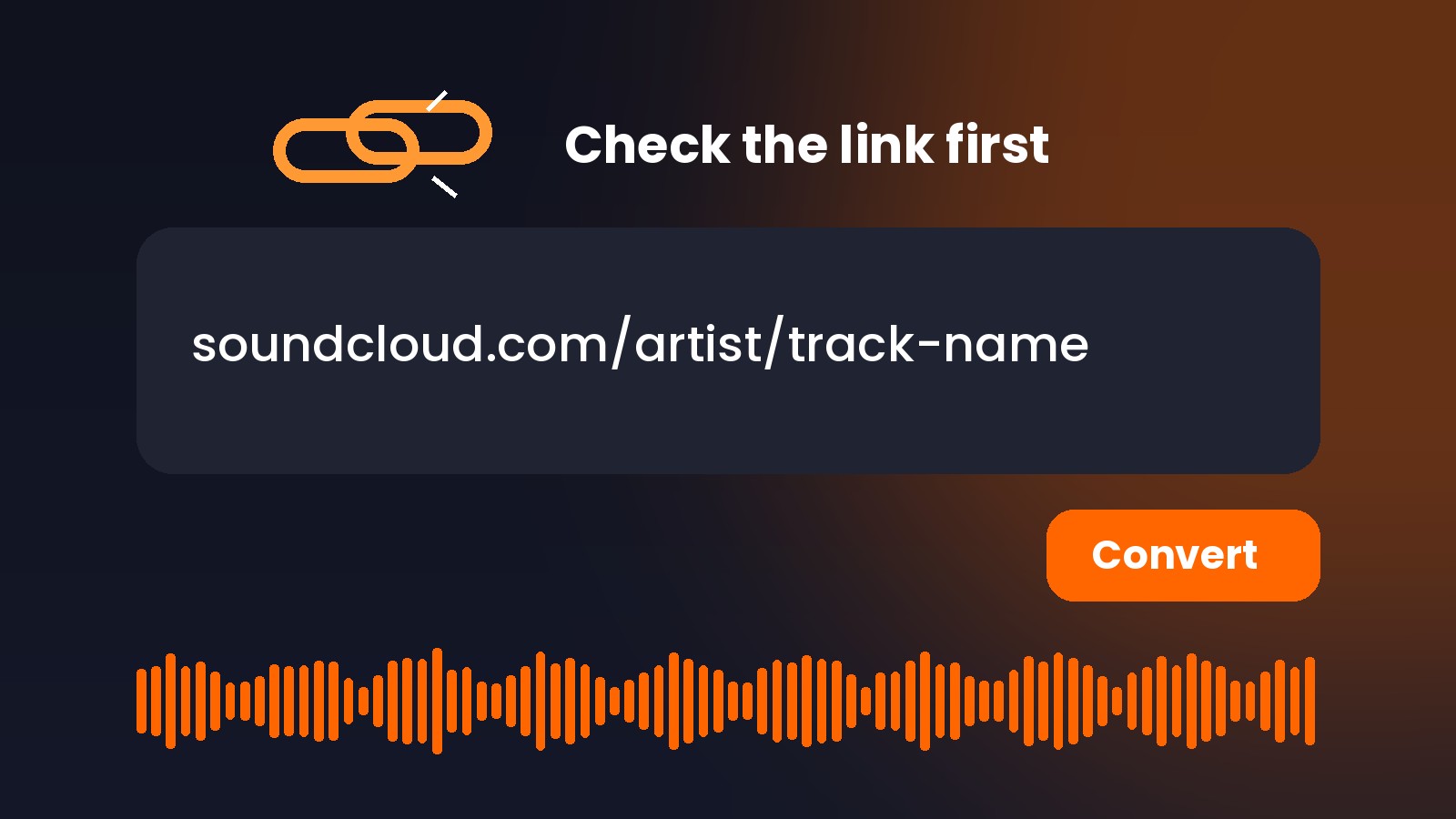
The SoundCloud app's share sheet often gives you a shortened link. Some of those don't resolve cleanly when you paste them somewhere else. Open the link in your browser first, let it land on the track page, then copy the address from the address bar. A clean track URL looks like soundcloud.com/artist-name/track-name.
2. Make sure it's a track or playlist link, not a profile or search page
It's easy to grab the wrong thing. A link to an artist's profile, a search results page, the "Likes" tab, or an embed code won't convert, because there's no single track behind it. Click into the track itself and copy that URL instead.
3. Clean up extra characters in the link
Links copied from messages or social posts sometimes pick up tracking bits at the end, like "?si=" or "utm_source=". Usually that's harmless, but if the conversion fails, delete everything after the track name and try again. Also check for a stray space at the start or end. SoundCloud's own help center lists a misspelled URL or an extra character as one reason a track won't load.
4. Refresh once, then wait
Short network hiccups happen. Refresh the page and try the link one more time. What doesn't help is clicking Download five times in a row, since that can stack duplicate requests and make things slower. If it still fails, give it a few minutes before trying again.
5. Pause ad blockers and extensions for the page
Ad blockers, privacy extensions, and download managers can block the request that starts your file. SoundCloud gives similar advice for playback problems: disable extensions that might be interfering and try again. Turn them off for the converter page only, or test in a private window where most extensions are off by default.
6. Clear your cache or switch browsers
Old cookies and cached files can break pages in strange ways. Clear your browser's cache and cookies, restart it, and retry. If that doesn't work, try a different, up-to-date browser. If the conversion works there, you know the problem is local to your usual browser, not the track or the SoundCloud downloader.
7. Check where the file actually went
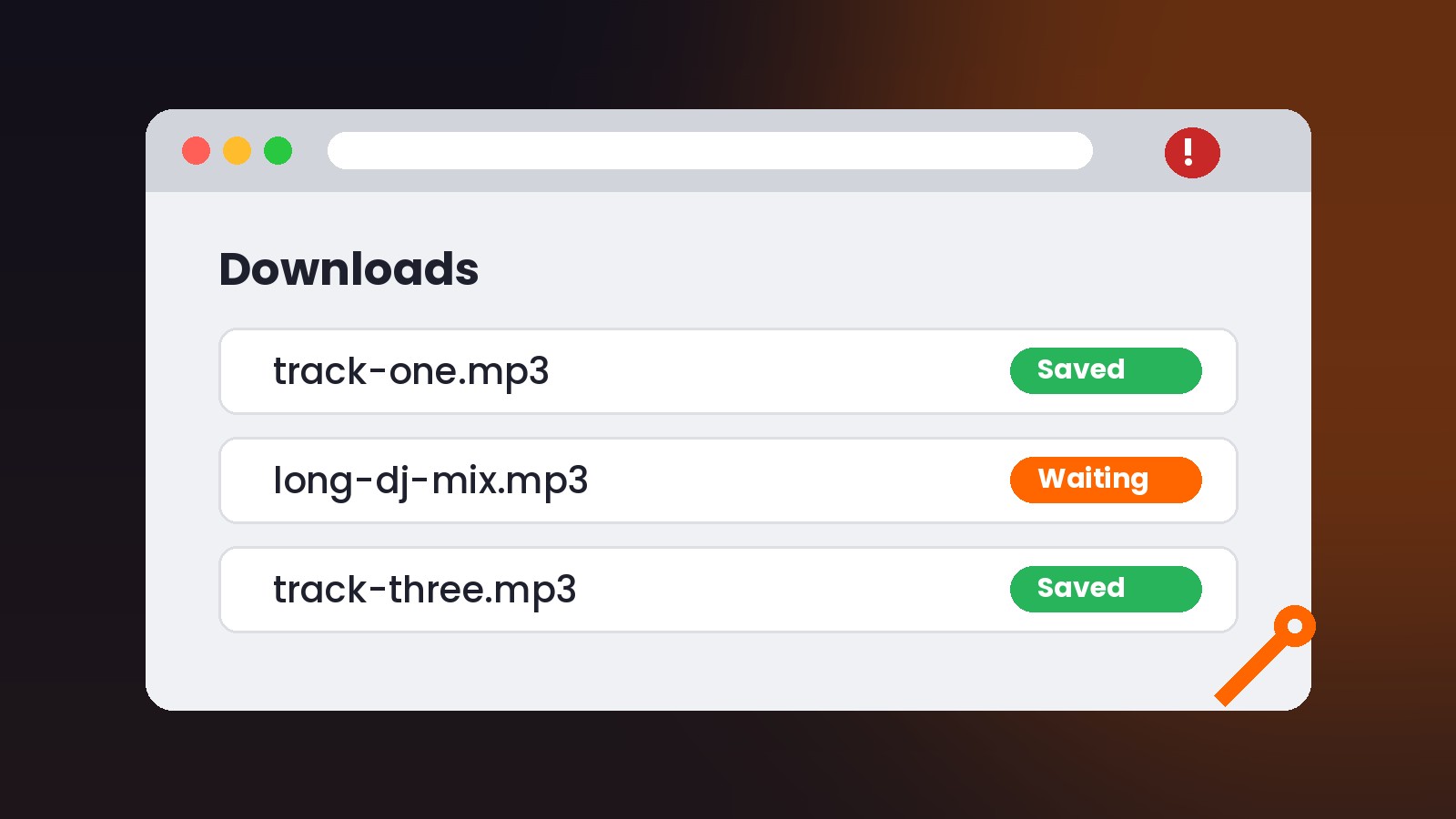
Sometimes SoundCloud to MP3 looks like it's not working when the file saved just fine. On a computer, check your Downloads folder and your browser's download list. On iPhone, look in the Files app under Downloads. On Android, check the Downloads app or your file manager. Mobile browsers can be quiet about finished downloads, so look before you convert the same song again.
8. Test one track before blaming a playlist
If a playlist won't process, the problem might be a single song inside it. One track that was deleted, made private, or limited in your region can trip up a batch. Try converting one track from the playlist on its own. If that works, go through the rest to find the one that isn't available, and leave it out.
9. Give long mixes extra time
A two-hour DJ set is a much bigger file than a three-minute single, so it takes longer to process. Leave the tab open, keep your device awake, and stay on a stable connection. On a phone, locking the screen or switching apps can interrupt the download, so let it finish first.
When SoundCloud to MP3 Isn't Working Because of the Track
Some failures have nothing to do with your link or browser. SoundCloud's help center explains that a track can stop playing for several reasons:
- It was deleted or removed. The uploader took it down, or it was removed from the platform.
- It was made private. If it was already private, the uploader may have changed its secret link.
- The uploader went over their upload limit. If a creator's subscription lapses, tracks over the free plan's limit can be hidden from listeners.
- The account was suspended or deleted.
- It's not available in your region. Some uploaders only hold the rights to release a track in certain countries.
In every one of these cases, the right move is to stop. Don't hunt for tricks to get around private settings or regional limits. Those limits exist because the creator or rights holder chose them. If you really want the song, check whether the artist offers it on their own page, turn on notifications for a re-upload, or buy it where it's sold.
Some commercially released tracks are also protected on SoundCloud's side so they can be streamed but not saved. If a track plays fine but never converts, that may be why, and it isn't something a SoundCloud downloader should try to break.
Quick Fixes for SoundCloud to MP3 Problems on Your Phone
Phones add a few problems of their own. Here's what tends to go wrong:
- The share link opens in the app instead of the browser. Long-press the link and choose to open it in your browser, then copy the address from there.
- The download prompt never shows up. On iPhone, Safari may ask whether to allow the download. If you tapped Cancel by mistake, refresh and try again.
- Low storage. A long mix can be large. Free up some space if your phone is nearly full.
- Battery saver or data saver mode. These can pause background activity. Turn them off while the file downloads.

File Opened but Something Seems Off?
Not every problem is a failed conversion. If the file downloads but won't play the way you expect, check these:
The file won't open in your music app
Check the file extension. Renaming a file from one format to another, like changing ".m4a" to ".mp3" by hand, doesn't convert the audio inside, and it can stop some apps from opening it. Download the file again in the format you need instead of renaming it.
The track name is messy
Files often come with long names pulled from the upload title. Rename them to "Artist - Title" so your music library or DJ software sorts them properly.
The audio sounds worse than you expected
A converted file can only be as good as the audio SoundCloud streams for that upload. If the original was uploaded at low quality, converting it won't make it better. For the best possible version, check whether the artist has turned on SoundCloud's own Download option for that track.
Habits That Stop SoundCloud to MP3 Errors Before They Start
Once you've fixed the issue, a few small habits will keep it from coming back:
- Copy links from the browser address bar, not from in-app share sheets.
- Run the incognito play test on anything that seems unusual.
- Convert one track first, then move to playlists.
- Keep your browser updated and give the converter page an exception in your ad blocker.
- Know where your downloads land on each device you use.
- Stick to tracks you're allowed to save: your own uploads, tracks the artist has made downloadable, or audio the creator has said you can keep.
Free accounts on MusicVerter also have a daily limit. If you see a message that you've hit it, that isn't an error. You can wait for the limit to reset or look at the paid plans.
Try Your SoundCloud to MP3 Link Again
Most of the time, SoundCloud to MP3 not working comes down to a short share link, a blocked request, or a file that saved somewhere you didn't expect. Run the incognito check, clean up the link, and try again. When the track itself is private, removed, or limited in your region, let it go and look for an official source.
Ready to give it another shot? Paste a clean track link into the MusicVerter SoundCloud to MP3 converter and start your download in the browser. If you're saving a whole set of tracks you have permission to keep, the SoundCloud playlist downloader handles playlists from one link.
SoundCloud to MP3 Not Working: FAQ
Why does my SoundCloud link say it's invalid?
The link usually isn't a direct track or playlist URL. Open it in your browser, go to the track page, and copy the full address from the address bar. Profile pages, search results, and embed codes won't work.
Can I convert a private SoundCloud track to MP3?
No. MusicVerter works with public tracks. It doesn't get around private, restricted, or blocked content. If you need a private track, ask the creator to share it with you directly.
Why does a track play for me but still fail to convert?
The track may be limited to certain regions, or it may be a protected commercial release that can be streamed but not saved. Run the incognito test. If it plays there but still won't convert, it's likely one of those limits, and it's best to find the song from an official source.
Do I need to install anything to fix SoundCloud to MP3 errors?
No. MusicVerter is a browser tool, so there's nothing to install or update. Keeping your browser up to date and pausing extensions that block downloads solves most issues.
Why did my SoundCloud playlist only partly download?
One or more tracks in the playlist may be deleted, private, or unavailable in your region. Convert those tracks one at a time to find the one causing trouble, then skip it.
Where do my converted files go on iPhone?
Look in the Files app, usually in the Downloads folder under On My iPhone or iCloud Drive, depending on your Safari settings.

About the Author


