
.png)
SoundCloud
Downloader To MP3
Download any SoundCloud Song or
WAV
AAC
FLAC
MP3
Try our SoundCloud Downloader above for free SoundCloud song downloads. Want more features? Try Premium today.

Stream Like a Pro: Unlock SoundCloud's Handy Keyboard Shortcuts
Introduction
SoundCloud remains a top choice for music lovers searching for unique, diverse tracks from creators worldwide. While its visual appeal draws attention, knowing your way around its keyboard shortcuts can seriously ramp up your streaming game. These shortcuts aren’t just time-savers; they’re game-changers for anyone aiming to enrich their music streaming journey by making quick, seamless adjustments. Whether you're exploring SoundCloud for the first time or are a seasoned user looking to fine-tune your skills, these shortcuts can redefine how you interact with the platform.

Essential SoundCloud Keyboard Shortcuts
Kickstart your journey to mastering SoundCloud by getting to grips with some basic yet vital shortcuts:
- Play/Pause: Hitting the spacebar lets you effortlessly switch between playing and pausing a track.
- Next Track: Pressing 'J' will instantly take you to the next track, keeping your playlist or queue flowing.
- Previous Track: With the 'K' key, you can rewind to the last track, perfect for replaying those tunes that you just can’t get enough of.
With these shortcuts, you’ll enjoy a seamless listening experience, avoiding constant window switches or mouse reach.

Volume and Playback Controls
Get precise control over your volume and playback with these simple commands:
- Increase Volume: Tap the up-arrow key for a quick volume boost.
- Decrease Volume: The down-arrow key helps lower the volume when necessary.
- Fast-Forward/Rewind: The left and right arrow keys help you jump backward or forward within a track, allowing you to skip to parts of a mix or playlist that you love without interrupting the vibe.
Advanced Navigation
If you frequently navigate playlists, profiles, and more on SoundCloud, these advanced shortcuts offer enhanced control:
- Like a Track: Press 'L' to swiftly like a track, making it easy to build your collection of favorites.
- Repost: Share tracks with your followers quickly by hitting the 'R' key.
- Navigate to Profile: 'Shift + P' directly brings you to your profile, bypassing menu navigation.
- Access Listening History: Eager to replay a recent track? The 'H' key instantly displays your listening history.
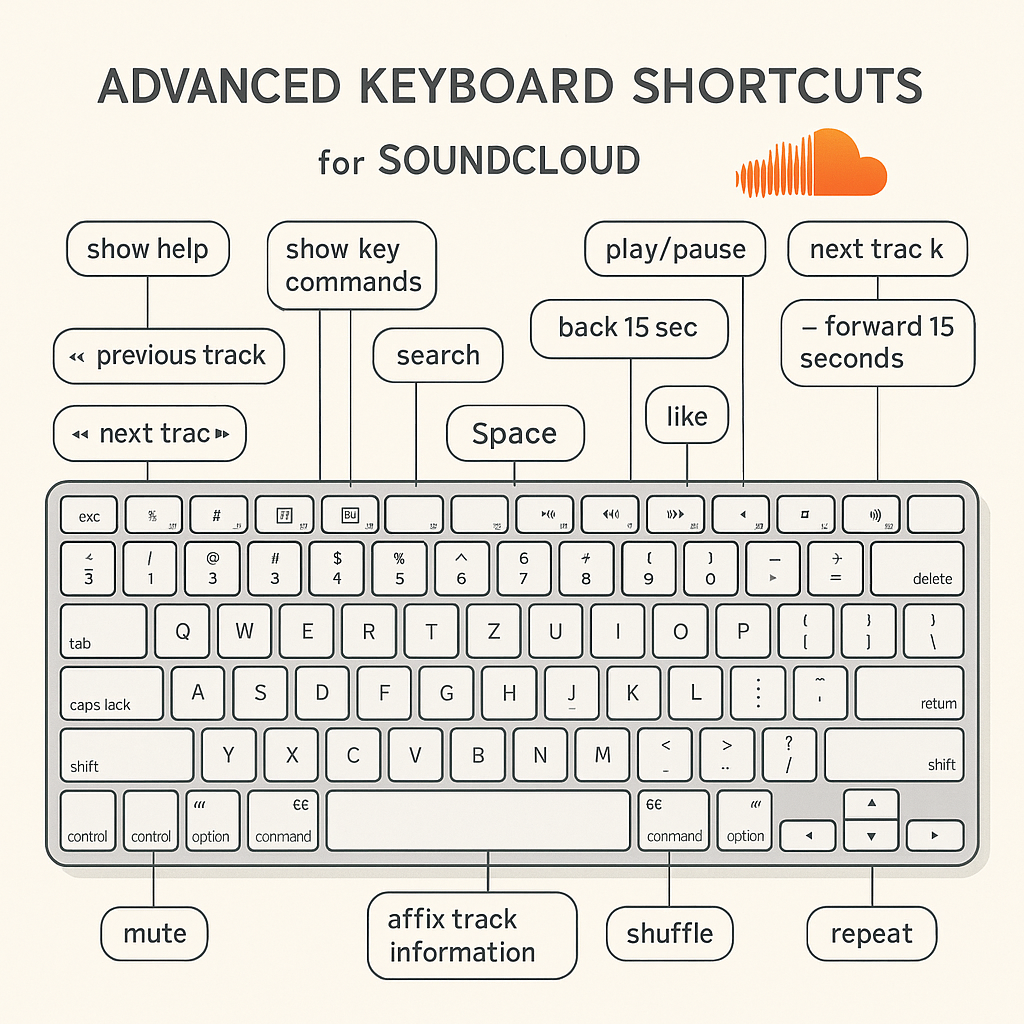
These tools are designed to make your SoundCloud journey smoother, allowing more focus on what truly matters—enjoying the music.
Additional Tips and Frequently Asked Questions
Though the shortcuts we've covered are fundamental, you might have questions about their compatibility or customization:
Q: Are these keyboard shortcuts compatible with all browsers?
A: These shortcuts generally work across major browsers, though some differences may exist based on specific browser settings or extensions.
Q: Can these shortcuts be customized?
A: Currently, SoundCloud doesn’t offer native customization options for shortcuts. However, you might find browser extensions that expand this functionality.
Conclusion and Call to Action
By integrating these handy keyboard shortcuts into your routine, you will dramatically upgrade your SoundCloud experience. They not only boost efficiency but also let you dive deep into the music without disruptions. Give these shortcuts a try and notice how much they can revolutionize your music streaming habits. Share your top shortcuts and experiences with us, and help others in the community benefit from your expertise.
For even more ways to enhance your audio streaming experience, visit Musicverter. Discover how our tools can help you convert and download your favorite SoundCloud tracks with ease.

About the Author


