
.png)
SoundCloud
Downloader To MP3
Download any SoundCloud Song or
WAV
AAC
FLAC
MP3
Try our SoundCloud Downloader above for free SoundCloud song downloads. Want more features? Try Premium today.

Transform Your Listening Experience with MusicVerter: The Premier SoundCloud to MP3 Converter
Introduction
There’s a certain comfort in having your favorite music just a click away, even when you're offline. Though SoundCloud is a treasure trove for music lovers, downloading tracks directly isn't an option. That's where MusicVerter comes into play. Designed as a nimble, free tool, it transforms SoundCloud tracks into downloadable MP3s effortlessly. Whether you're looking to snag a single track or an entire playlist, MusicVerter has you covered. Let's dive into how you can turn SoundCloud streams into high-quality downloads seamlessly.
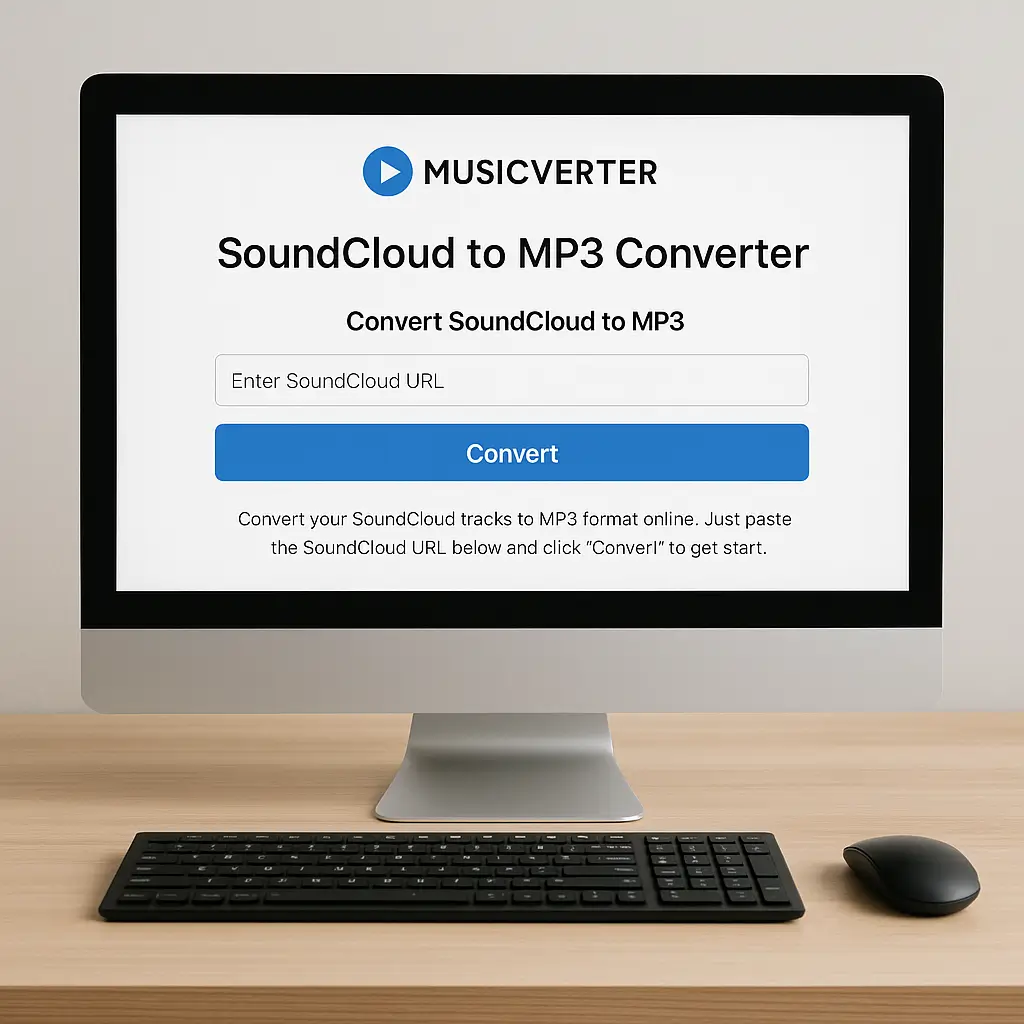
How to Download and Convert Songs with MusicVerter
Grabbing tunes from SoundCloud is straightforward and stress-free with MusicVerter's easy interface, perfect for desktop and mobile. Here's your quick guide to getting started:
Step-by-Step Guide for Desktop Users
Visit MusicVerter: Fire up your browser and head to MusicVerter’s SoundCloud to MP3 page.
Copy the SoundCloud URL: In a new tab, explore SoundCloud to find the track or playlist you want. Simply copy the URL from your browser’s address bar.
Paste the URL: Switch back to MusicVerter and paste the URL into the designated field.
Choose Your Format and Quality: Opt for MP3 and select the quality you prefer—MusicVerter offers top-tier options, including 320kbps.
Convert and Download: Hit ‘Convert.’ After a short wait, your track is ready. Click ‘Download’ to save it straight to your device.
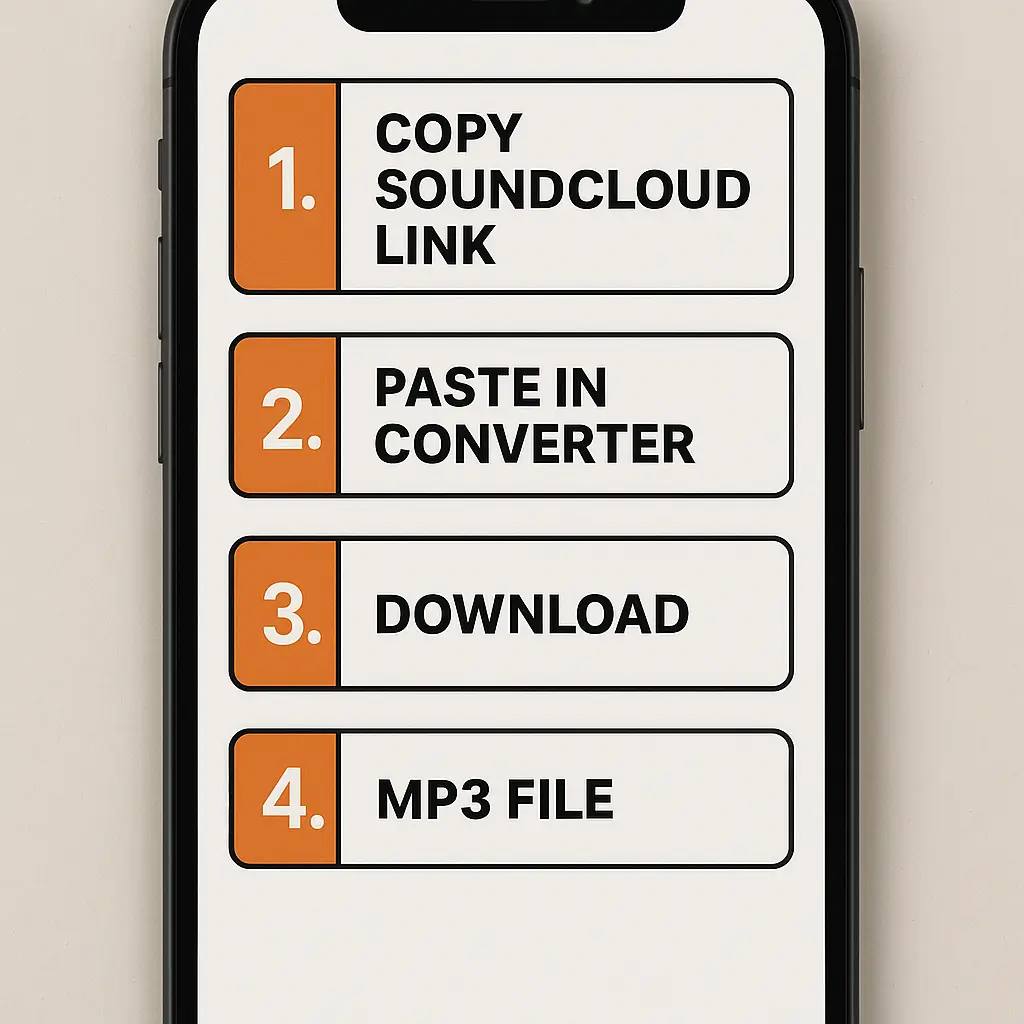
Step-by-Step Guide for Mobile Users
Access MusicVerter Mobile-Friendly Site: On your mobile, open a browser and go to the MusicVerter SoundCloud to MP3 converter page.
Copy SoundCloud Link: Use the SoundCloud app or browser to grab the link of your track from the share menu.
Paste and Convert: Pop back to MusicVerter, paste the link, and select your quality—320kbps for the best sound.
Download Your Track: Tap ‘Convert,’ wait a moment, and download your music to enjoy offline.
Benefits of Using MusicVerter
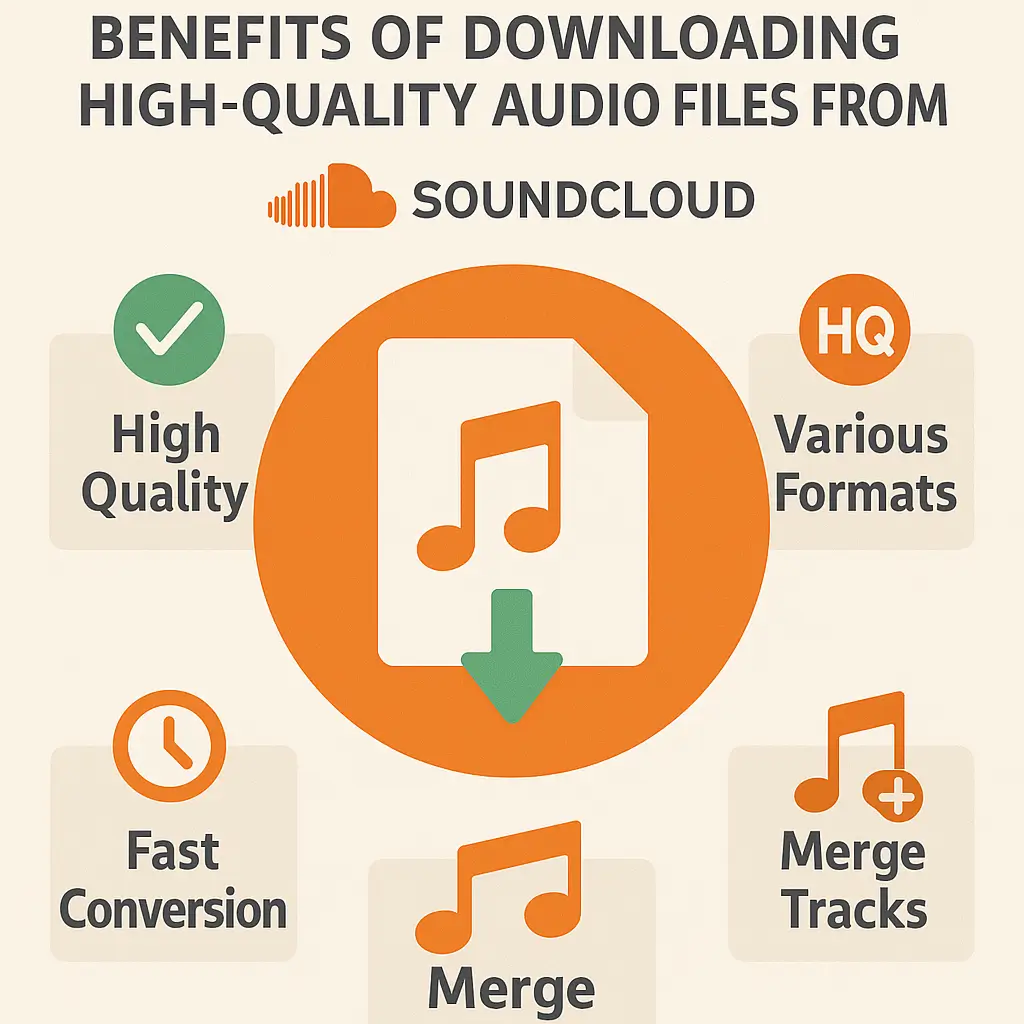
MusicVerter isn’t just another downloader—it offers standout features:
Simple and Speedy: It’s all about a few clicks—you’ll have your music faster than ever.
High-Quality Audio Conversion: Ensures crystal-clear audio with conversion options up to 320kbps.
Legal and Safe: Focused on legality, embracing downloads that are ethically shared by creators.
Versatile Compatibility: Whether on a phone, tablet, or computer, MusicVerter lets you download and listen without any stress.
Explore how you can download playlists with ease by visiting the MusicVerter SoundCloud Playlist Downloader page.
Conclusion
With MusicVerter, turning your favorite SoundCloud tracks into offline gems has never been simpler. Delivering not just speed and quality but also focusing on legal, secure downloads, MusicVerter is the standout tool for 2026. Dive into your unusual finds and staple hits today, and let MusicVerter handle the rest.
FAQs
Q: How do I download songs from SoundCloud?
A: Just copy the SoundCloud track’s URL, paste it into MusicVerter, pick your format and quality, and start converting and downloading.
Q: What's the best SoundCloud to MP3 converter?
A: MusicVerter shines as the go-to converter, making it easy to download high-quality MP3s while simplifying the entire process.
Q: Can I convert SoundCloud to MP3 320kbps online?
A: Absolutely. MusicVerter allows easy conversion of SoundCloud tracks to pristine 320kbps MP3s, maintaining top-notch audio quality.
Get the music you love anytime, anywhere with MusicVerter, and keep the rhythm going wherever life takes you.

About the Author


