
.png)
SoundCloud
Downloader To MP3
Download any SoundCloud Song or
WAV
AAC
FLAC
MP3
Try our SoundCloud Downloader above for free SoundCloud song downloads. Want more features? Try Premium today.

The Ultimate Guide to Converting SoundCloud to MP3
Introduction
SoundCloud has become a go-to destination for discovering both indie gems and hits from established artists across the world. While streaming is fantastic, sometimes you just want the freedom to listen offline—whether you're traveling or just cutting back on data usage. This is where a reliable SoundCloud downloader can make life easier. In this guide, we’ll walk you through the ins and outs of converting SoundCloud tracks to MP3, whether it’s for a single song or downloading an entire playlist. With the right tools, such as Scdler and Musicverter's options, you'll soon enjoy your favorite tunes anywhere and anytime.

Why Download SoundCloud to MP3?
Imagine a world where you can enjoy uninterrupted music playback without worrying about spotty Wi-Fi or losing your mobile connection halfway through a killer playlist. That's a major benefit of using a SoundCloud to MP3 converter. Moreover, converting tracks to MP3, especially at 320kbps, guarantees top-notch audio quality for a rich listening experience. If you're into podcasts, downloading them ensures you won’t miss a beat, even in the most unpredictable digital dead zones.
Legal Considerations
Before you hit that download button, it’s crucial to know the legal ropes. Many artists rely on SoundCloud for their streaming income and audience growth, so always ensure you have the creator’s permission to download their work. Sometimes, tracks are available for a direct legal download on SoundCloud—but when they’re not, always seek consent before proceeding with a conversion tool.
Using Scdler for SoundCloud to MP3 Conversion
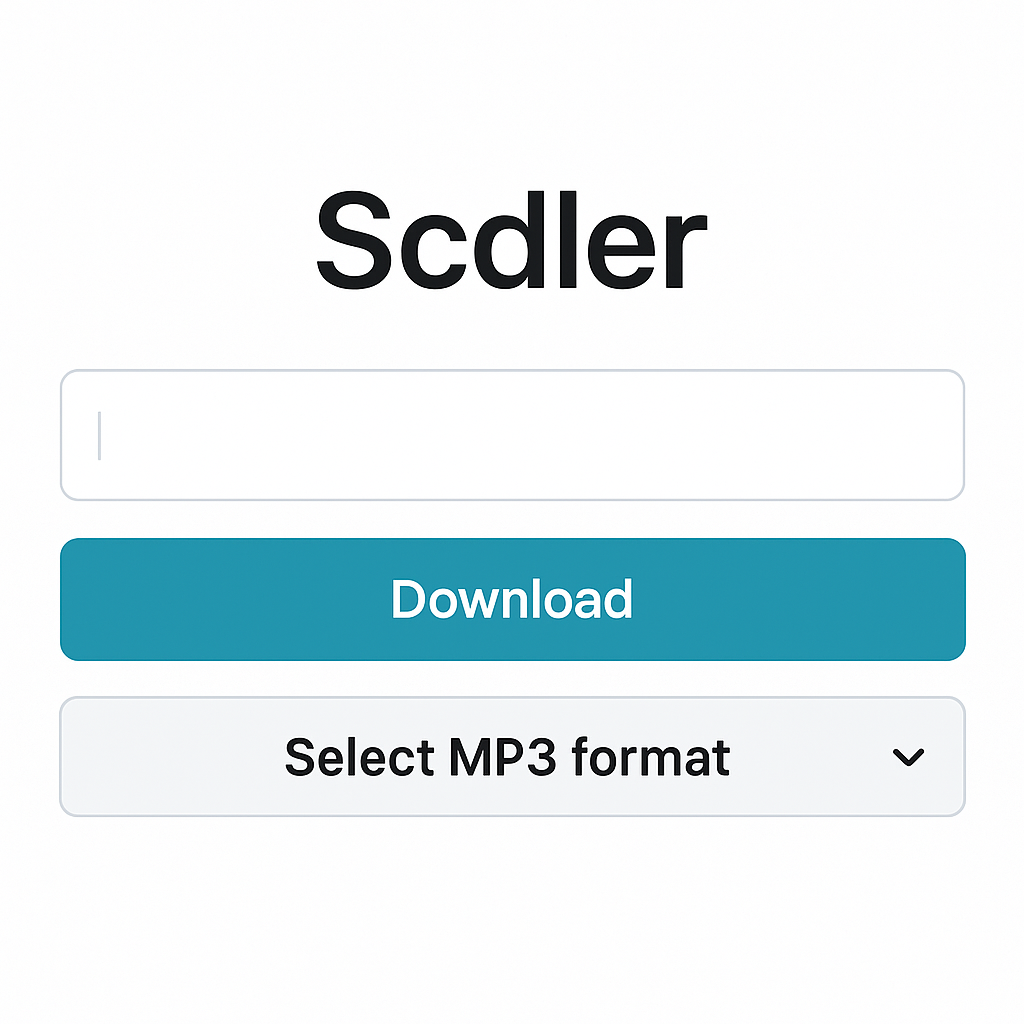
Looking for a simple way to turn your favorite SoundCloud tracks into MP3 files? Scdler can get the job done. Here's a quick guide on how to use it:
- Copy the URL: Find the song you want to download and copy its URL.
- Head to Scdler: Open Scdler in your web browser.
- Enter the URL: Paste the track’s link into the field on Scdler's main page.
- Select MP3 Format: Choose MP3 as your output format to lock in high-quality sound.
- Download: Click download, and just like that, your track will be ready to rock on your device.
Scdler’s streamlined design makes it a breeze to use, perfect for when you’re keen to convert quickly and efficiently.
Alternative Methods for Mass Downloads
Need to download multiple tracks or a full playlist from SoundCloud? No worries, there are tools designed exactly for that!
- Batch Downloading: Tools like Cisdem VideoPaw let you snag multiple tracks at once, offering support for various formats, including MP3 at 320kbps.
- Format Flexibility: These tools also let you convert files into different formats, such as WAV or FLAC, catering to all your audio needs.
Device-Specific Instructions
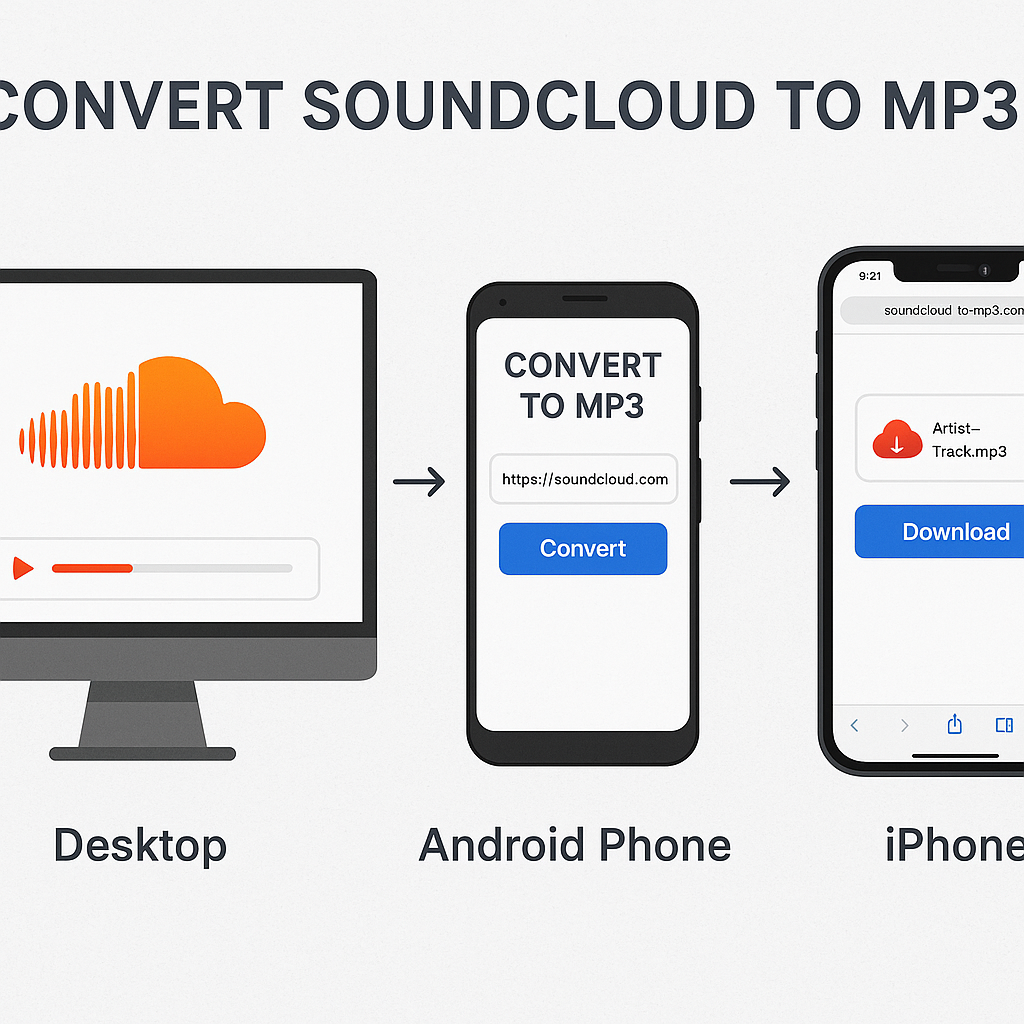
Downloading SoundCloud tracks may differ slightly depending on the device you're using. Here’s how to navigate it on different devices:
For Desktop Users
Desktops give you access to an array of powerful options:
- Web Tools: Use Scdler or other online downloaders directly in your browser.
- Advanced Software: For more features, consider desktop apps like Cisdem VideoPaw.
For Android Users
Android platforms offer great flexibility:
- Specialized Apps: Look for apps in the Google Play Store designed for SoundCloud downloading.
- Mobile Browsing: Use browsers to access and use tools like Scdler following the desktop steps.
For iPhone Users
Apple devices have a unique approach:
- Safari Browser Use: Use Safari to copy and paste URLs into browser-based downloaders.
- Select Apps: Though more limited, check for apps that support downloads through in-app browsers.
Conclusion
Downloading SoundCloud tracks to MP3 opens up a world of musical enjoyment beyond streaming. Just remember, respect for content creators and their rights is key. Tools like Scdler, along with alternatives such as Musicverter's options, provide user-friendly ways to enhance your listening experience. Dive into these options and make the most of your SoundCloud explorations!
FAQs
Q: How do I download songs from SoundCloud?
A: To download from SoundCloud, simply copy the song's URL, use a tool like Scdler to paste the URL into the downloader, select MP3 as the output format, and download the file to your device.
Q: What's the best SoundCloud to MP3 converter?
A: Try Musicverter’s SoundCloud downloader for its straightforward interface. Scdler is also a reliable option for quick tool conversions.
Q: Can I convert SoundCloud to MP3 at 320kbps?
A: Absolutely, many tools, including Cisdem VideoPaw, offer the capability to convert SoundCloud tracks to high-quality MP3 320kbps for excellent sound performance.
Ready to elevate your SoundCloud experience? Start converting today and keep enjoying your music, no matter where life takes you!

About the Author


