
.png)
SoundCloud
Downloader To MP3
Download any SoundCloud Song or
WAV
AAC
FLAC
MP3
Try our SoundCloud Downloader above for free SoundCloud song downloads. Want more features? Try Premium today.

The Ultimate Guide to Converting SoundCloud to MP3
Introduction
Music has become more accessible than ever with platforms like SoundCloud, but sometimes, you just want to listen to your favorite tracks offline. Whether you're a passionate music lover or a DJ needing tracks at your fingertips, converting SoundCloud music to MP3 can be incredibly handy. In this guide, we're diving into the best methods to convert SoundCloud tracks to MP3 using tools like MusicVerter and NoteBurner, ensuring you can enjoy high-quality music offline effortlessly. Ready to enhance your SoundCloud experience? Let’s get started!
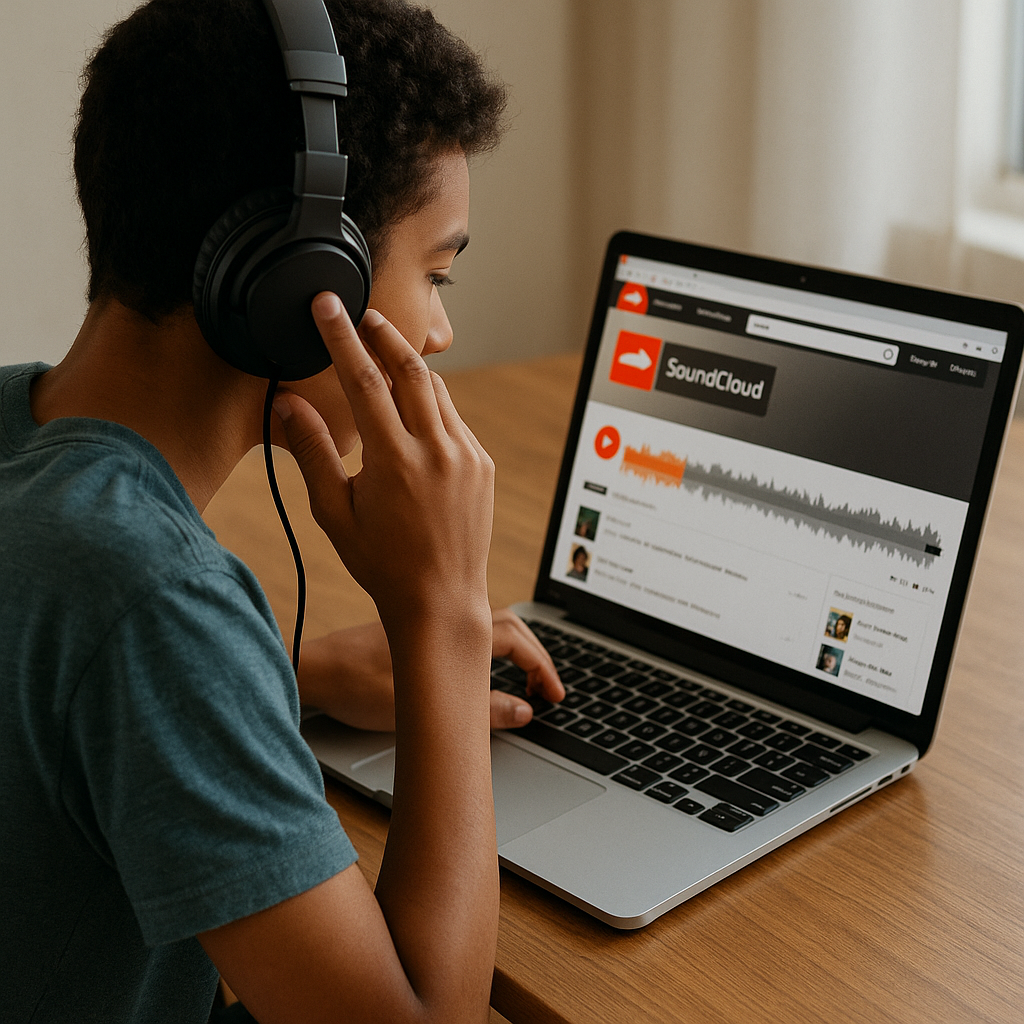
Direct SoundCloud Downloads
SoundCloud does allow direct track downloads—but only if the artist has enabled it. These downloads, however, are often in the original format and not directly convertible to MP3 via SoundCloud itself. If you're looking for more versatile offline music options, exploring third-party tools can really expand your downloading capabilities.
Using MusicVerter for Downloads
One of the standout tools for converting SoundCloud to MP3 is MusicVerter. It simplifies the whole process, offering easy, high-quality downloads. Here's how you can grab your favorite SoundCloud tracks using MusicVerter:
![SoundCloud Downloader]()
MusicVerter makes it easy not only to download individual tracks but also entire playlists. Want to download in bulk? Check out their SoundCloud Playlist Downloader for a streamlined experience.
NoteBurner as an Alternative
Another reliable option for converting and downloading music from SoundCloud is NoteBurner. It supports various formats beyond MP3, giving you flexible choices. Here’s how you can use NoteBurner:
If you prefer a desktop application, NoteBurner is a great option, especially when you need to convert multiple tracks at once.
Comparison of Downloading Tools
When deciding between MusicVerter and NoteBurner, consider these features:
| Feature | MusicVerter | NoteBurner | SoundCloud Native Options |
|---------------------------------|---------------------------------------|--------------------------------------|------------------------------------|
| Audio Quality | Up to 320kbps | Up to 320kbps | Depends on artist settings |
| Batch Processing | Available | Available | Not Supported |
| Supported Formats | MP3, with batch downloading | MP3, AAC, others | Limited to original format |
| Platform Requirements | Fully online, no installation | Requires desktop installation | Web-based |

These tools offer flexibility and high-quality downloads, overcoming the limitations of SoundCloud's streaming-only model.
Conclusion
Getting your SoundCloud tracks in MP3 form is easy and efficient with tools like MusicVerter and NoteBurner. They cater to your need for convenience, high audio quality, and even batch downloading capabilities. With its seamless interface and superior quality output, MusicVerter is a top choice for boosting your music library. Head over to MusicVerter today and elevate your offline music game!
FAQs
A: If the artist permits, download directly from SoundCloud. For more options, including MP3 conversion, use tools like MusicVerter or NoteBurner.
A: MusicVerter is a standout choice thanks to its easy navigation and superb MP3 quality, making it ideal for offline listening.
A: Absolutely. MusicVerter offers an online conversion to MP3 320kbps, ensuring premium audio quality for your listening pleasure.

About the Author


