
.png)
SoundCloud
Downloader To MP3
Download any SoundCloud Song or
WAV
AAC
FLAC
MP3
Try our SoundCloud Downloader above for free SoundCloud song downloads. Want more features? Try Premium today.

The Ultimate Guide to Downloading SoundCloud Music: Effective and Legal Ways
Introduction
If you love exploring new music, SoundCloud is a treasure trove of indie gems and mainstream hits. Yet, one hiccup you might face is the challenge of listening offline without a hefty subscription. In this guide, we'll show you various ways to download from SoundCloud, focusing on user-friendly SoundCloud downloaders and MP3 converters. Whether you're dealing with spotty internet or just want to save on streaming fees, we've got you covered.

Legal Download Options on SoundCloud
SoundCloud does let you download tracks legally, but it's not always straightforward. It depends on the artist's settings. Want to know how? Here’s a quick rundown:
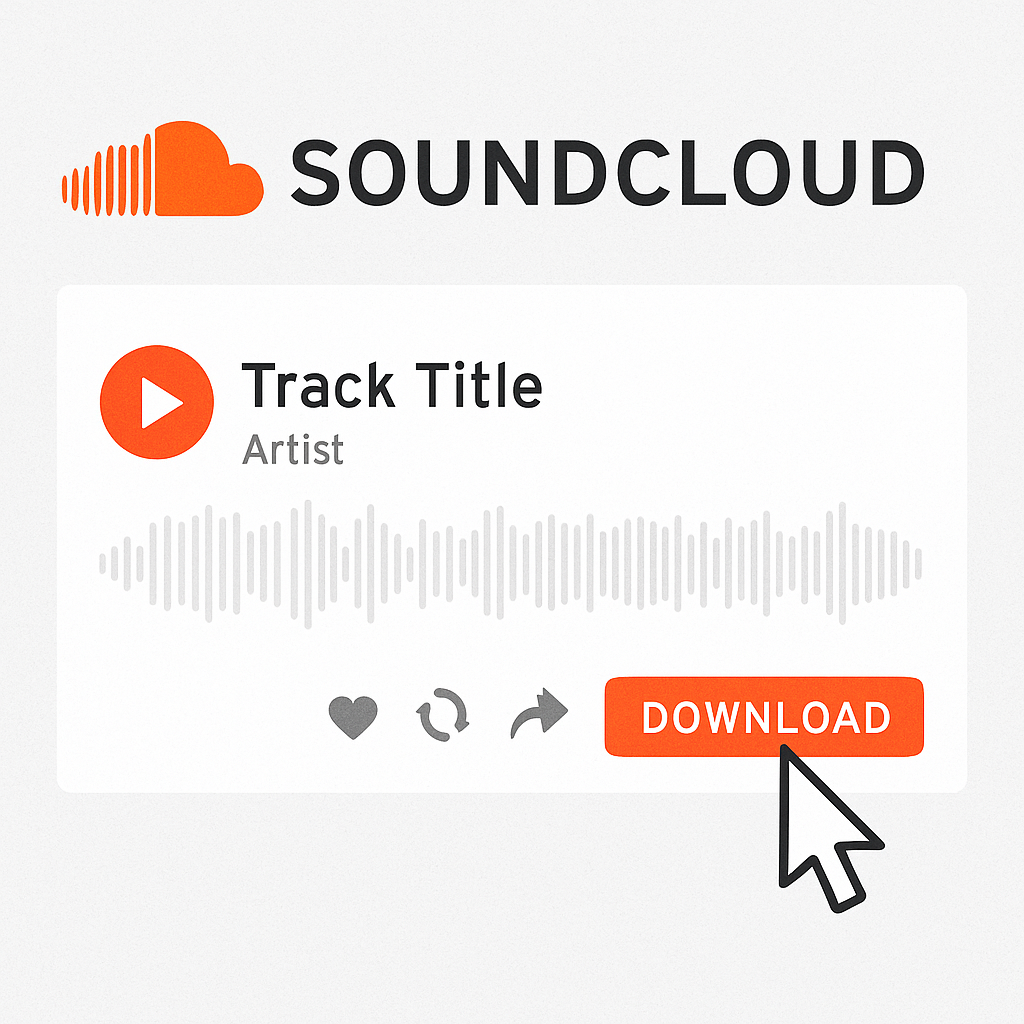
- Find Your Track: Head over to the SoundCloud track you're interested in.
- Look for a Download Option: Check beneath the track for a "Download" button. It's only there if the artist has allowed it.
- Get Downloading: Simply click to download the track directly to your device.
This method respects artists' rights, but bear in mind, not every track will have the download option available.
Using Online SoundCloud to MP3 Converters
Can't find the download button? No worries! Online SoundCloud to MP3 converters are a handy solution. Here's how to use them:
- Pick Your Converter: Opt for reliable services, such as the Musicverter SoundCloud to MP3 tool.
- Copy the Track URL: On the SoundCloud page, right-click your track URL and hit "Copy."
- Paste It In: Head over to the converter website and paste the URL where indicated.
- Convert and Download: Click "Convert" and, once ready, download your new MP3 file.
Pros and Cons of Online Converters
Pros:
- Simple to use: No need to install any software.
- Quick: Fast conversion for when you're in a rush.
Cons:
- Quality: Sometimes suffers due to compression.
- Pop-ups: Many free services bombard you with ads.
- Legality: Always check you have permission to download.
![SoundCloud Downloader]()
Desktop Applications for Conversion
Seeking better sound quality or more features? Desktop applications like specialized tools from Musicverter could be your answer. Here’s a simple guide:
- Install the Software: Download a trusted tool from its official site.
- Add the Track Link: Paste the URL of your desired SoundCloud track into the application.
- Choose Quality and Format: Select options like MP3 320kbps for top-notch audio.
- Convert and Save: Start your conversion and save the file wherever you like.
Premium Alternatives
For those who want more, premium desktop tools offer extra perks—like batch downloads and no ads.
Legal and Ethical Considerations
It's crucial to stay within legal boundaries when using any SoundCloud downloader or MP3 converter. Here are a few tips:
- Respect Artist’s Work: Look for a legal download option first.
- Use Tools Wisely: Always make sure you have the right to download tracks.
Conclusion
You now have a variety of options to enjoy SoundCloud tracks offline. Whether you choose the official download button or a reliable MP3 converter, make sure it's legal and quality-focused. Musicverter offers an excellent SoundCloud to MP3 tool that delivers quality and legality, supporting your favorite music experiences wherever you go.
FAQs
Q: How do I download songs from SoundCloud?
A: Use SoundCloud's official download button when available or try an online SoundCloud downloader, ensuring compliance with copyright laws.
Q: What's the best SoundCloud to MP3 converter?
A: For top-tier performance, Musicverter’s tools stand out, combining reliability with high-quality downloads.
Q: Can I convert SoundCloud to MP3 320kbps online?
A: Absolutely! Premium applications and services like Musicverter’s converters let you enjoy tracks at 320kbps, delivering superior sound quality.

About the Author


