
.png)
SoundCloud
Downloader To MP3
Download any SoundCloud Song or
WAV
AAC
FLAC
MP3
Try our SoundCloud Downloader above for free SoundCloud song downloads. Want more features? Try Premium today.

Your Ultimate Guide to Converting SoundCloud Tracks to MP3
Introduction
SoundCloud is a go-to hub for both budding and established musicians, offering a rich tapestry of music from around the globe. Whether you're discovering fresh beats or enjoying long-time favorites, sometimes you want to keep those tunes for offline listening. Converting SoundCloud tracks to MP3 lets you do just that—enabling you to listen anywhere, anytime, with amazing sound quality. If you've ever wondered how to convert SoundCloud to MP3 seamlessly, you’re in the right spot. Let's explore using a SoundCloud downloader like Scdler for top-notch, hassle-free conversions while staying above board legally.
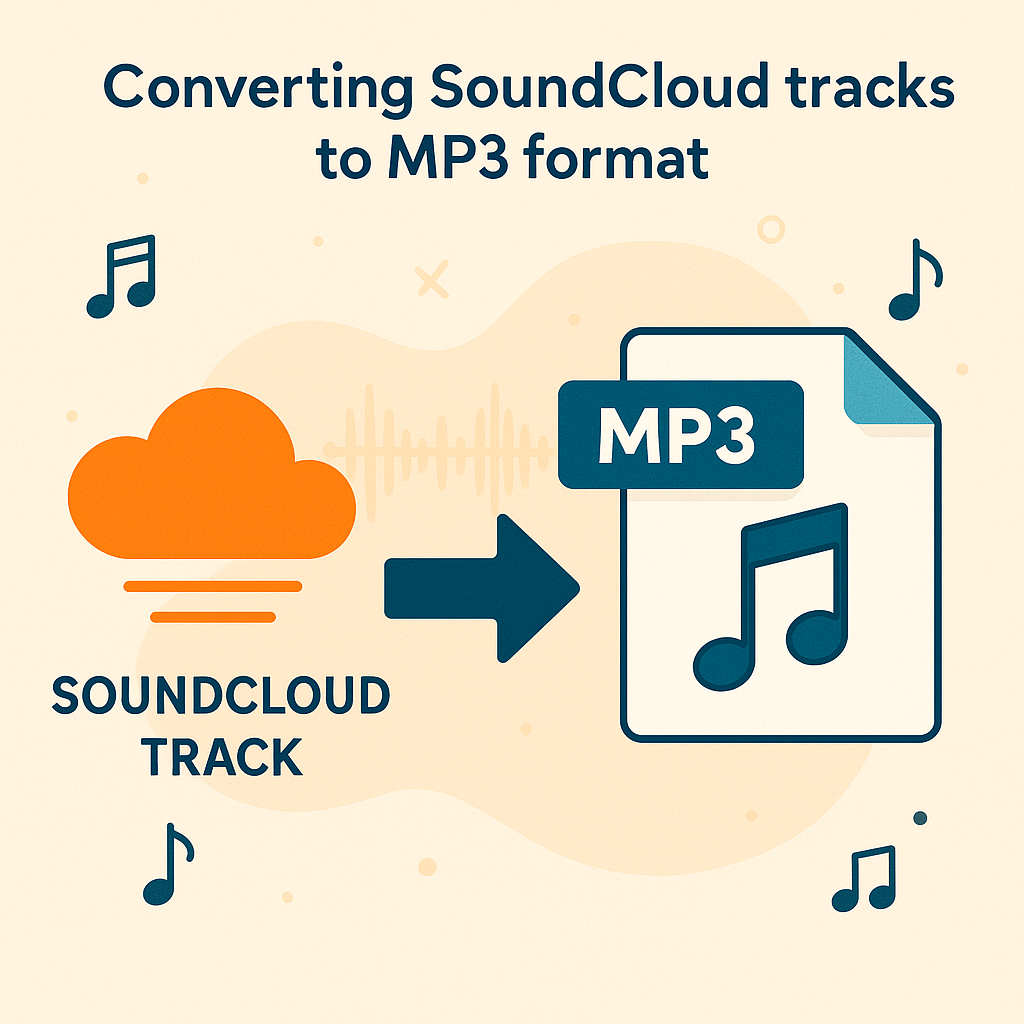
Understanding SoundCloud and SoundCloud to MP3 Conversion
SoundCloud is a versatile online platform delivering a smorgasbord of music and podcasts. For many music lovers, converting these tracks to MP3 means enjoying offline playback and pristine sound. The widely compatible MP3 format ensures these tracks can be played on nearly any device. A reliable SoundCloud to MP3 converter helps maintain high sound quality, like 320kbps, which is a must for audiophiles who crave clear, rich audio experiences.
Legal and Safe Downloading Practices
Turning SoundCloud tracks into MP3s can greatly enhance your music library, but it's crucial to stay lawful and ethical. Downloading tracks usually requires the artist's permission, or the track must be designated as downloadable. To use tools like Scdler safely and legally, follow these tips:
- Stick to trusted SoundCloud downloaders with good security credentials.
- Verify that the website uses HTTPS for secure data transmission.
- Keep antivirus software active and updated to block potential cybersecurity threats.
Paying attention to these guidelines not only respects artists but also ensures a secure downloading experience for you.

Step-by-Step Guide to Using Scdler
With Scdler, converting your favorite SoundCloud tracks is a breeze, whether you’re on your computer or phone. Here’s how:
- Find the Track URL: Go to SoundCloud and pick the track you want to download.
- Copy the URL: Click "Share" and copy the provided URL.
- Visit Scdler: Open a browser and head to the Scdler site.
- Enter the URL: Paste the copied link into the input box on Scdler.
- Choose Output Format: Select MP3, aiming for the highest quality like 320kbps.
- Start Downloading: Hit ‘convert’ or ‘download’ to kick off the conversion.
- Save Your File: Once done, save the MP3 file for offline enjoyment.
By following these steps, you can quickly transform SoundCloud tracks into MP3s with excellent sound quality.
Optimizing Download Quality
Balancing file size with sound quality is key when converting SoundCloud tracks to MP3. To achieve the best results:
- Opt for Higher Bitrates: Go for 320kbps to maintain superior audio fidelity, perfect for hi-fi listening.
- Manage File Sizes: While 320kbps files are bigger, they capture audio details that make for an incredible listening experience.
- Update Regularly: Use tools like the latest versions of Scdler that adjust to tech advancements and improved security measures.
These strategies will enhance your listening pleasure and keep your music sounding its best.

Conclusion and Call to Action
Using tools like Scdler to convert SoundCloud tracks to MP3 is a smart way to free your music from the constraints of internet connectivity while ensuring fantastic audio quality. When downloading from SoundCloud, it's important to respect legal guidelines and adopt safety practices. Ready to start? Visit Scdler.com to transform your playlist today. If you're curious about more efficient conversion methods, check out Musicverter’s SoundCloud to MP3 page for expert insights.
FAQs
Q: How do I download songs from SoundCloud?
A: Legally downloading songs from SoundCloud means the track must be marked for download by the artist, or you need their permission. Reliable tools like Scdler make the process safe, as long as you follow best practices for legality and security.
Q: What's the best SoundCloud to MP3 converter?
A: Scdler is among the top SoundCloud to MP3 converters thanks to its ease of use and high-quality preservation. Check out Musicverter’s SoundCloud Playlist Downloader for more advanced tools.
Q: Can I convert SoundCloud to MP3 320kbps online?
A: Yes, using tools like Scdler, you can convert tracks to MP3 at 320kbps. Just select 320kbps during conversion to ensure you experience superior sound quality.

About the Author


