
.png)
SoundCloud
Downloader To MP3
Download any SoundCloud Song or
WAV
AAC
FLAC
MP3
Try our SoundCloud Downloader above for free SoundCloud song downloads. Want more features? Try Premium today.

The Ultimate Guide to Downloading Songs from SoundCloud
Introduction
SoundCloud has become a game-changer in the way we find and enjoy new music, delivering an immense array of tracks from indie artists to chart-toppers. But let's face it—streaming on the go or with no internet can be tricky. That’s exactly where downloading tracks becomes super handy. In this guide, I'll walk you through how to convert SoundCloud to MP3 using reliable SoundCloud downloaders, while ensuring you're aware of any legalities involved.
Understanding SoundCloud's Download Policies
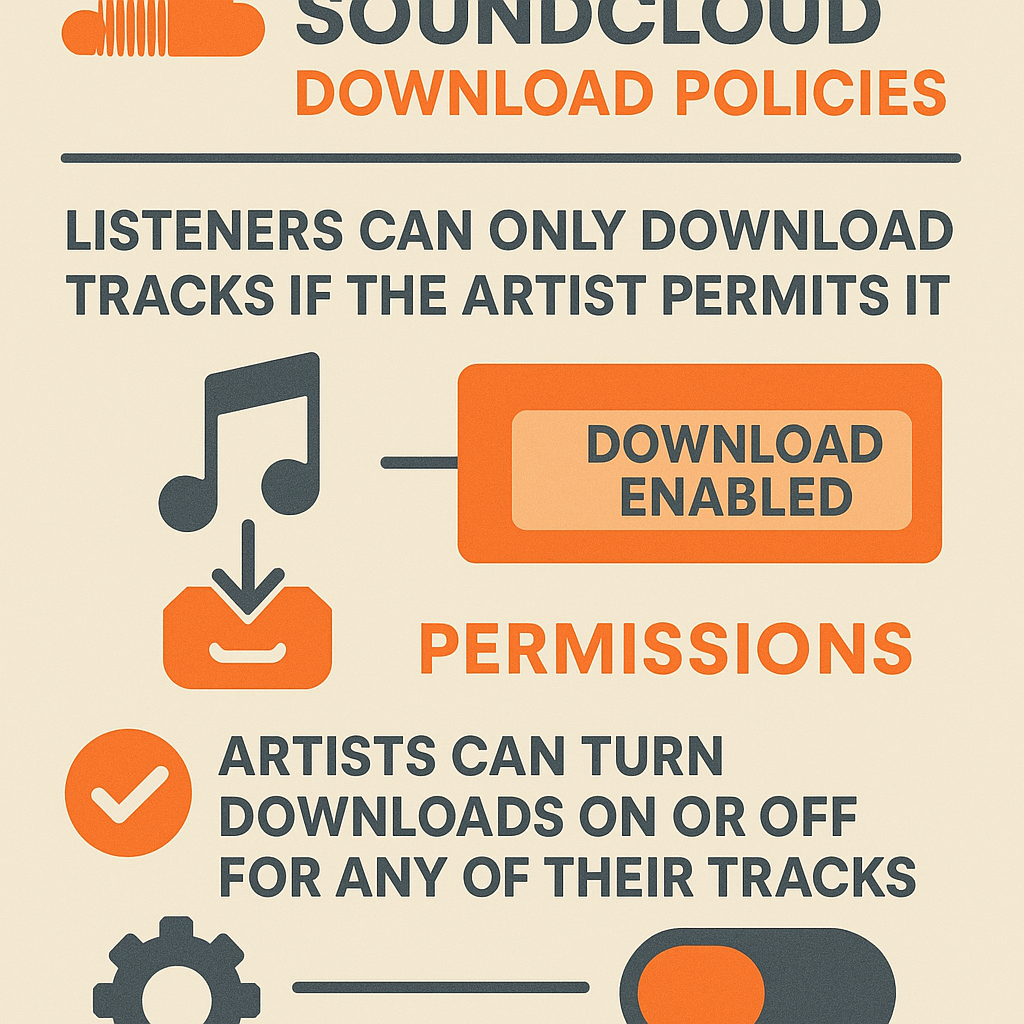
Downloading songs from SoundCloud isn't always as simple as clicking a button for every track. Whether or not you can download a track depends on the artist's permissions. If they allow downloading, you'll spot a "Download" button next to the song. Remember, it's crucial to respect these permissions because downloading without an artist's consent might breach copyright laws. SoundCloud aims to support artists who share or sell their work, so using download tools without consent can erode these efforts.
Method 1: Direct Download from SoundCloud
If the artist has enabled download options for a track, here’s how you can easily snag it:
- Log in to SoundCloud: Either sign up for a free account or log into your existing one to unlock all features.
- Find the Track: Use the search bar to track down the song you’re itching to download.
- Check Download Availability: Look out for a "Download" button below the track and click it to save the song directly to your device.
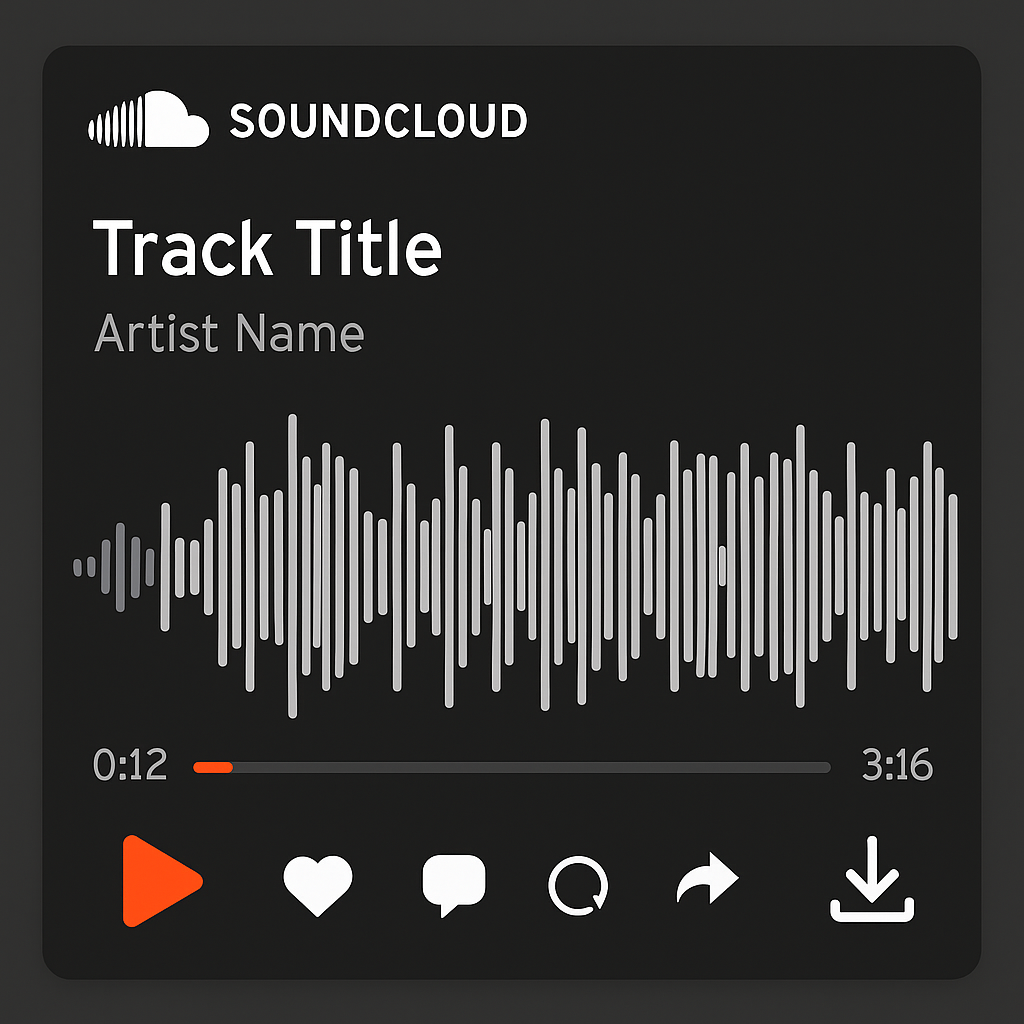
This approach not only respects the artist's decision to share their work but also ensures you're complying with SoundCloud's guidelines.
Method 2: SoundCloud to MP3 Converters
What if the track you love doesn't have a download option? That's where a SoundCloud to MP3 converter comes in handy. Here’s a quick way to use a reliable SoundCloud downloader:
- Choose a Trusted Tool: Opt for a safe and reputable online converter like Musicverter's SoundCloud to MP3 tool.
- Copy the Track URL: Head over to SoundCloud and grab the URL of the track you want.
- Paste and Convert: Pop that URL into the downloader, then pick your desired file quality, say MP3 320kbps.
- Download the MP3: Once converted, download the MP3 file directly to your device.
![SoundCloud Downloader]()
As always, make sure you have the artist's permission if using a third-party tool.
Legal and Ethical Considerations
Using a free SoundCloud downloader might seem straightforward, but it's important to keep it legal and ethical. Here's why it matters:
- Respect for Creators: Always honor artists' rights by downloading only what they allow.
- Avoid Copyright Issues: Illegal downloads can lead to penalties or even getting banned from SoundCloud.
- Support the Artists: Purchasing music directly from artists helps sustain their creativity and support their work.
Conclusion
Knowing how to legally download songs from SoundCloud can vastly improve your music experience and support the artists you love. By sticking to SoundCloud's rules and adopting mindful downloading habits, you can keep enjoying your favorite songs offline without any hitches. Check out Musicverter's reliable SoundCloud to MP3 conversion tools for an easy, seamless experience.
FAQs
Q: How do I download songs from SoundCloud?
A: If the artist allows it, you can download songs directly. Otherwise, using a SoundCloud downloader like Musicverter is a great alternative.
Q: What's the best SoundCloud to MP3 converter?
A: Musicverter stands out with its user-friendly SoundCloud to MP3 converter, making it a top choice for ease and reliability.
Q: Can I convert SoundCloud to MP3 320kbps online?
A: Absolutely! With Musicverter, you can convert SoundCloud tracks to high-quality MP3 320kbps for the best listening experience offline.

About the Author


