
.png)
SoundCloud
Downloader To MP3
Download any SoundCloud Song or
WAV
AAC
FLAC
MP3
Try our SoundCloud Downloader above for free SoundCloud song downloads. Want more features? Try Premium today.

The Ultimate Guide to Downloading SoundCloud Songs with MusicVerter in 2026
Introduction
SoundCloud is a musical goldmine beloved by listeners, DJs, and creators from all walks of life. Yet, the platform’s lack of a direct download option can leave you wondering how to save those irresistible tracks for offline enjoyment. Here’s where MusicVerter steps in. As a fast and simple tool designed to convert SoundCloud to MP3, it lets you enjoy your favorite songs anytime, anywhere. In this guide, we’ll delve into why converting SoundCloud tracks to MP3 is beneficial and how you can effortlessly use MusicVerter as your trusty SoundCloud downloader.
Why Convert SoundCloud to MP3?
Why is MP3 the magic solution for storing SoundCloud tracks? Well, for starters, it’s widely compatible, meaning you can play MP3 files on virtually any device—be it your smartphone, tablet, or even an MP3 player. Plus, MP3 format lets you listen offline, freeing you from the need for an internet connection. This is particularly handy for traveling or when you're in areas with spotty signal. And for those who love organizing their tunes, MP3 makes managing your music library a cinch.
Using MusicVerter to convert SoundCloud to MP3 allows you to enjoy high-quality audio effortlessly, whether you’re a DJ fine-tuning playlists or a creator integrating tracks into your projects.
Step-by-Step Guide to Using MusicVerter
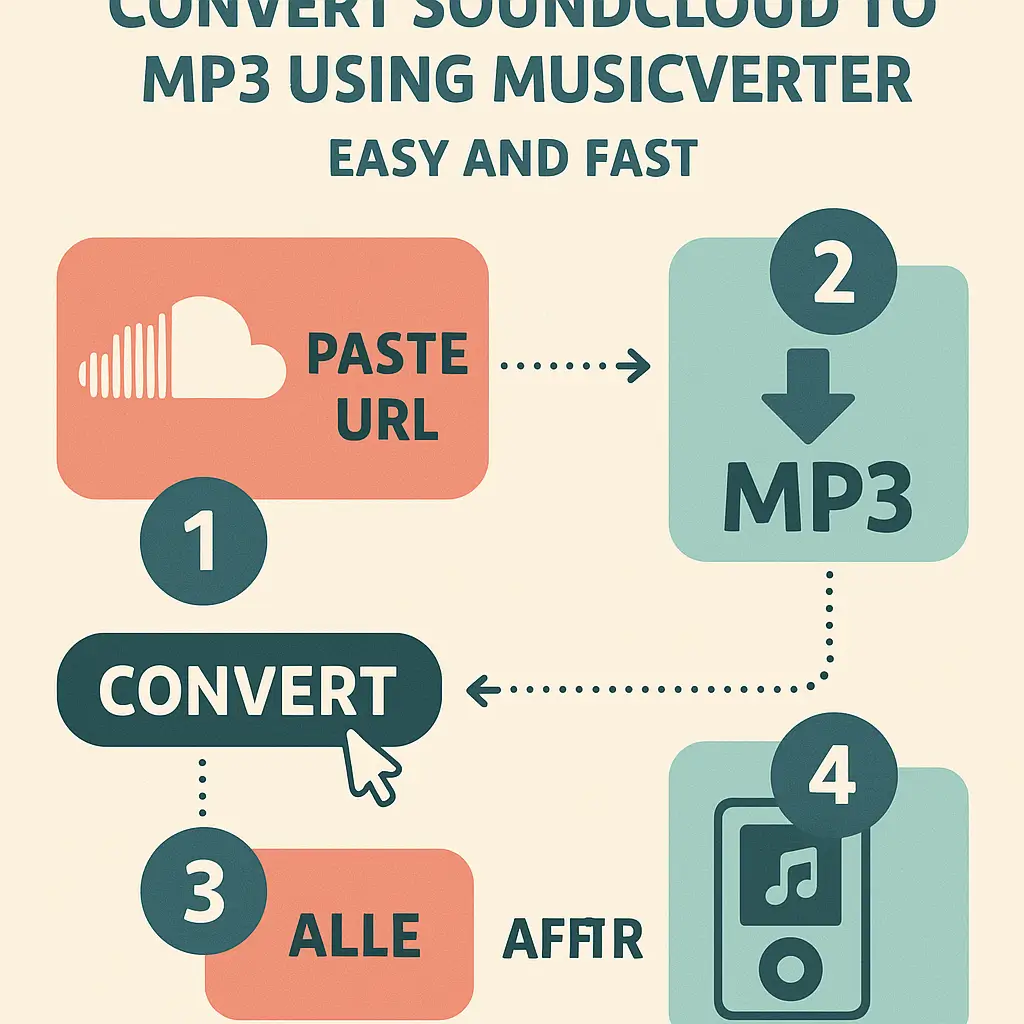
Converting SoundCloud tracks using MusicVerter is a breeze. Just follow these steps and enjoy your favorite music offline:
Copy the SoundCloud Track URL
Head to the SoundCloud platform, find the track you're keen on downloading, and copy its URL from the browser’s address bar or the share menu.Visit MusicVerter
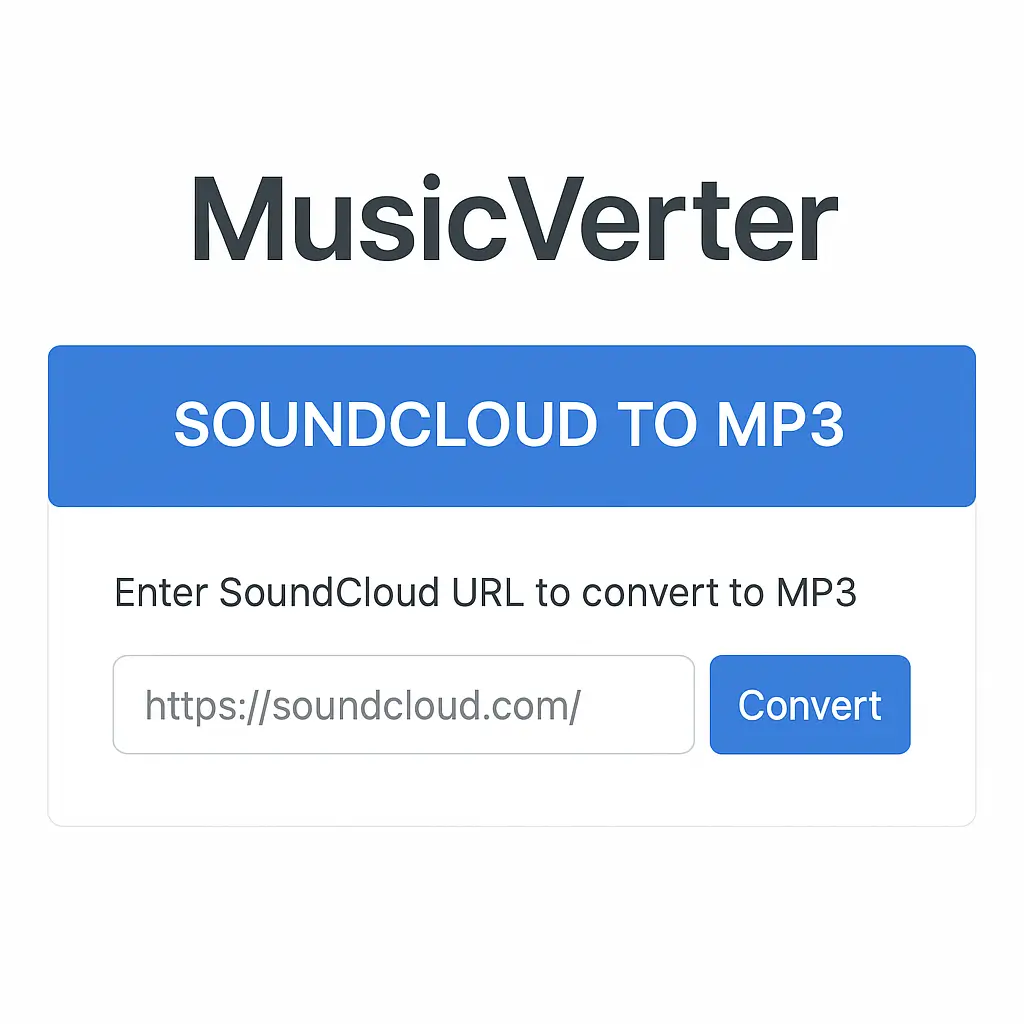
Open your web browser and navigate to the MusicVerter website.Paste the URL
Drop the copied URL into the conversion box on the MusicVerter homepage.Select MP3 Format and Quality
Choose the MP3 quality you prefer—320kbps is ideal for those who appreciate top-notch sound quality.
- Convert and Download
Hit the 'Convert' button to kickstart the conversion. In no time, a download link will pop up, ready for you to download your MP3 file and enjoy it offline.
Benefits of Using MusicVerter
What makes MusicVerter the top choice for converting SoundCloud to MP3? The simplicity, for one. It doesn’t require any software installation—just internet access and you’re good to go. Plus, it’s completely free!
MusicVerter also supports excellent sound quality, offering downloads up to 320kbps, which means no compromise on audio fidelity. Thanks to its user-friendly interface and swift conversion speeds, both playlists and individual tracks are ready in a flash—making it perfect for anyone who values speed and quality.
Addressing Legal Concerns
Enjoying the convenience of downloading from SoundCloud via MusicVerter also means staying conscious of copyright laws. Always ensure that your downloads are for personal use or that you have the appropriate permissions from the artist. Supporting artists by purchasing tracks or downloading legally available music helps keep the music world thriving.
Conclusion
Transforming SoundCloud tracks to MP3 with MusicVerter helps you take your music library offline without losing a beat. With ease and respect for creators, you can enjoy your favorite tunes whenever and wherever using this reliable tool. Dive into MusicVerter today and elevate your listening experience.
FAQs
Q: How do I download songs from SoundCloud?
A: To download songs from SoundCloud, simply copy the track's URL, paste it into MusicVerter's input box, choose your MP3 quality, and click convert. Then, download the file straight to your device.
Q: What's the best SoundCloud to MP3 converter?
A: MusicVerter is the go-to solution for converting SoundCloud to MP3, offering a seamless no-software-needed experience with top quality output.
Q: Can I convert SoundCloud to MP3 320kbps online?
A: Absolutely! MusicVerter enables you to convert SoundCloud tracks into MP3 files at 320kbps, ensuring high audio quality for your listening pleasure.

About the Author


