
.png)
SoundCloud
Downloader To MP3
Download any SoundCloud Song or
WAV
AAC
FLAC
MP3
Try our SoundCloud Downloader above for free SoundCloud song downloads. Want more features? Try Premium today.

Your Friendly Guide to Converting SoundCloud to MP3
Introduction
SoundCloud is a playground for music lovers, DJs, and creators who love to share and discover new tracks in its expansive audio library. However, there often comes a time when you'd like to take those beats offline. That's where a handy tool like the SoundCloud to MP3 converter steps in. With it, you can easily download music to listen to whenever you please, sans the internet. You'll learn in this guide how to turn SoundCloud tracks into offline treasures using tools such as KlickAud and MusicVerter. We'll also touch on format choices and legal considerations to keep everything above board. 
How to Download Tracks
Step-by-Step Guide to Using KlickAud
If you’re wondering about how to download songs from SoundCloud, KlickAud is a go-to option for many users. Here's a simple walk-through:
- Find Your Tune: Head over to SoundCloud and find the track you can't get enough of.
- Grab the Link: Copy the song's URL from the address bar at the top.
- Hop over to KlickAud: Open the KlickAud website, where an input box awaits.
- Enter the URL: Paste in the URL you’ve copied into the box on KlickAud.
- Download Away: Hit the 'Download' button to convert and scoop up your track.
KlickAud is often updated to keep the experience smooth and supports larger files like podcasts too. 
Step-by-Step Guide to Using MusicVerter
For those looking to explore more options, MusicVerter is another great tool that lets you convert tunes into several formats. Here’s how you can get started:
- Find Your Track's Link: Just like with KlickAud, start by copying the link of the SoundCloud track.
- Navigate to MusicVerter: Open up the MusicVerter website.
- Paste the URL: Drop the track link into the input field on MusicVerter.
- Choose Your Format: Select whether you want MP3, WAV, or AAC.
- Download: Click to convert and then download your chosen sound once it’s ready.
MusicVerter is especially great for its flexibility in format and quality, including MP3 320 kbps downloads. 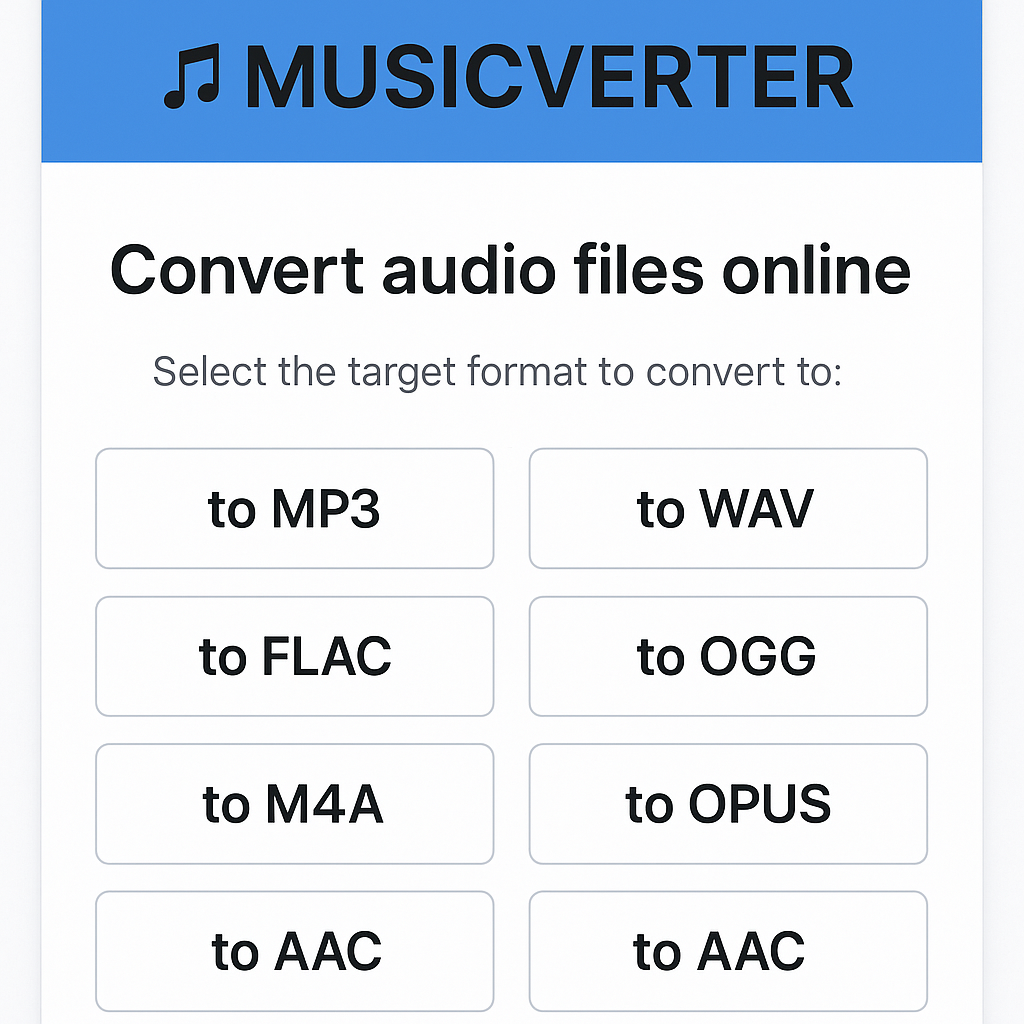
Formats and Quality Options
When choosing between tools like KlickAud and MusicVerter, consider the right format for your needs:
- MP3 (320 kbps): Strikes a balance between quality and size, perfect for most users.
- WAV: A top choice for audiophiles needing the best quality with no compression.
- AAC: Offers efficient compression and decent quality, great for portable music players.
Your decision will be guided by how much storage you can spare and the level of audio quality you desire.
Maintaining Legal and Ethical Standards
Before you hit download, remember to respect SoundCloud’s Terms of Service. Some tracks allow direct downloads provided by the artist themselves, accessible via the "More" menu on SoundCloud. It’s important to ensure the music you’re downloading is shared legally. This support keeps the creator community thriving and your activities within legal boundaries.
FAQs
Q: How do I download songs from SoundCloud?
A: To save your favorite tracks from SoundCloud, try online tools like MusicVerter. Just copy the track’s URL, paste it into the tool, choose the format, and download.
Q: What's the best SoundCloud to MP3 converter?
A: MusicVerter is highly recommended for converting SoundCloud to MP3 thanks to its user-friendly interface and range of format options.
Q: Can I convert SoundCloud to MP3 320kbps online?
A: Absolutely, both KlickAud and MusicVerter offer conversions up to 320 kbps to ensure you enjoy top-notch audio quality offline.
Conclusion
Bringing SoundCloud tracks into your offline library has never been simpler. With tools like KlickAud and MusicVerter, you’re well-equipped to handle everything from format flexibility to superior audio quality. Make sure to stick to tools that emphasize ease, legality, and high-quality outputs. Go ahead and try MusicVerter today for all your downloading needs, and enhance your music journey with pristine offline listening.

About the Author


